Arc Raiders
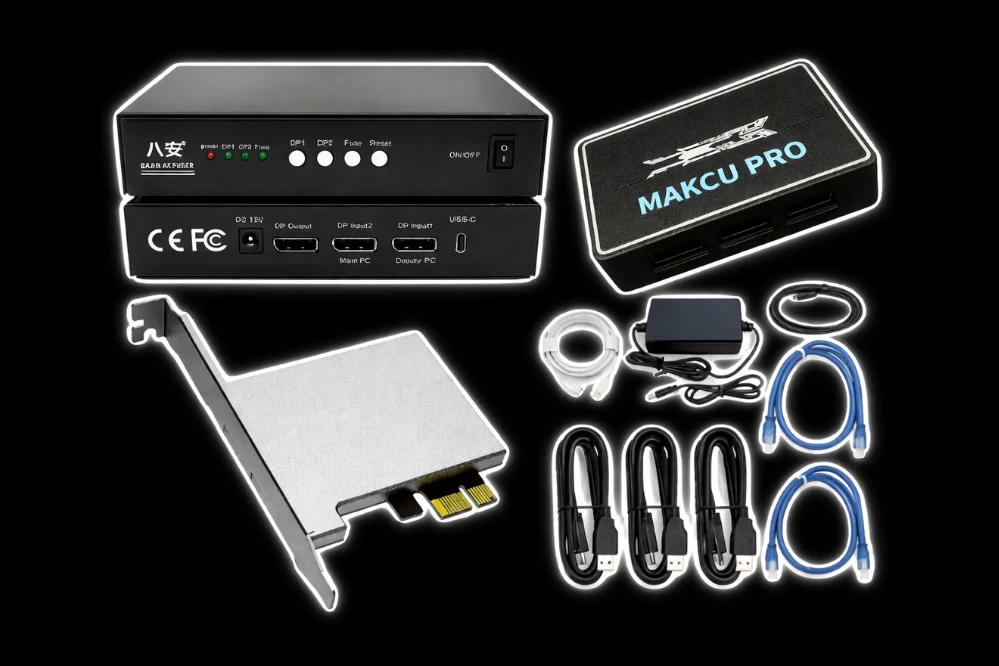
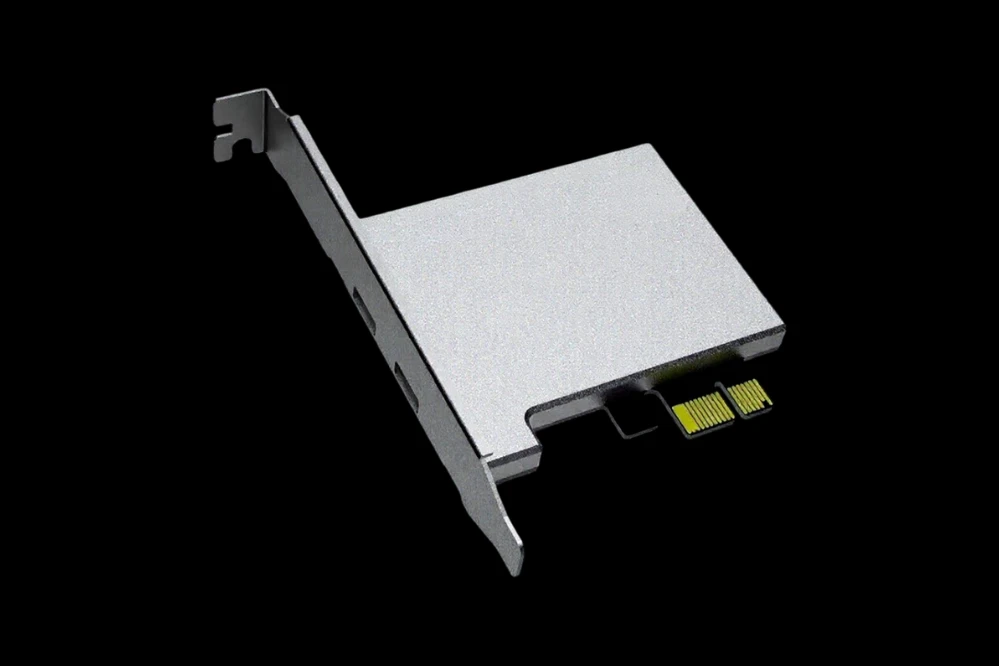
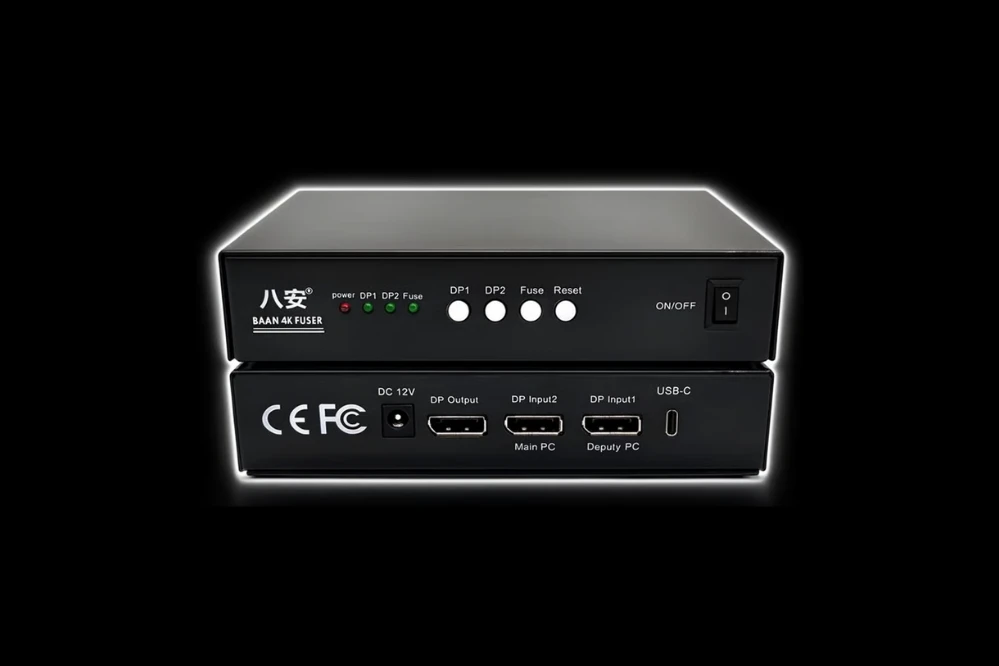
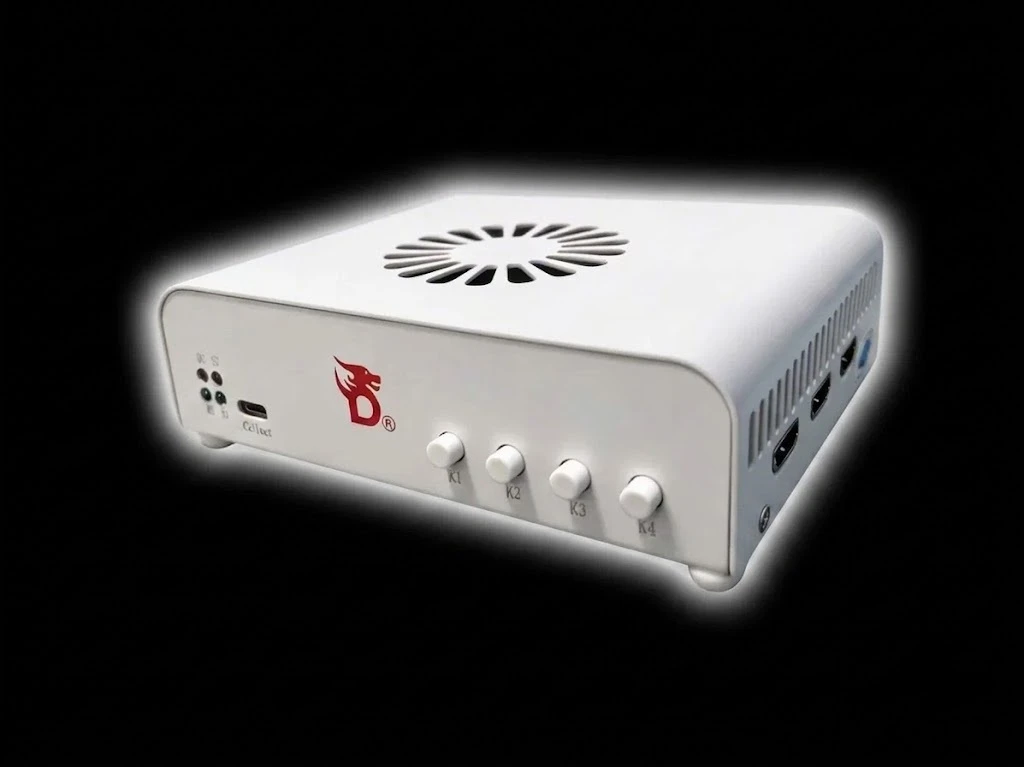
You must own a DMA card to use this product.
Platform: Steam / Xbox (Microsoft) / Epic
🎯 Aimbot
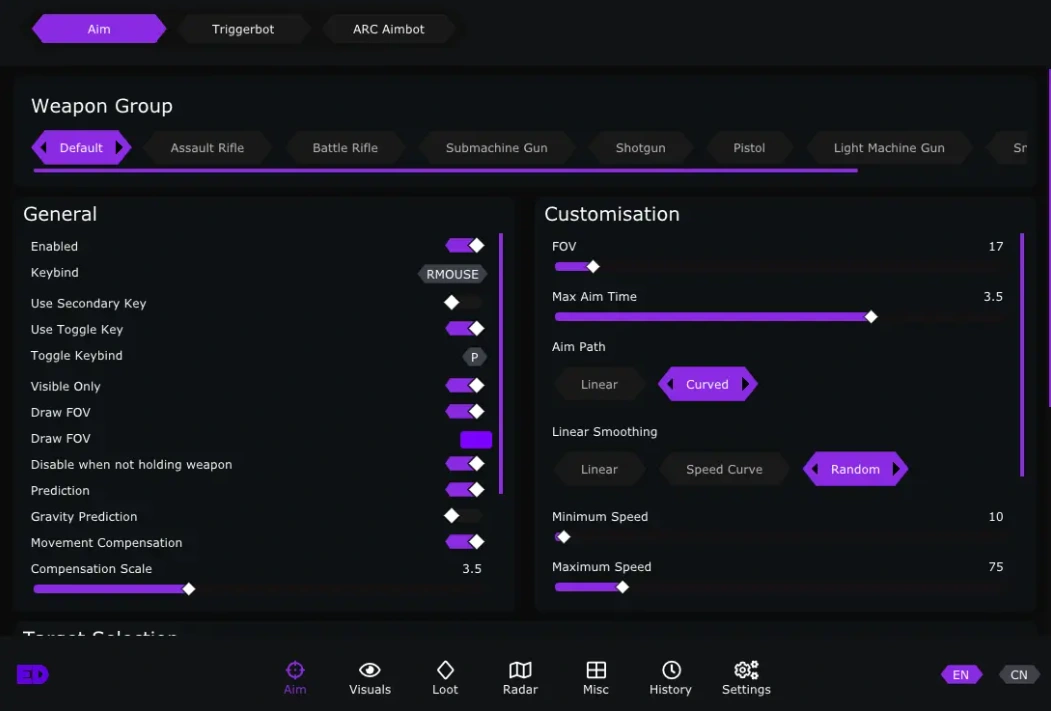
Fine-tune your aimbot for the perfect balance of precision and subtlety.
- Customizable FOV – Adjust the aimbot's field of view to suit your playstyle
- Customizable Speeds – Control how fast your aim snaps to targets
- Bone Selection (Head/Chest/Closest) – Pick your preferred hit zone for maximum efficiency
- 2 Hold Keys – Assign two separate keys to activate the aimbot
- Draw Aimbot Target – Visually highlight the current target on your screen
- Max Distance – Set the maximum range at which the aimbot will engage targets
- Priority (FOV/Distance/Health) – Choose which factor determines target selection
- Draw FOV – Display the aimbot's field of view on screen for reference
- Target Switch Delay – Add a brief pause before switching to a new target
- Maximum Aim Time – Limit how long the aimbot will stay locked on a single target
- Deadzone – Create a small area around your crosshair where the aimbot won't activate
- Movement Prediction – Calculate enemy movement to perfectly lead your shots
- Weapon Category Configs – Apply different aimbot settings for different weapon types
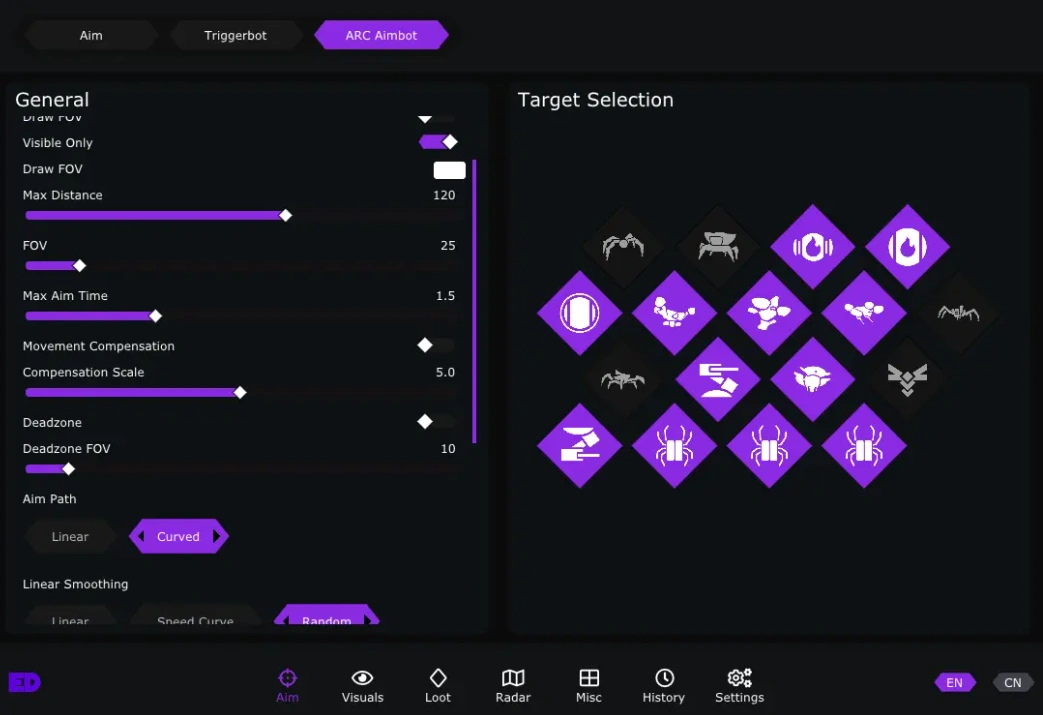
- Arc Aimbot – Specialized targeting for ARC machines, including menacing drones and huge giants
🔫 Triggerbot
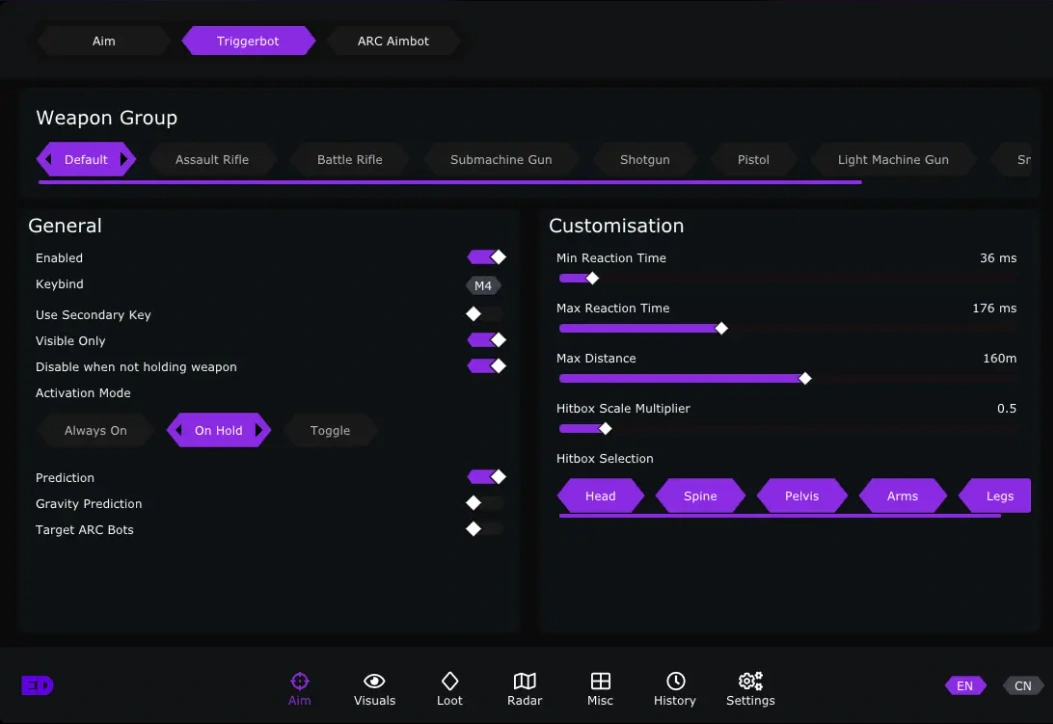
Fire the instant your crosshair lands on a target — no hesitation, no missed opportunities.
- Customizable Reaction Time – Adjust how quickly the triggerbot fires after detecting a target
- 2 Hold Keys – Assign two separate keys to activate the triggerbot
- Movement Prediction – Calculate enemy movement for perfectly timed shots
- Hitbox Selection (Head/Chest/Pelvis/Arms/Legs) – Choose exactly which body part to target
- Weapon Category Configs – Apply different triggerbot settings for different weapon types
👁️ ESP (Players)
Complete situational awareness — track every threat on the surface and in the underground society of Speranza.
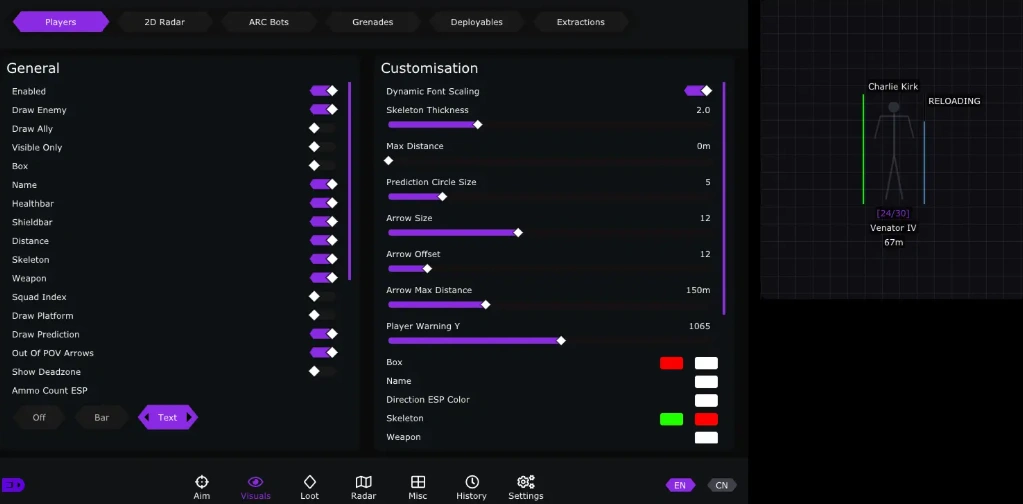
- Box – Draw a box around each player's body
- Box Type (Full/Corner) – Choose between full boxes or corner brackets
- Distance – Display exactly how far away each player is
- Healthbar – Show each player's health above their head
- Skeleton – Display a stick-figure outline of each player's bones
- Player Name – Show player names above their heads
- Draw Enemy – Toggle enemy player ESP on or off
- Draw Ally – Toggle ally player ESP on or off
- Squad Index – Display which squad each player belongs to
- Down Check – See which players are downed and need reviving
- Weapon (Text/Icon) – Show what weapon each player is holding
- Weapon Ammo Count – Display the current ammo count of each player's weapon
- Player Flags (Reloading/Zoomed) – See when enemies are reloading or aiming down sights
- Direction (Arrow/Barrel) – Show which direction each player is facing
- Platform (Steam/XBOX/PSN/EGS) – Identify which platform each player is on
- Shield Level – Display each player's shield strength
- Player Nearby Warning Count – Get alerted when a certain number of players are nearby
🤖 World ESP (Arc Bots)
Track the mysterious mechanized threat known as ARC — know where they are before they know where you are.
- Name – Display the name of each ARC bot
- Distance – Show how far away each ARC bot is
- Icons – Display icons representing different ARC bot types
- Healthbar – Show each ARC bot's health
- Dead bot bodies – See the location of destroyed ARC bots for salvage opportunities
- Weakpoints – Highlight critical weakpoints for maximum damage
💣 World ESP (Grenades)
Never get caught off guard by incoming explosives.
- Name – Display the type of grenade
- Distance – Show how far away the grenade is
- Radius – Display the explosion radius for safe positioning
- Timer – Count down the time until detonation
📦 Loot ESP
Scavenge the remnants of a devastated world faster and safer than ever before.
- Combat Mode – Toggle between combat and looting priorities
- Item ESP – Highlight all lootable items on the ground
- Container ESP with filter – See all containers with customizable filters
- Deadbody ESP – Locate dead bodies for looting
- Item Filters (Highlight/Blacklist) – Highlight specific items or blacklist unwanted ones
- Item Rarity Filters, Container Type Filters – Filter loot by rarity and container type
- Supply Call Station ESP – Locate supply call stations for emergency gear
- Field Crate ESP – Find field crates scattered across the map
- Fuel Cell ESP – Locate fuel cells for vehicle and equipment maintenance
- Puzzle Button ESP – Find puzzle buttons and interactive objects
- Field Depot Deposit ESP – Locate deposit points for field depots
- Hide esp after search or hide opened containers – Clean up your view by hiding searched or opened containers
📡 Radar
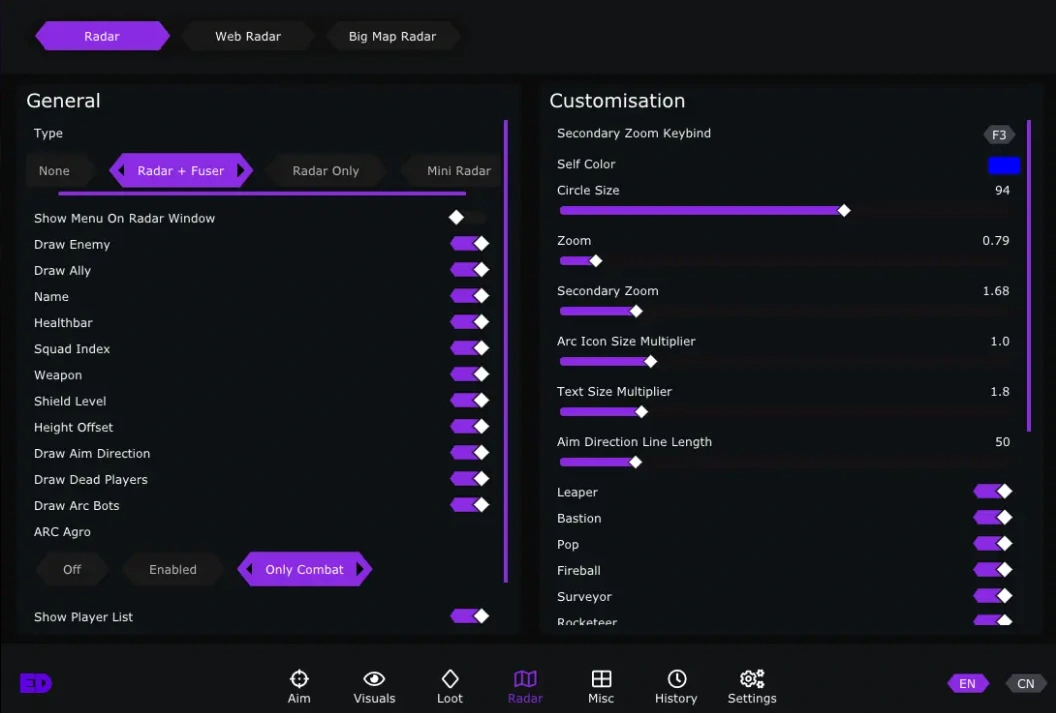
Stay aware of everything around you with a customizable mini-map overlay.
- Draw Enemy – Show enemy positions on radar
- Draw Ally – Show ally positions on radar
- Draw ARC bots – Track ARC machine positions on radar
- Player (Health/Squad/Weapon/Shield Level/Height Offset/Aim Direction) – Customize what player info appears on radar
- ARC Bots (Agro Target) – See which player each ARC bot is targeting
- Player List Widget – Display a list of all players in the match
🗺️ Big Map Radar
Gain the ultimate tactical advantage by seeing enemy positions directly on your in-game map.
- Draws enemy players on your in-game map
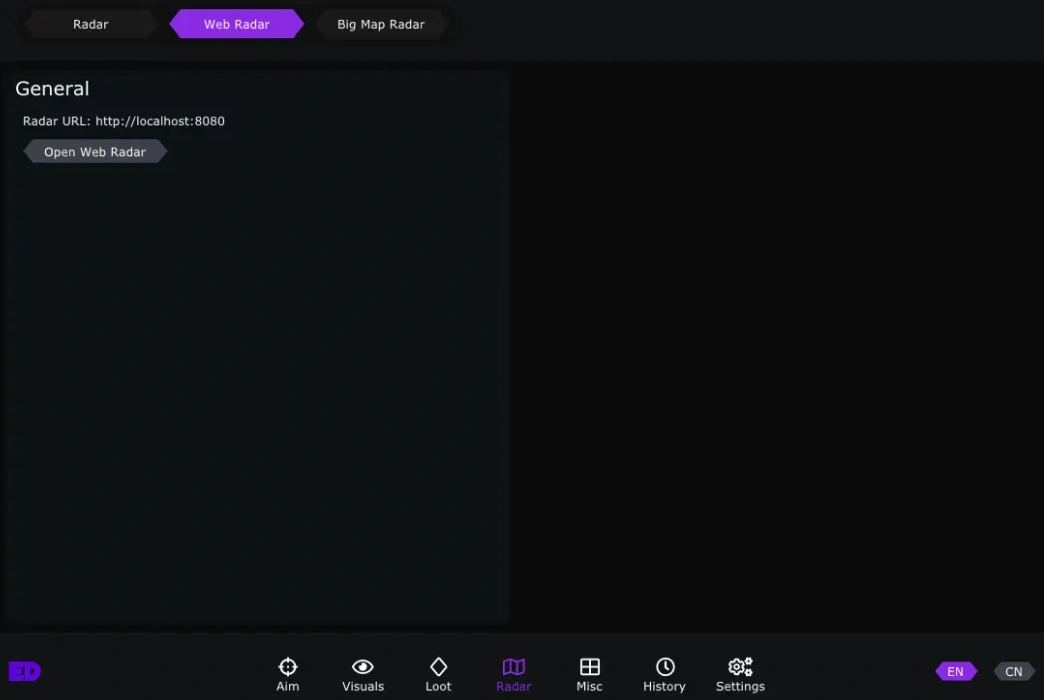
🌐 Web Radar
Access your radar from any device on your network.
- Customizable IP and Port – Set your preferred network settings
- Select Player to center – Choose which player to center the radar on
- Draw ARC bots – Track ARC machine positions on the web radar
⚙️ Misc
Additional tools and quality-of-life features to give you the ultimate survival edge.
- Quest Helper – Streamline your progression through projects and objectives
- Auto Pistol (Hold button to shoot kettle/venator automatically) – Automatically fire the Kettle or Venator weapons by holding a button
- Player whitelist – Add trusted players to a whitelist
- Player history tracking (with their platform id such as steamid64 or psn id) – Keep a history of players you've encountered
- Player watchlist (alert you when a player you have added is in your game with steamid64 or other platform ids) – Get alerted when watchlisted players enter your match
Automatic feedback after 7 days.
Automatic feedback after 7 days.
Automatic feedback after 7 days.
Automatic feedback after 7 days.
 Someone in US purchased
Arc Raiders
Verificado
Someone in US purchased
Arc Raiders
Verificado
Someone in US purchased
Arc Raiders
Verificado
Someone in AU purchased
Arc Raiders
Verificado
Someone in DE purchased
Arc Raiders
Verificado
Someone in US purchased
Arc Raiders
Verificado
Someone in US purchased
Arc Raiders
Verificado
Someone in US purchased
Arc Raiders
Verificado
Someone in AU purchased
Arc Raiders
Verificado
Someone in DE purchased
Arc Raiders
Verificado
Inicia sesión en tu cuenta
Tu navegador ha bloqueado la ventana de Discord. Permite las ventanas emergentes para este sitio y vuelve a intentarlo.
Error al iniciar sesión en Discord. Inténtalo de nuevo.


































No matches here — press Enter to search everything.
Escribe para buscar productos.