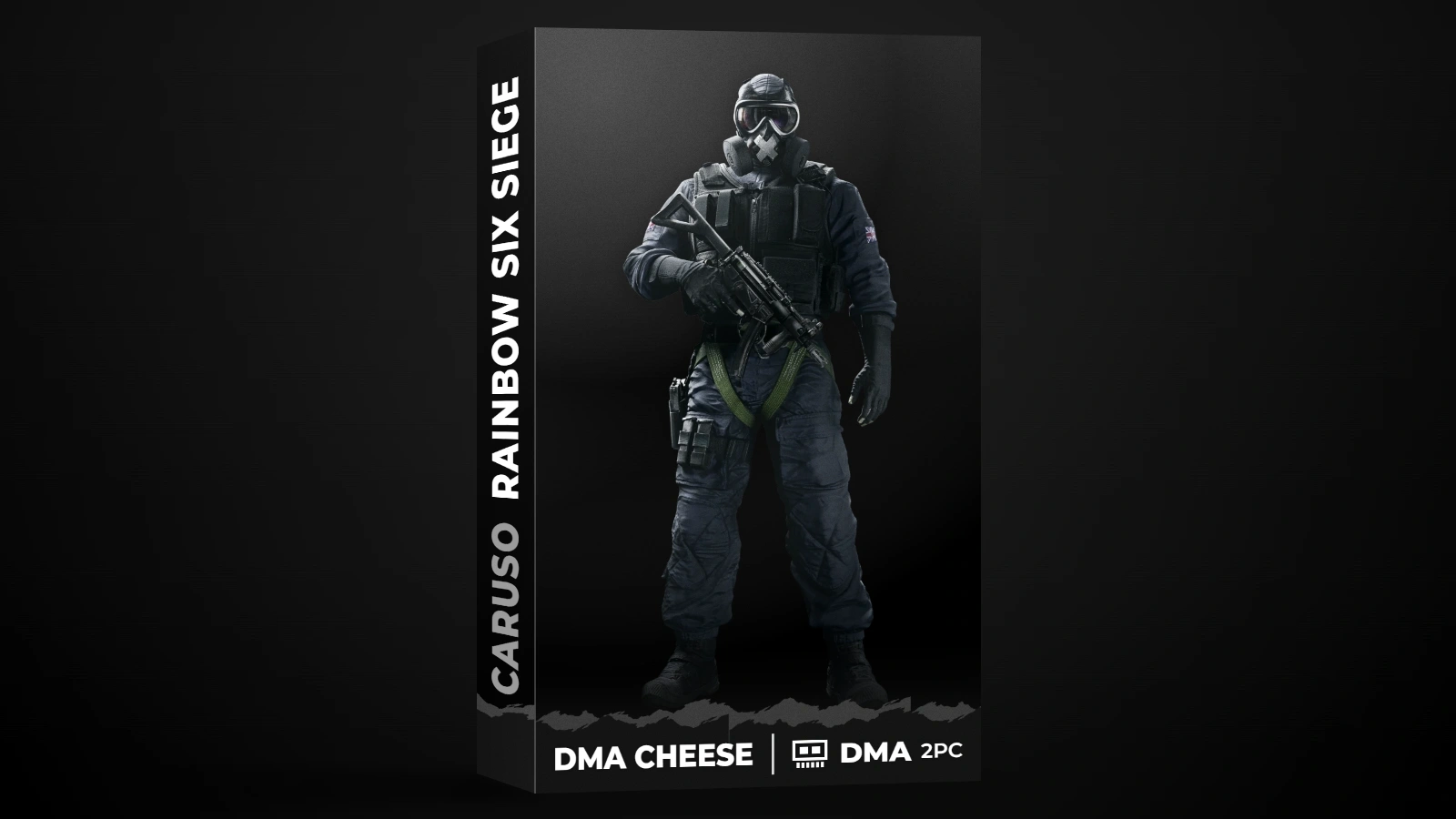
Caruso Wardogs
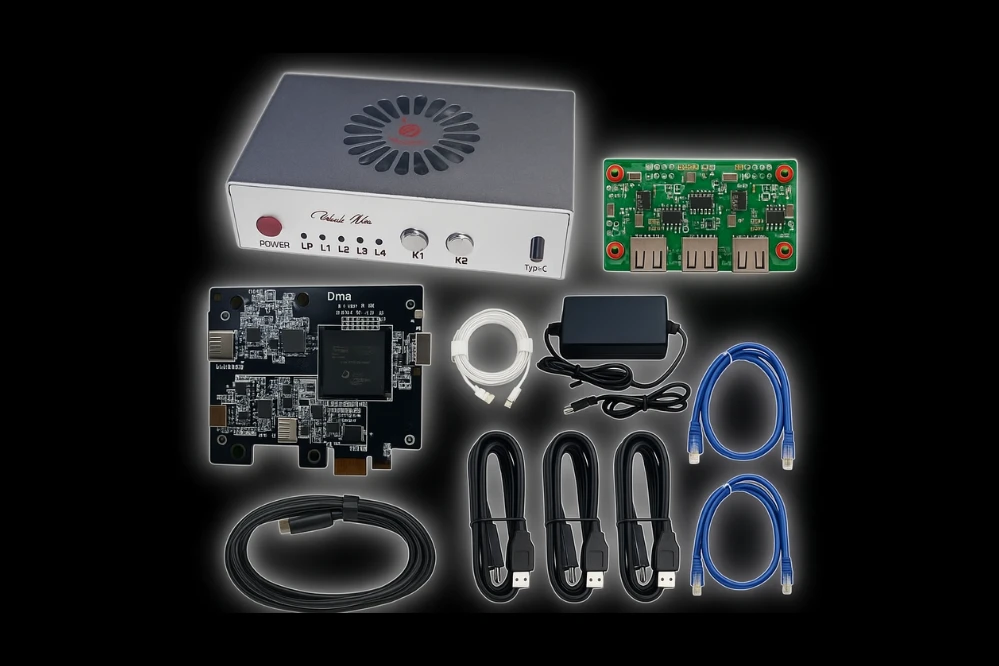
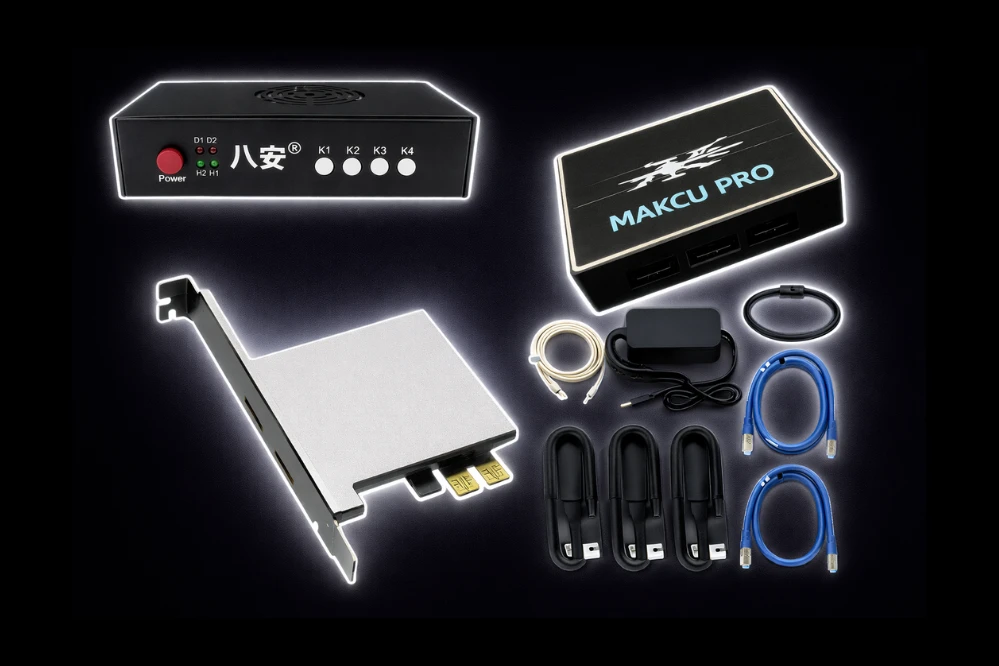
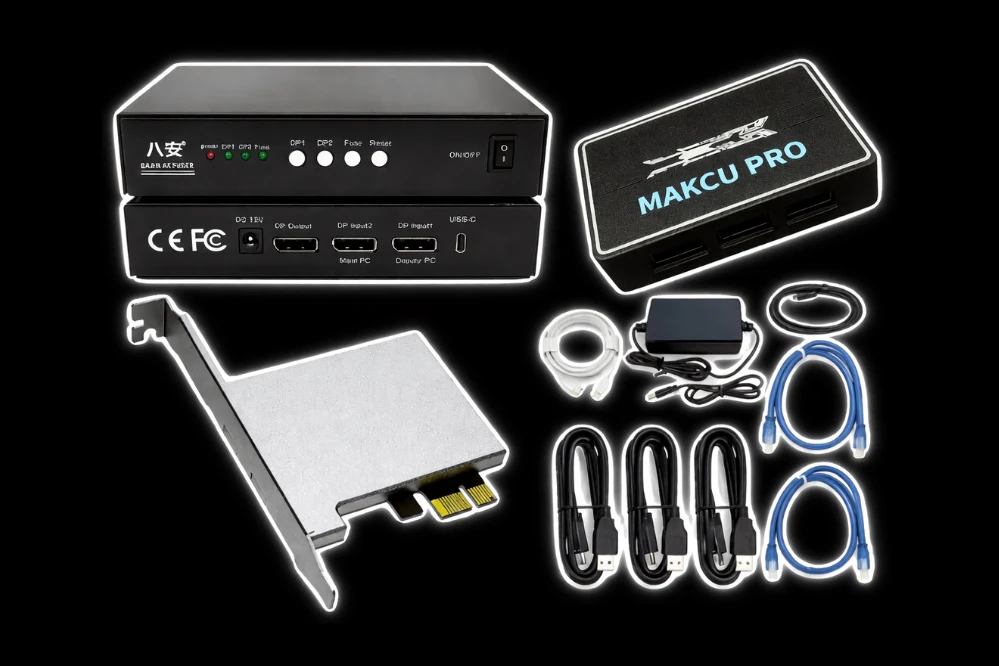
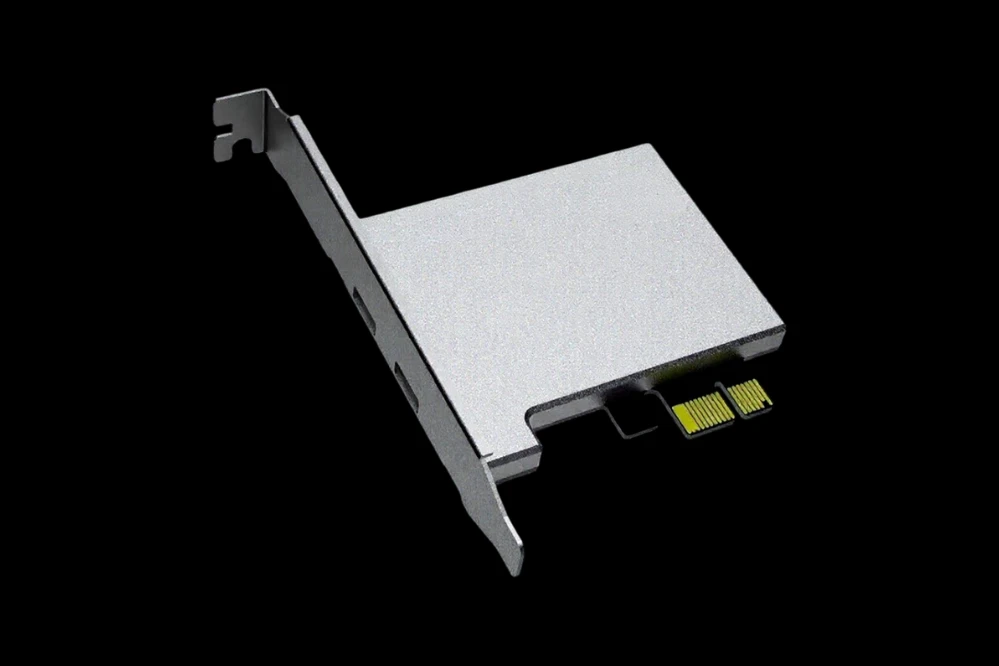
You must own a DMA card to use this product.
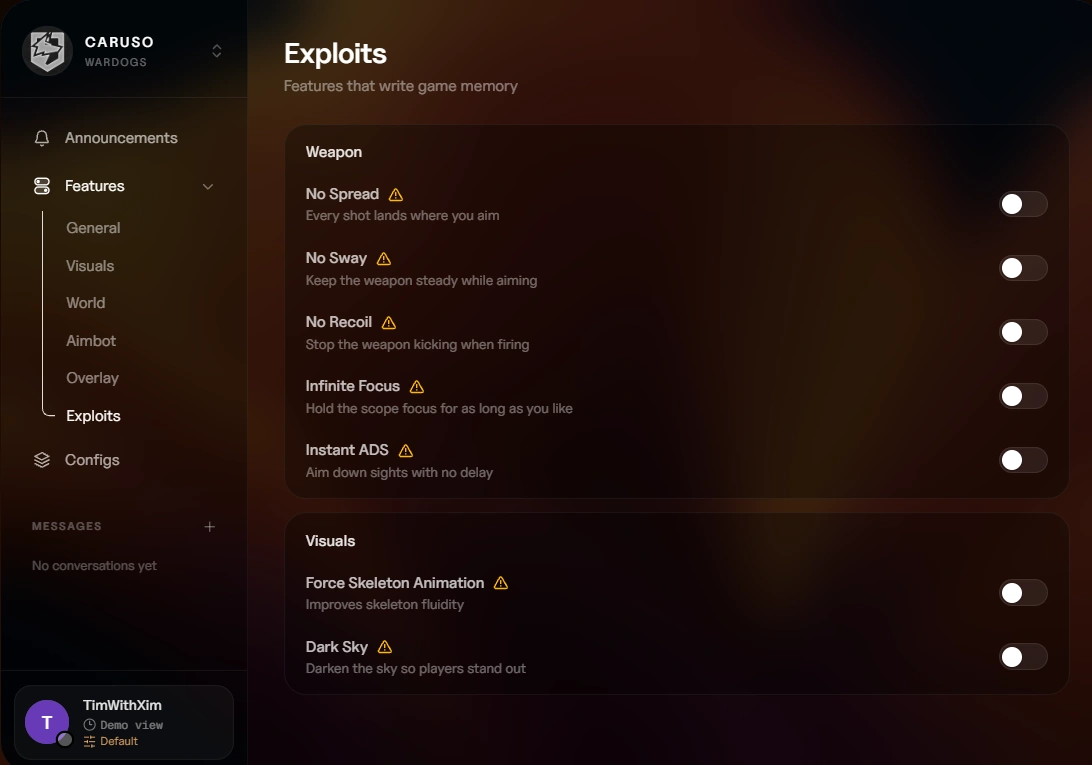
⚠️ Exploits
Features that write to game memory
Weapon
- No Spread – Every shot lands where you aim
- No Sway – Keep the weapon steady while aiming
- No Recoil – Stop the weapon from kicking when firing
- Infinite Focus – Hold the scope focus for as long as you like
- Instant ADS – Aim down sights with no delay
Visuals
- Force Skeleton Animation – Improves skeleton fluidity
- Dark Sky – Darken the sky so players stand out
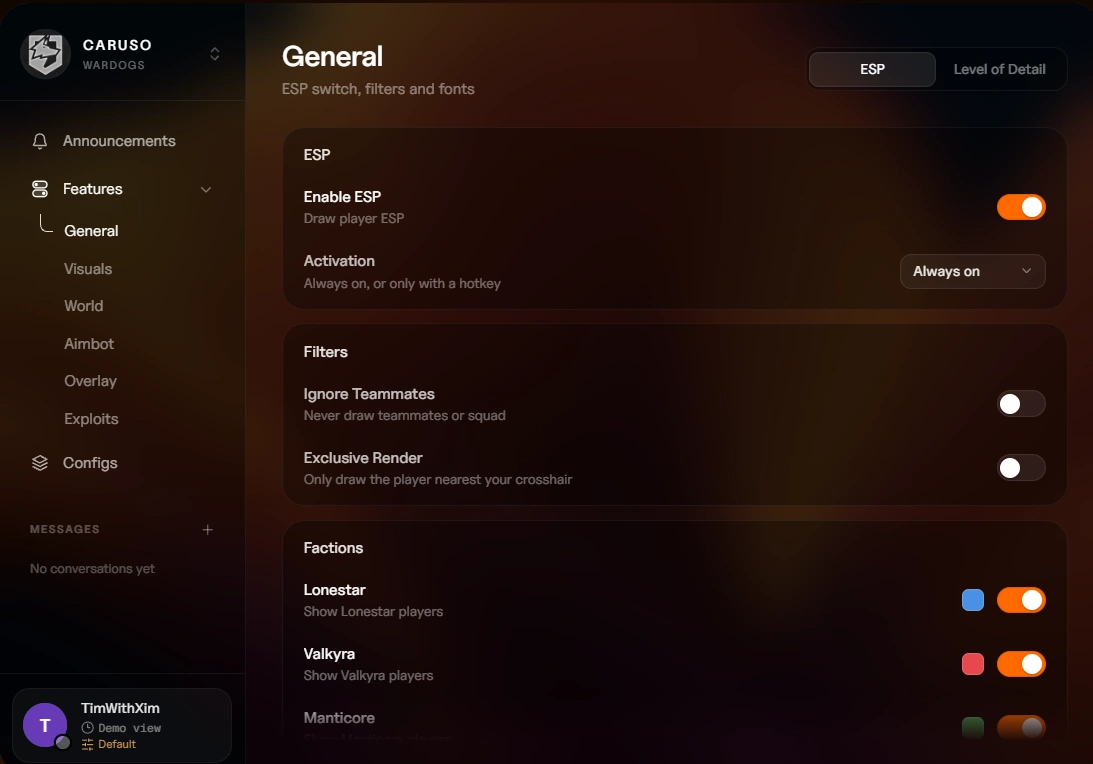
⚙️ General
ESP
- Enable ESP – Master toggle for all ESP functionality
- Force Skeleton Animation – Writes memory to force skeleton rendering (comes with a warning)
- ESP Activation – Choose Always on, Toggle, or On hold
- ESP Hotkey – Assign a key to toggle ESP
ESP Filters
- Ignore Teammates – Never draw teammates or squad members
- Exclusive Render – Only draw the player nearest your crosshair
ESP Factions
- Lonestar – Custom color for Lonestar faction
- Valkyra – Custom color for Valkyra faction
- Manticore – Custom color for Manticore faction
Corpses
- Corpse Activation – Choose Always on, Toggle, or On hold
- Corpse Hotkey – Assign a key to toggle corpse ESP
Text
- Font – Choose from Default, Verdana, Tahoma, Segoe UI, or Arial
- Font Size – Adjust text size from 8 to 24
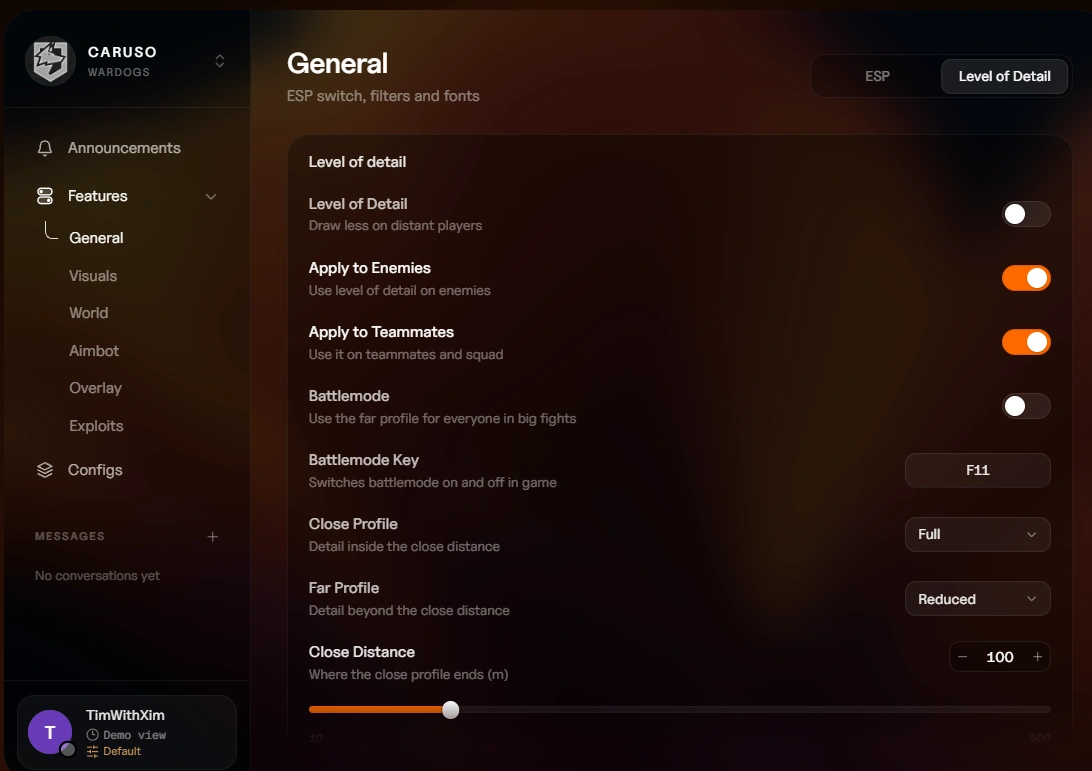
Level of Detail
- Level of Detail – Draw less on distant players for improved performance
- Apply to Enemies – Enable LOD for enemy players
- Apply to Teammates – Enable LOD for teammates
- Battlemode – Use the far profile for everyone during big fights
- Battlemode Key – Assign a key to toggle battlemode
- Close Distance – Set the boundary between close and far profiles (10 to 500m)
- Close Profile – Choose Full, Reduced, Minimal, or Custom for nearby players
- Far Profile – Choose Full, Reduced, Minimal, or Custom for distant players
- Custom Profile Visuals – Pick any combination of Box, Skeleton, Head dot, Snap lines, View angle, Health bar, Health text, Armor bar, Armor text, Name, Distance, Weapon, Ammo, Attachments, Status, and Info list
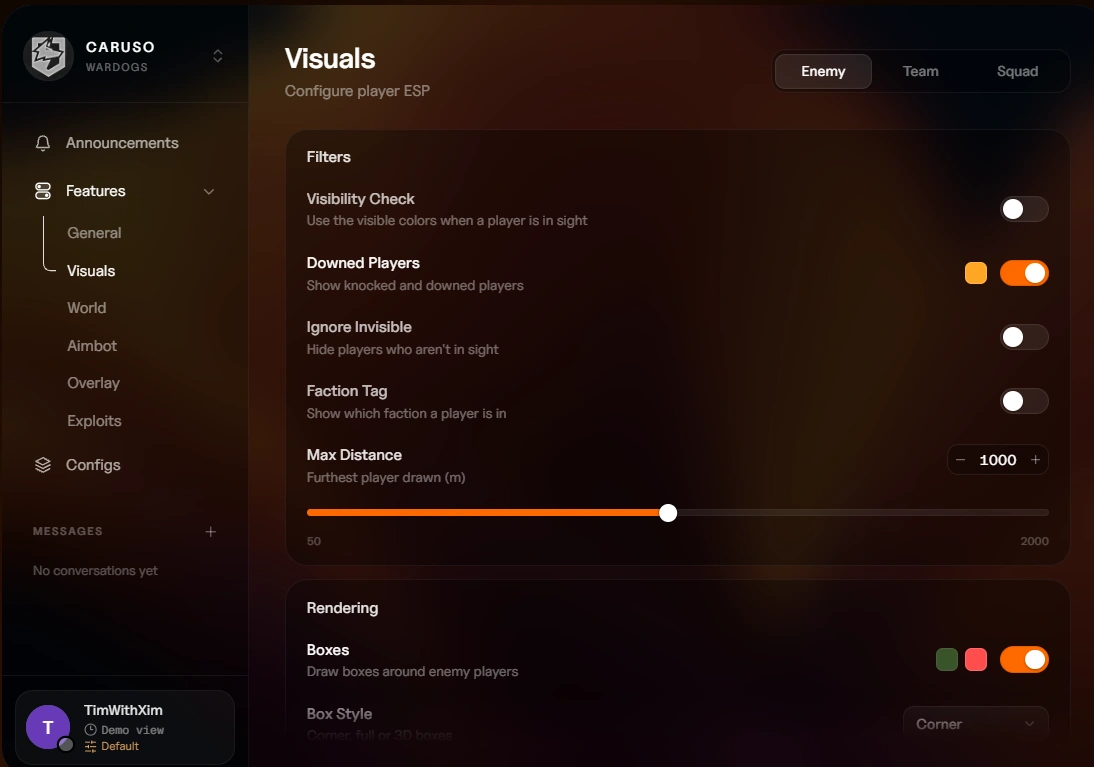
👁️ Visuals
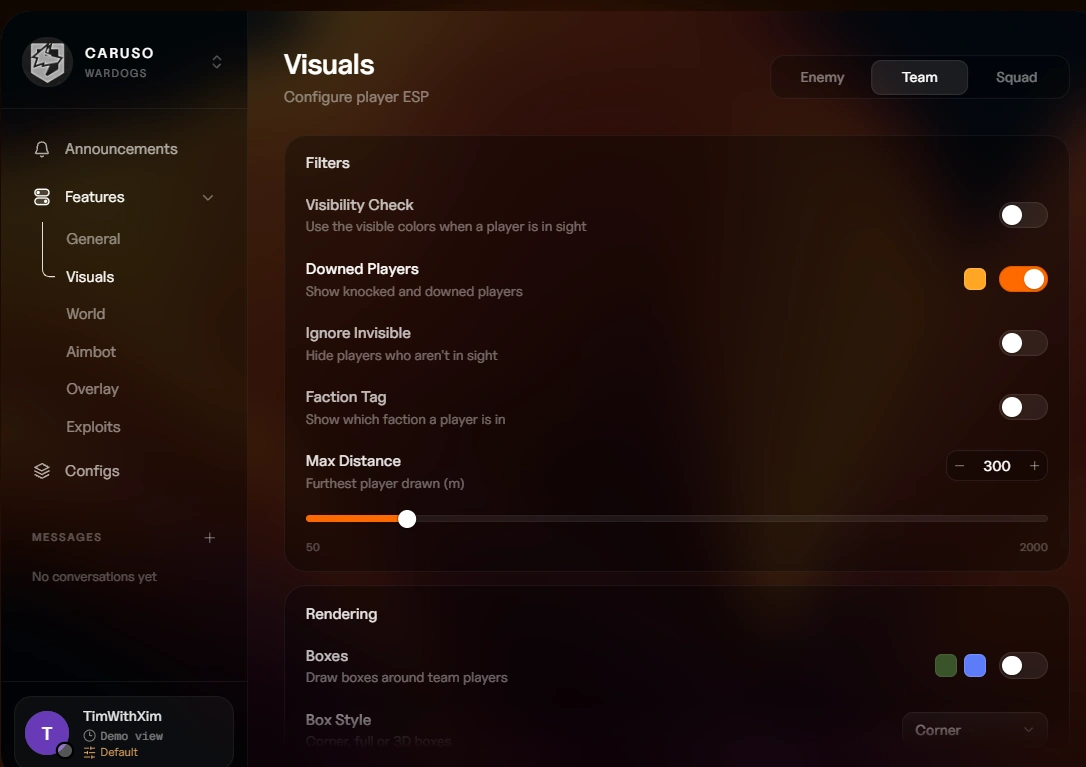
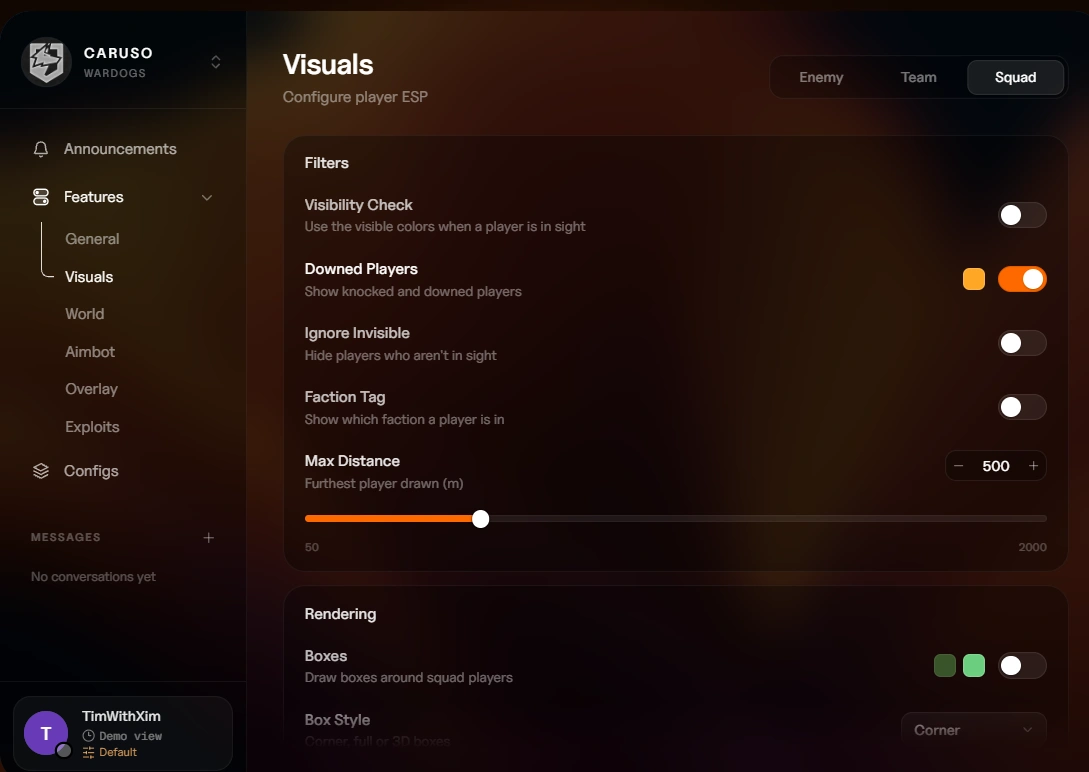
Player ESP settings are configured separately for Enemy, Team, and Squad.
Filters
- Visibility Check – Use visible colors when a player is in sight
- Downed Players – Track downed players with a custom color
- Ignore Invisible – Hide players you cannot see
- Faction Tag – Display the player's faction
- Max Distance – Set render distance from 50 to 2000m
Rendering
- Boxes – Draw boxes with separate normal and visible colors
- Box Style – Choose Corner, Full, or 3D
- Box Fill – Enable box fill with a custom color
- Fill Opacity – Adjust the transparency of box fill
- Skeleton – Display skeletons with separate normal and visible colors
- Head Marker – Draw a head marker with separate normal and visible colors
- Head Style – Choose Circle or Dot
- Snap Lines – Draw lines to players with separate normal and visible colors
- Health Bar – Display player health
- Armor Bar – Display armor with a custom color
- Aiming Indicator – Flag players aiming down sights with a custom color
Player Info
- Name – Display names with separate normal and visible colors
- Distance – Show range to each player with a custom color
- Health Text – Display numeric health values
- Armor Text – Display numeric armor values
- Held Item / Weapon – Show equipped weapons with separate normal and visible colors
- Ammo Type – Display ammunition type with a custom color
- Attachments – Show weapon attachments with a custom color
- Ping – Display connection quality with a custom color
- Match K/D – Show kill/death ratio with a custom color
- Assists – Display assist count with a custom color
- Revives – Show revive count with a custom color
- Player State – Display reloading, aiming, and healing states with a custom color
Corpses
- Corpse ESP – Master toggle for corpse tracking
- Dead Player Marker – Display a marker on dead players with a custom color
- Death State – Show how the player died with a custom color
- Corpse Name – Display the dead player's name with a custom color
- Corpse Distance – Show distance to corpses with a custom color
- Corpse Range – Set corpse render distance from 25 to 1000m
🌍 World
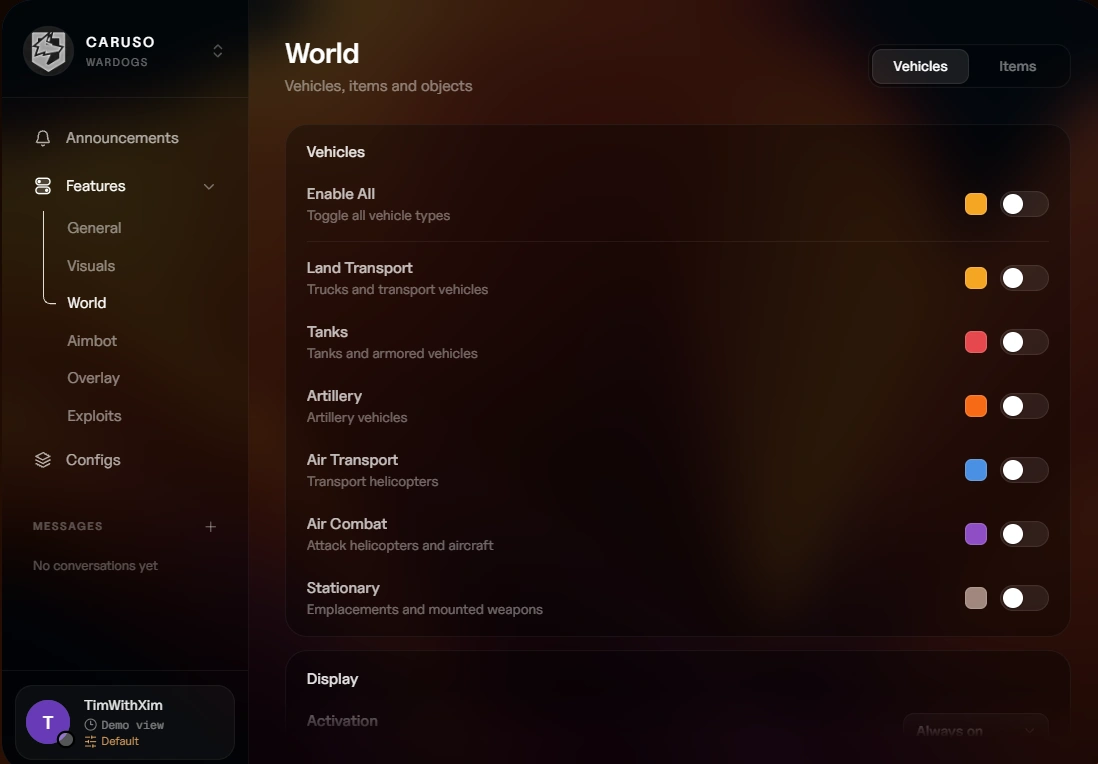
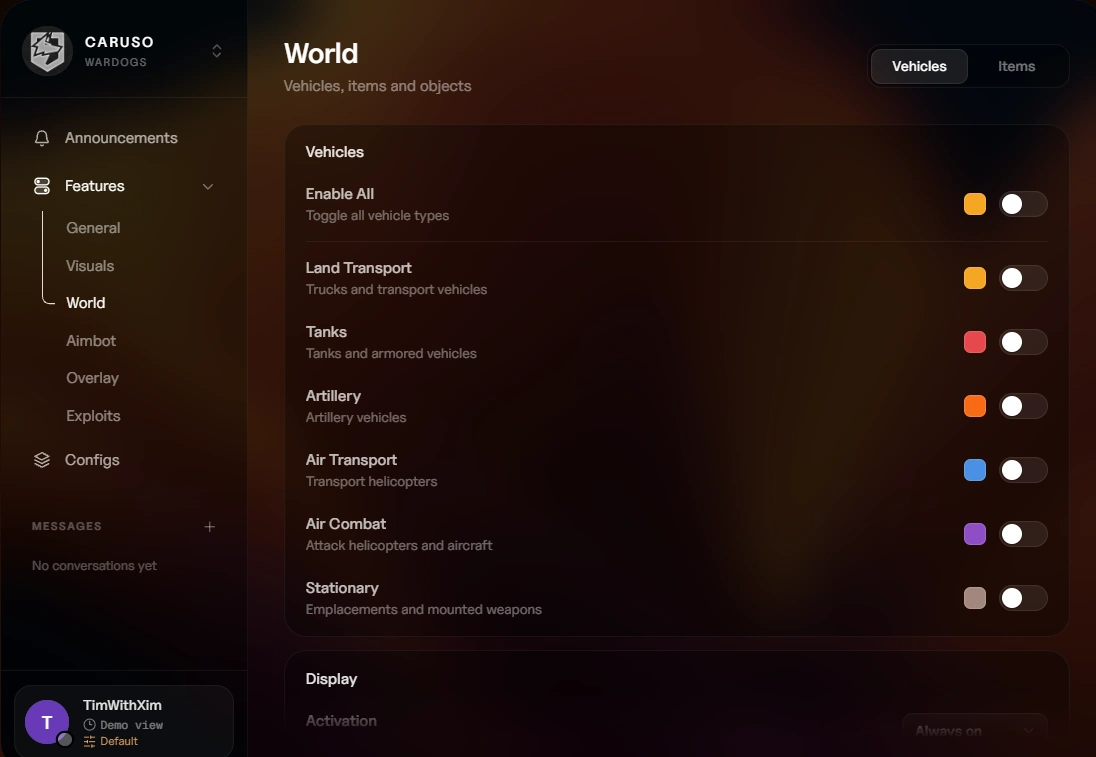
Vehicles
- Land Transport – Track land vehicles with a custom color
- Tanks – Track tanks with a custom color
- Artillery – Track artillery with a custom color
- Air Transport – Track air transports with a custom color
- Air Combat – Track combat aircraft with a custom color
- Stationary – Track emplacements and mounted weapons with a custom color
- Enable All – Toggle all vehicle types at once
Vehicle Display
- Activation – Choose Always on, Toggle, or On hold
- Vehicle Hotkey – Assign a key to toggle vehicle ESP
- Vehicle Name – Display vehicle names with a custom color
- Distance – Show distance to vehicles with a custom color
- Occupants – Display occupant count with a custom color
- Weapons – Show mounted weapons with a custom color
- Destroyed Vehicles – Track destroyed vehicles with a custom color
- Max Distance – Set render distance from 100 to 5000m
Vehicle Factions
- Use Faction Color – Color vehicles by faction instead of type
- Lonestar / Valkyra / Manticore – Individual faction colors for vehicles
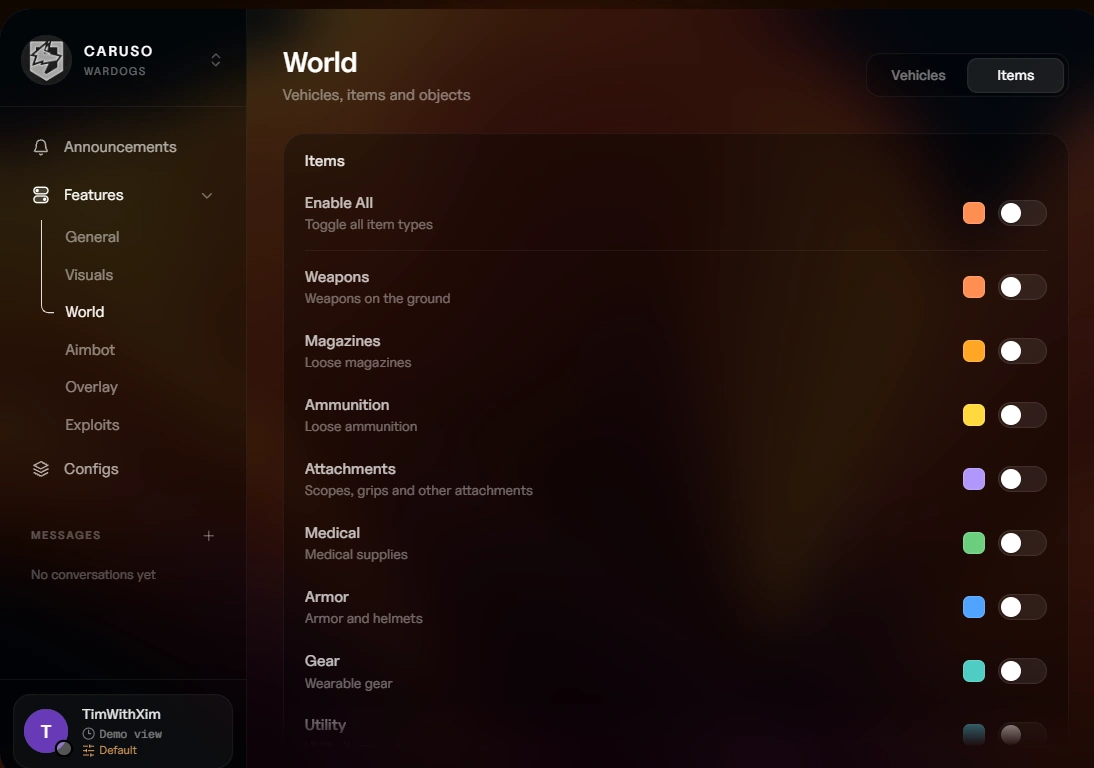
Items
- Weapons / Magazines / Ammunition / Attachments – Track combat items with individual colors
- Medical / Armor / Gear / Utility – Track survival items with individual colors
- Backpacks / Loot / Supply Crates / FOBs – Track containers and objectives with individual colors
- Enable All – Toggle all item categories at once
Explosives
- C4 / IED / Claymore – Track emplaced explosives with individual colors
- Anti-Tank Mine / Grenade / Smoke Grenade – Track thrown and placed explosives with individual colors
- Enable All – Toggle all explosive types at once
Thrown Grenades
- Grenade ESP – Track grenades in flight with a custom color
- Movement Tracer – Display the grenade's flight path with a custom color
- Label – Show the grenade type
- Distance – Display distance to the grenade
Item Display
- Activation – Choose Always on, Toggle, or On hold
- Item Hotkey – Assign a key to toggle item ESP
- Item Name – Display item names
- Distance – Show distance to items with a custom color
- Exclusive Render – Only draw the item nearest your crosshair
- Max Distance – Set render distance from 10 to 1000m
- Font Size – Adjust item text size from 8 to 24
🎯 Aimbot
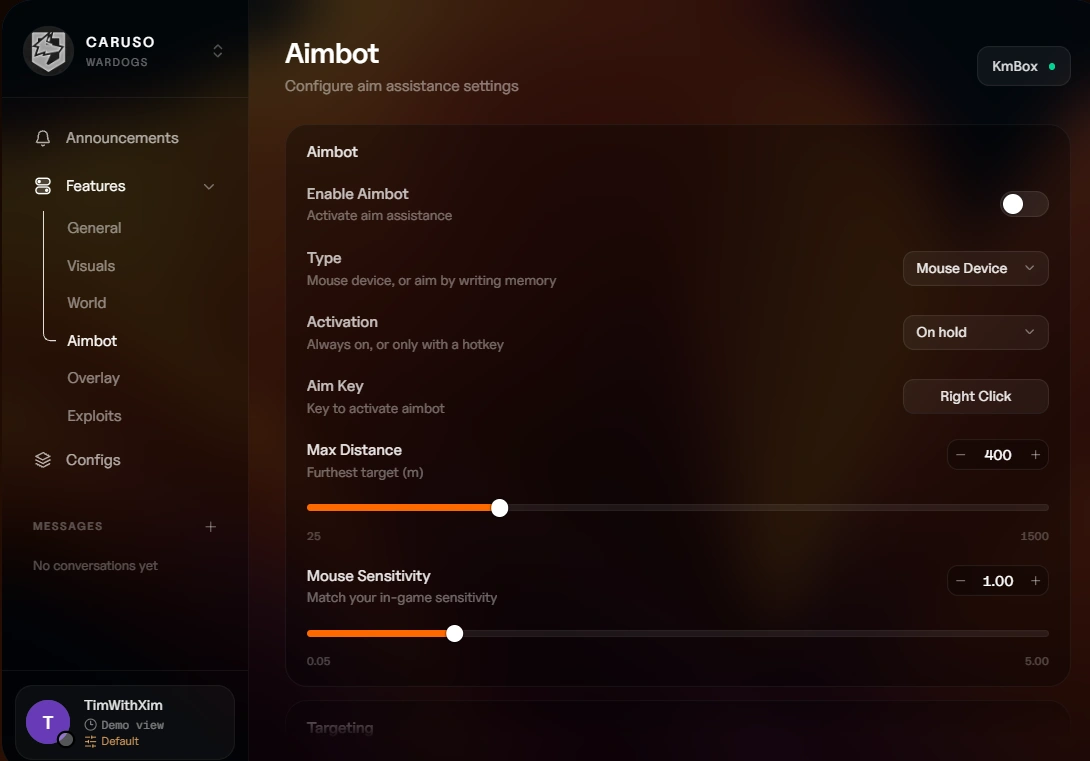
Aimbot
- Enable Aimbot – Master toggle for aim assistance
- Type – Choose Mouse Device (KmBox) or Memory Aimbot (writes memory, comes with a warning)
- Activation – Choose On hold, Toggle, or Always on
- Aim Key – Assign the activation key
- Max Distance – Set engagement range from 25 to 1500m
- Mouse Sensitivity – Adjust sensitivity (mouse device only)
- KmBox Connection Settings – Configure IP, port, and UUID
Targeting
- Hitbox – Choose Head, Neck, Torso, Arms, or Legs
- Target Priority – Select FOV, Distance, Health, or Visible
- Dynamic FOV – Scale the FOV when zoomed in
- Target Lock – Maintain lock on the current target
- Prediction – Aim ahead of moving targets
- FOV – Set detection field of view from 5 to 1000
- Speed – Adjust aim speed from 1 to 100
- Deadzone – Create an inactive area from 0 to 50px
Filters
- Ignore Teammates – Never aim at teammates
- Ignore Invisible – Only aim at visible targets
- Ignore Downed – Skip downed players
- Knocked Delay – Set delay after a target is knocked (0 to 2000ms)
- Death Delay – Set delay after a target dies (0 to 2000ms)
- New Target Delay – Set delay before engaging a new target (0 to 2000ms)
Highlight
- Draw FOV – Display the FOV circle with a custom color
- Draw Deadzone – Display the deadzone with a custom color
- Aimline – Show aim direction with a custom color
- Target Highlight – Highlight the current target
🖥️ Overlay
Crosshair
- Custom Crosshair – Toggle a personalized crosshair with a custom color
- Activation – Choose Always on, Toggle, or On hold
- Crosshair Hotkey – Assign a toggle key
- Type – Choose Cross, Circle, or Dot
- Center Dot – Display a center dot with a custom color
- T-Style – Enable T-style crosshair
- Outline – Add an outline with a custom color
- Size – Adjust size from 2 to 40px
- Thickness – Control line thickness from 1 to 6px
- Gap – Set gap between elements from 0 to 20px
- Rotation – Rotate the crosshair from 0 to 90 degrees
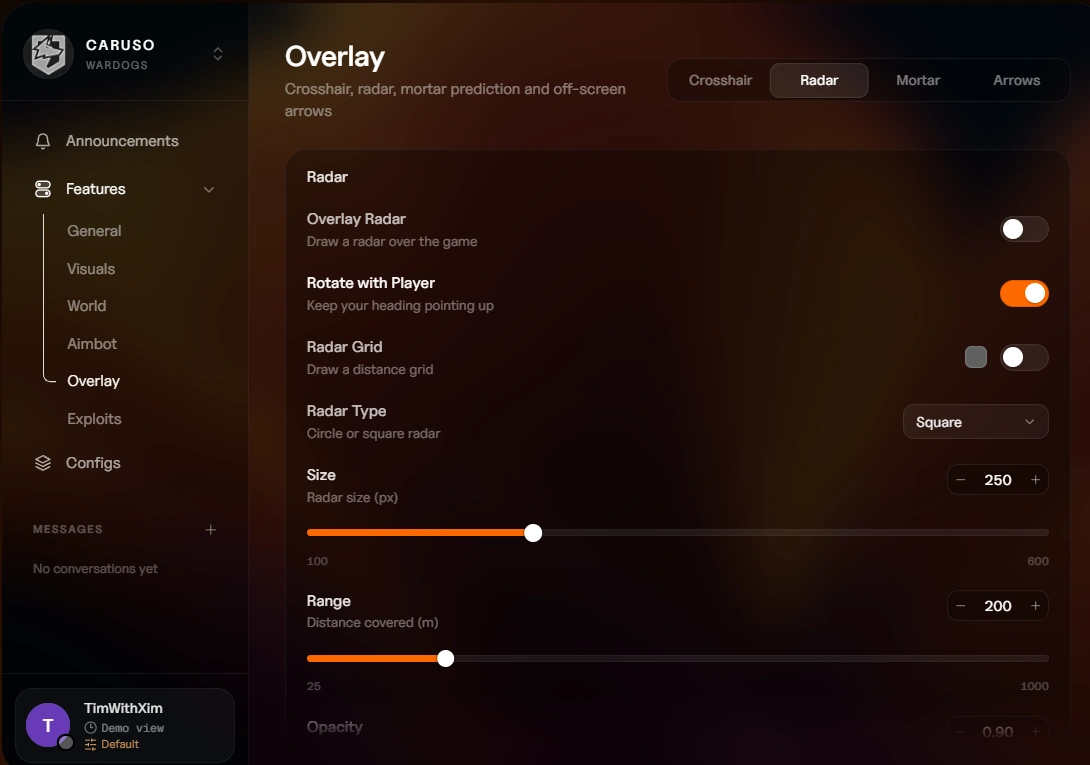
Radar
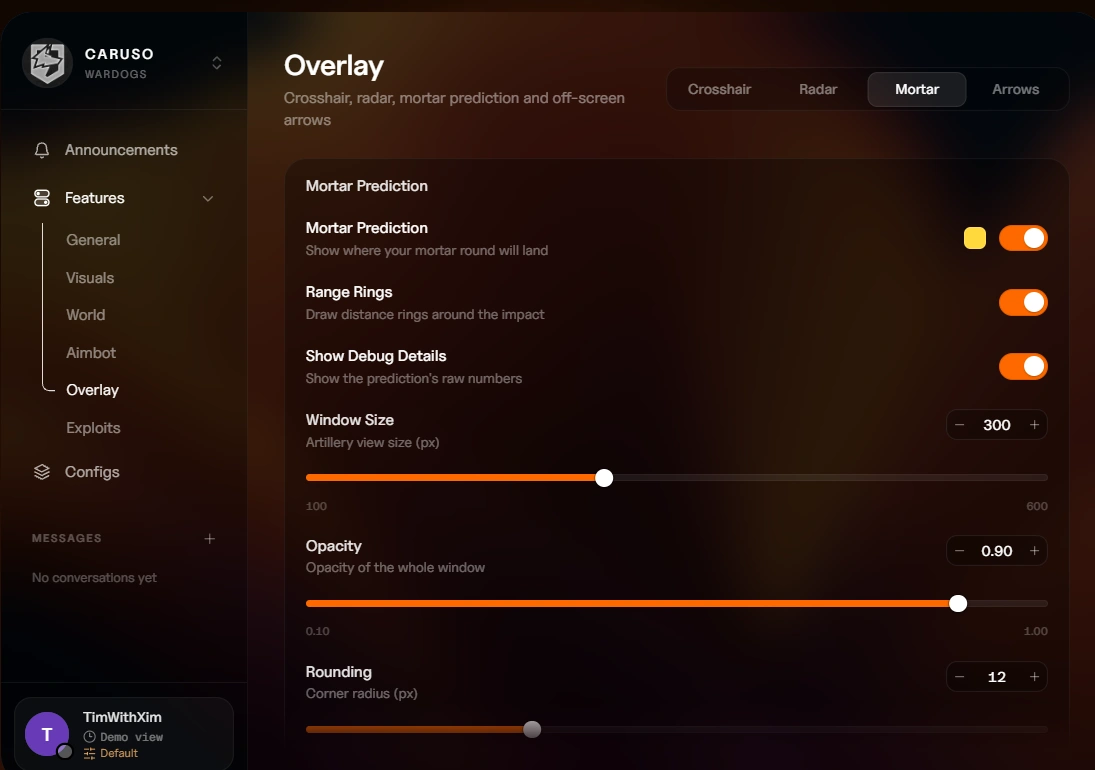
- Overlay Radar – Toggle the in-game radar overlay
- Rotate with Player – Radar rotates with your facing direction
- Radar Grid – Display grid lines with a custom color
- Radar Type – Choose Circle or Square
- Size – Adjust radar size from 100 to 600px
- Range – Set detection range from 25 to 1000m
- Opacity – Control radar transparency
- Rounding – Round radar corners from 0 to 40px
- Position X / Y – Place the radar anywhere on screen
Radar Blips
- Enemies – Display enemies with a custom color
- Enemy Style – Choose Arrow, Dot, or Square
- Enemy Size – Adjust enemy blip size
- Teammates – Display teammates with separate teammate and squadmate colors
- Team Style – Choose Arrow, Dot, or Square
- Team Size – Adjust teammate blip size
- Downed Players – Show downed players with a custom color
- Vehicles – Display vehicles with a custom color
- Look Direction – Show which way entities are facing
- Distance – Display distance on blips with a custom color
- Local Player – Show your own position with a custom color
- Hide Invisible – Hide blips for entities you cannot see
- Blip Scale – Adjust overall blip scaling
Out of FOV
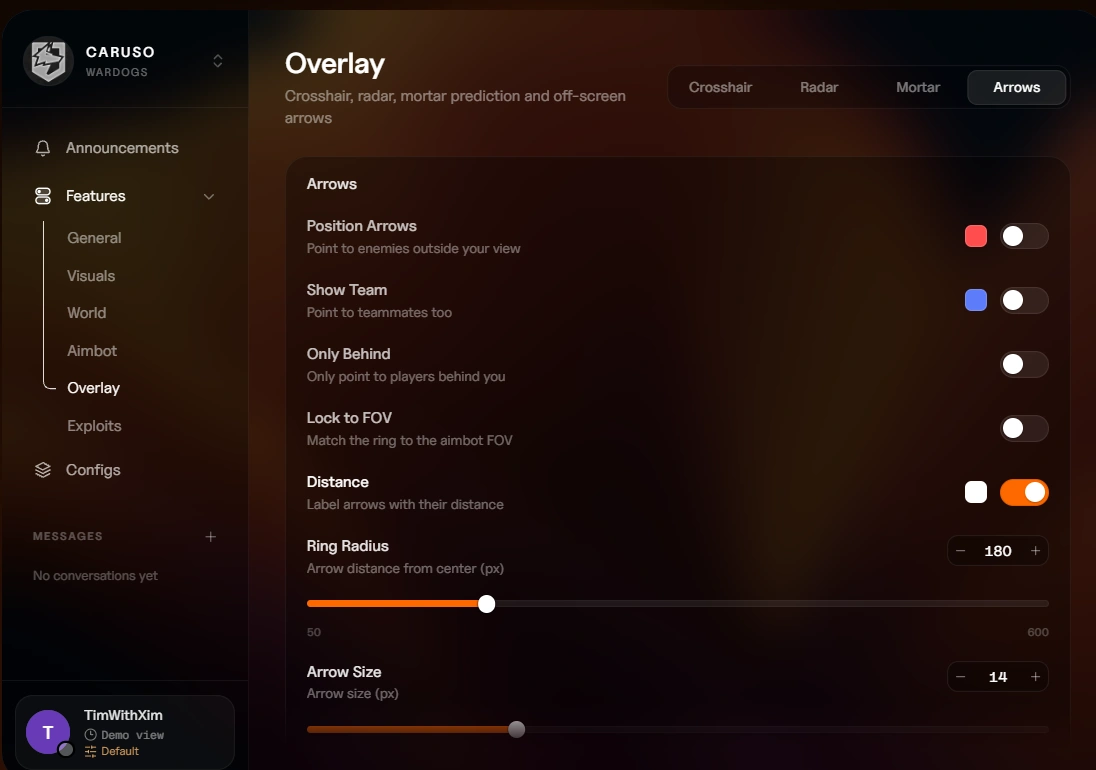
- Position Arrows – Point to enemies outside your view with a custom color
- Show Team – Include teammates with a custom color
- Only Behind – Only show arrows for targets behind you
- Lock to FOV – Match the arrow ring to your aimbot FOV
- Distance – Display range on arrows with a custom text color
- Ring Radius – Set the arrow ring size from 50 to 600px
- Arrow Size – Adjust arrow size from 4 to 40px
- Max Distance – Set maximum range for arrows from 25 to 2000m
- Distance Font Size – Adjust arrow distance text from 8 to 24
Nog geen reviews voor dit product.
Log in op je account
Je browser heeft het Discord-venster geblokkeerd. Sta pop-ups voor deze site toe en probeer het opnieuw.
Inloggen op Discord is mislukt. Probeer het nog eens.

No matches here — press Enter to search everything.
Typ om producten te zoeken.
Taal en valuta
Taal
Valuta