Destiny2
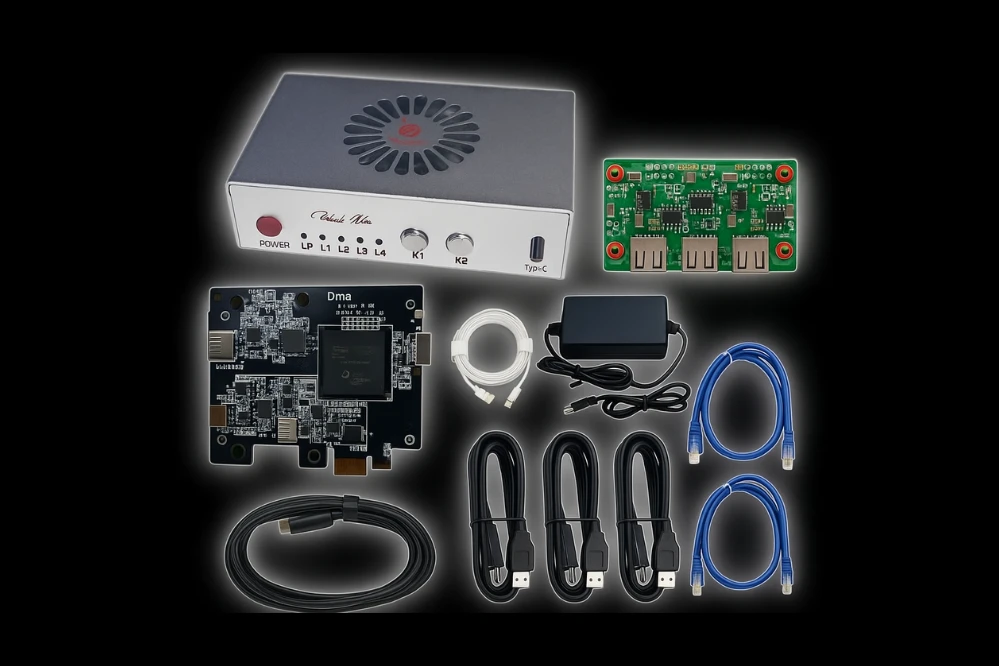
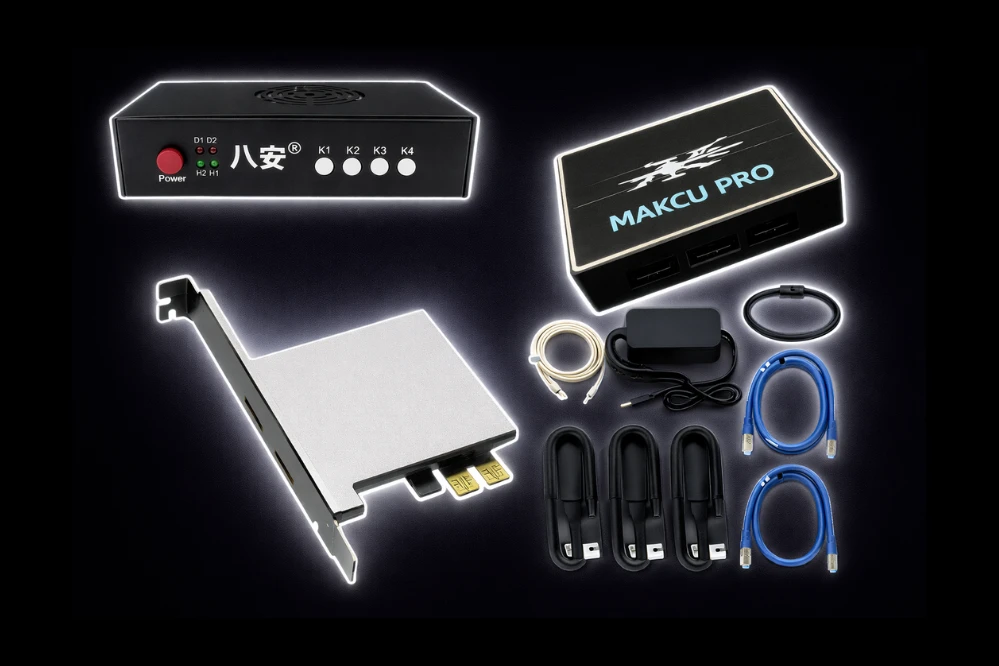
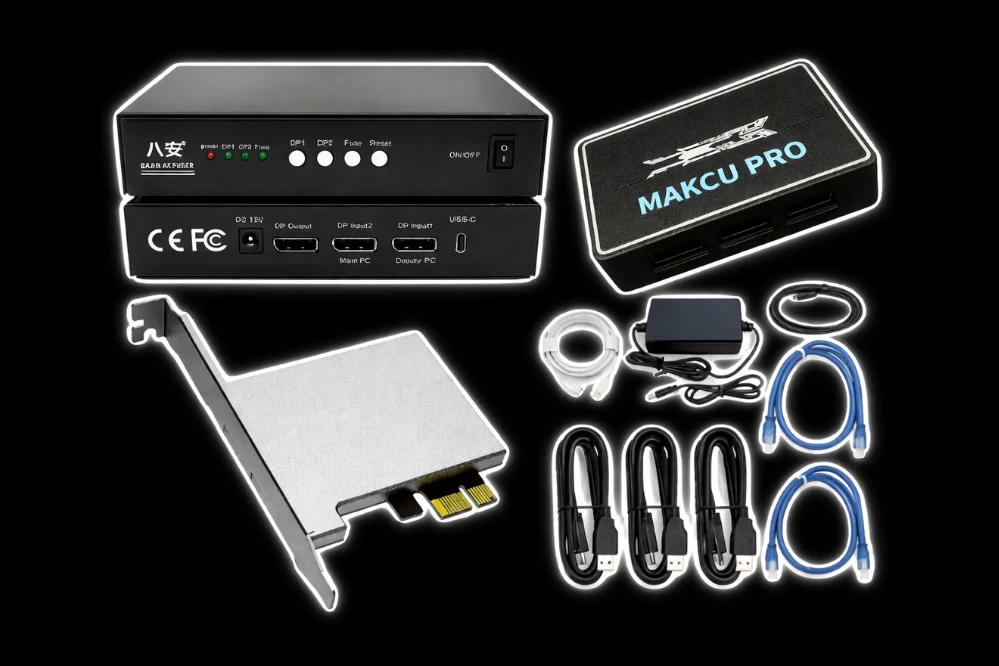
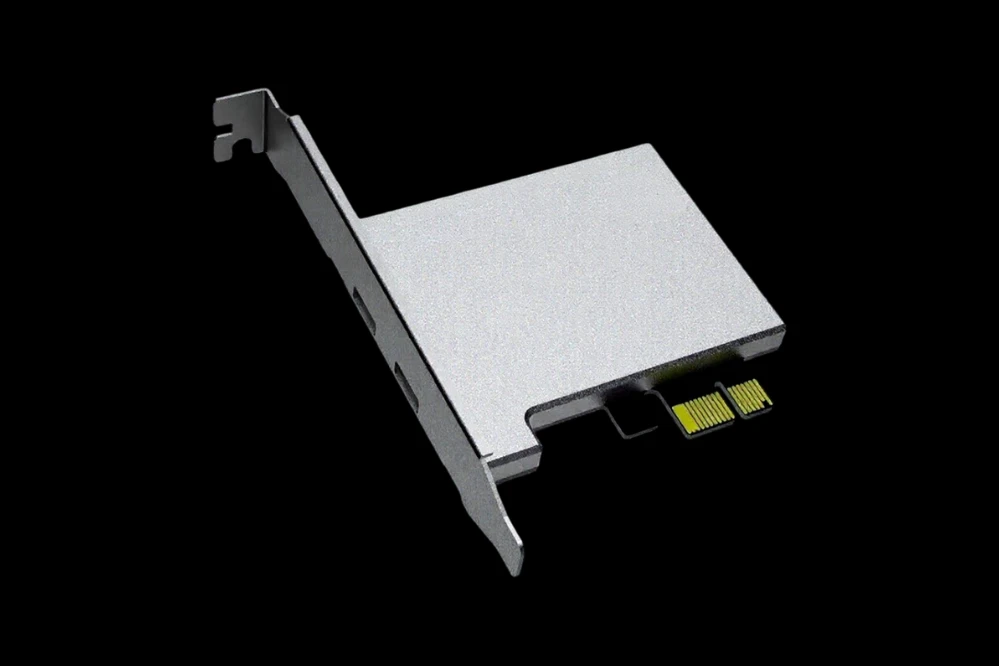
Requires: DMA Card
🎯 Aimbot
Lock onto targets with surgical precision and devastating accuracy — dominate both the Crucible and PvE encounters.
- Customizable FOV – Adjust the aimbot's field of view to suit your playstyle, whether you're sniping from afar or pushing up close
- Customizable Speeds – Control how fast your aim snaps to targets for a natural or aggressive feel
- Bone Selection (Head/Chest/Closest) – Pick your preferred hit zone — headshots for instant kills or body shots for consistency
- 2 Aim Keys – Assign two separate keys to activate the aimbot for maximum flexibility
- Dynamic FOV Scaling – The FOV automatically adjusts based on your weapon type and zoom level
- Draw Aimbot Target – Visually highlight the current target on your screen so you always know who you're locked onto
- Max Distance – Set the maximum range at which the aimbot will engage targets
- Priority (FOV/Distance) – Choose whether the aimbot prioritizes targets closest to your crosshair or nearest to you
- Draw FOV – Display the aimbot's field of view on screen for easy reference
- Deadzone – Create a small area around your crosshair where the aimbot won't activate, keeping your aim steady during micro-adjustments
- Velocity Compensation – Calculate target movement to perfectly lead your shots on moving enemies
🔫 Triggerbot
Fire the instant your crosshair lands on a target — no hesitation, no missed opportunities.
- Customizable Reaction Time – Adjust how quickly the triggerbot fires after detecting a target, from instant to slightly delayed
👁️ ESP (Players)
Complete situational awareness — track every Guardian in the Crucible and beyond.
- Box – Draw a box around each player's body for easy target acquisition
- Box Type (Full/Corner) – Choose between full boxes or clean corner brackets
- Player Name – Show player names above their heads so you always know who you're facing
- Distance – Display exactly how far away each player is
- Healthbar – Show each player's health above their head for easy target prioritization
- Shieldbar – Display each player's shield strength alongside their health
- Skeleton – Display a stick-figure outline of each player's bones, making it easy to track movement behind cover
- Out Of FOV Arrows – Show directional arrows pointing toward enemies outside your field of view
- Draw Ally – Toggle ally player ESP on or off
👁️ ESP (NPC)
Track every enemy in PvE — from Fallen Captains to Hive Knights and everything in between.
- Box – Draw a box around each NPC's body
- Box Type (Full/Corner) – Choose between full boxes or clean corner brackets
- Name – Display the name and type of each NPC
- Distance – Show exactly how far away each NPC is
- Healthbar – Show each NPC's health above their head
- Shieldbar – Display each NPC's shield strength alongside their health
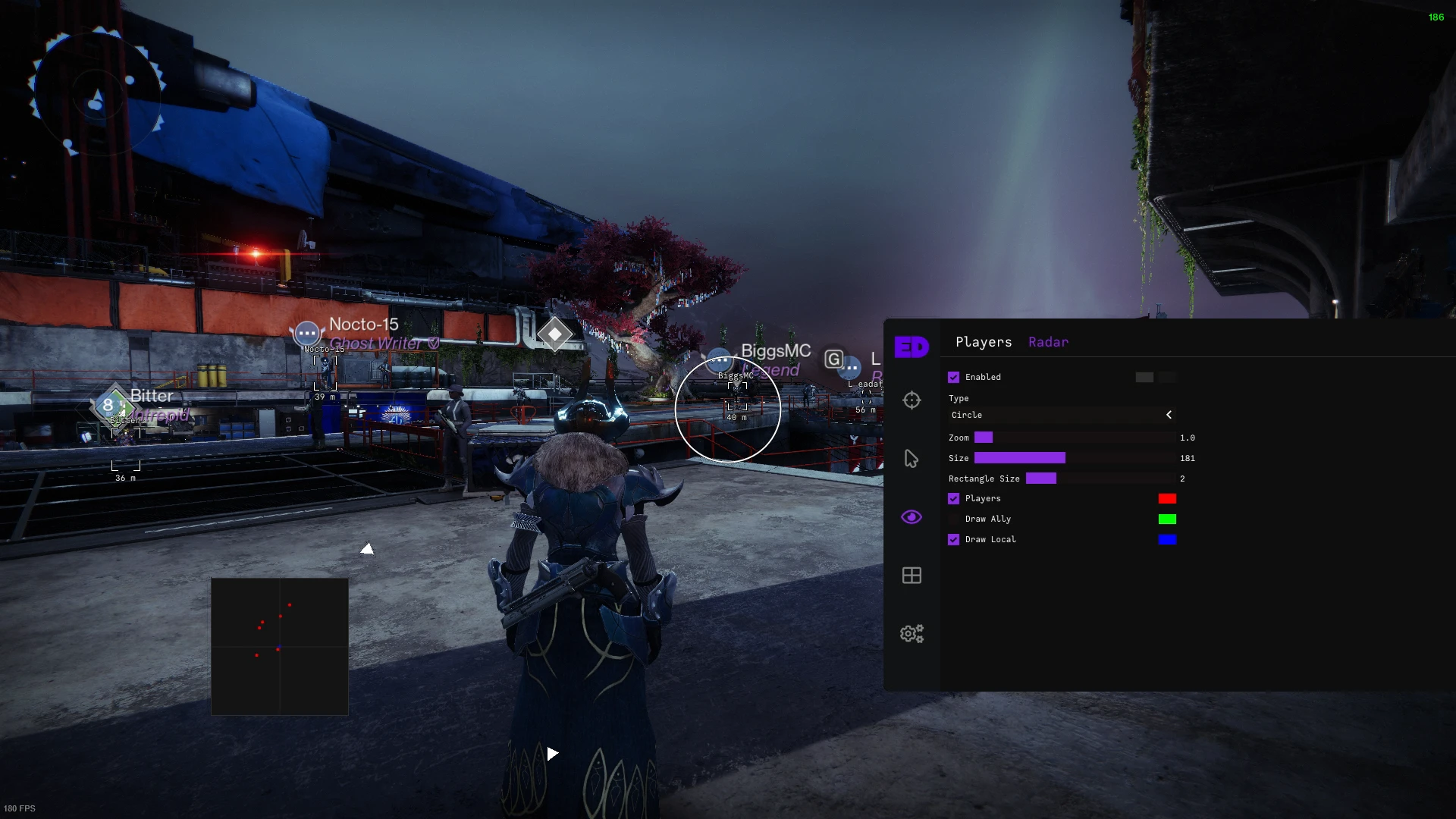
📡 Radar
Stay aware of everything around you with a customizable overlay — never get flanked again.
- Style (Circle/Rectangle) – Choose between a circular or rectangular radar display
- Draw Players – Show enemy player positions on the radar
- Draw Ally – Show ally positions on the radar
⚙️ Misc
Quality-of-life tools and enhancements for the ultimate Destiny 2 experience.
- FOV Changer – Adjust your field of view beyond the game's normal limits for a wider perspective
- Loadout Changer (Perks) – Quickly swap between saved perk loadouts for different situations
Note: Turn on aim smoothing in game settings for the best experience.
Automatic feedback after 7 days.
Automatic feedback after 7 days.
Automatic feedback after 7 days.
 Someone in US purchased
Destiny2
已验证
Someone in US purchased
Destiny2
已验证
Someone in US purchased
Destiny2
已验证
Someone in US purchased
Destiny2
已验证
Someone in US purchased
Destiny2
已验证
Someone in US purchased
Destiny2
已验证
登录你的账户
您的浏览器阻止了 Discord 窗口。请允许该网站的弹出窗口,然后重试。
Discord 登录失败。请重试。


































No matches here — press Enter to search everything.
输入以搜索商品。