Spectra Ai Aim
🖥️ Hardware & Capture
Full compatibility matrix for aim devices, capture methods, and system requirements.
🎯 Supported Aim Devices
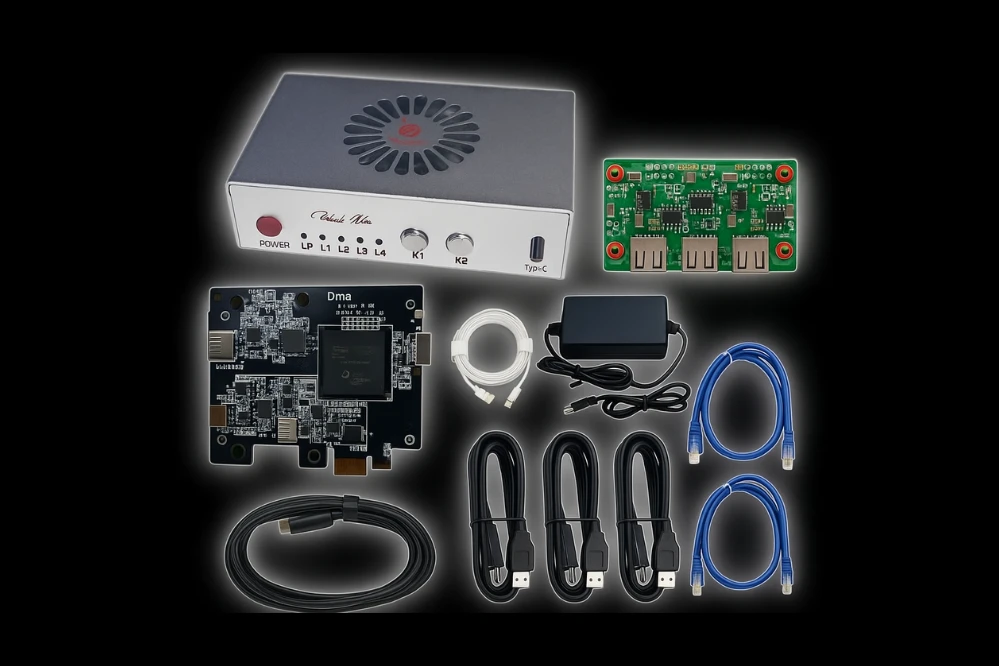
- Makcu – Full native support with Axis Locking
- Ferrum – Full native support with Axis Locking
- XIM Matrix + Makcu – Combo support for expanded compatibility
- Titan Two – Script-based integration with full feature access (Titan Two is Required for Xbox, PS5 Requires Titan Two + P5 General)
🎞️ Capture Methods
- OBS – Standard OBS capture — lowest complexity setup
- OBS + NDI – Network-based capture for flexible PC placement
- DXCAM – DirectX capture for same-network setups
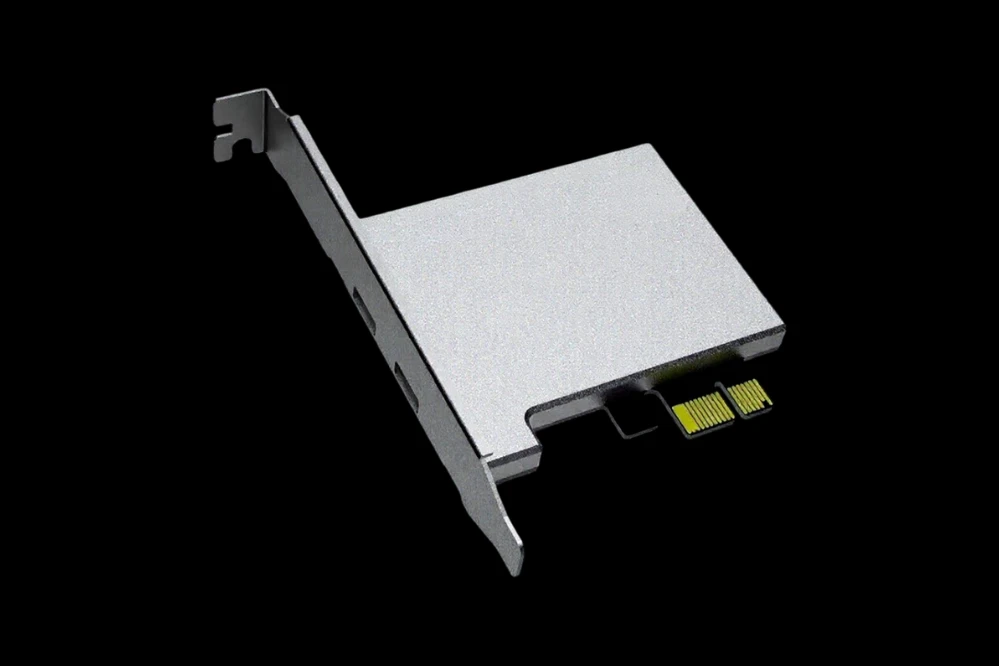
- Capture Card – USB 3.0 / PCIe required for console and FACEIT play
⚠️ System Requirements
- Second PC – Dedicated GPU: GTX 1660 or better
- Aim Device – One of the supported hardware devices listed above
- Capture Card – Required for console or FACEIT — optional for PC with OBS/NDI
🎯 Targeting Engine
The core targeting engine with three algorithm modes, full FOV control, and intelligent tracking that adapts to every engagement.
Core Settings
- Target – Head, Neck, Offset, or custom bone selection for precise hitbox targeting
- FOV – Custom Field of View with pixel-precise detection radius
- Speed – Independent X/Y speed control for natural horizontal and vertical movement
- Mode – Human, Semi-Legit, or Rage — three algorithm presets from subtle to aggressive
- Aim Key – Selectable activation key with toggle or hold behavior
- Box Shrink Factor – Reduces bounding box when detections are too large for precision refinement
Advanced
- Algorithms – Three distinct aim algorithms with different movement profiles
- HardLock Mode – Maintains the identified target even when it moves outside your FOV
- Confidence Range – Dynamically adjust confidence to increase or decrease detection sensitivity
- Smoothness – Combined smoothness and prediction for organic aim movement
🧠 Humanization Suite
Every input is processed through a multi-layered humanization pipeline that defeats both server-side heuristics and manual replay review.
Movement Humanization
- Hand Tremor – Micro-oscillations that mirror real neuromuscular noise patterns
- Gravity Pull – Organic bias toward hitboxes that mimics natural aim attraction
- Smooth Acceleration – Prevents zero-to-max angular velocity spikes that flag automated input
- Drift Speed – Natural idle drift when not actively engaging targets
- Close/Far Speed Changer – Adjusts aim speed based on target proximity — closer targets = slower, more precise
🔫 Automated Firing Protocol
Dual-mode fire control systems — automated trigger logic and fast-twitch flick capability, both with full randomization.
Auto-Fire
- Delay – Randomized delay range that never fires at the same interval twice
- Logic – Custom shoot logic to define when and how the trigger engages
- Aim Key – Selectable key to activate independent from Aimbot keybind
FlickBot
- Flick – Random delay and range for fast-twitch aim correction before firing
- Vision – Separate FOV for FlickBot scans its own detection radius
- Smart Mode – Only fires when crosshair is confirmed on target — zero wasted shots
👁️ ByteTrack Vision
Multi-object tracking with persistent identity, occlusion handling, and configurable confidence thresholds for every scenario.
Tracking Parameters
- Enable ByteTrack – Toggle the tracking system on or off with instant activation
- ID Lock (Sticky Target) – Maintains lock on an identified target through occlusion and chaos
- Track Threshold – Primary confidence threshold — minimum score to begin tracking
- Low Threshold – Secondary confidence threshold for maintaining existing tracks
- Match Threshold (IoU) – Intersection over Union matching — how aggressively targets are re-identified
- Track Buffer (frames) – Memory buffer for lost targets — how many frames before a track is dropped
📊 Prediction Engine
Forward-looking aim compensation that predicts target movement based on velocity vectors and system latency profiling.
Prediction Settings
- Prediction Strength – How aggressively the system projects target position forward
- System Latency – Manual or auto-detected latency compensation value
- Max Prediction (px) – Maximum prediction distance in pixels — caps correction to prevent over-aim
- Confidence Frames – Number of confident frames required before prediction activates — prevents false locks
🎯 Recoil Control System (RCS)
Per-weapon, per-game recoil profiles with full pattern control, timing customization, and integrated keybind masking.
RCS Configuration
- Logic – Linked directly to Aimbot recoil correction — inherits aim state
- Profiles – Per-weapon and per-game profiles — swap instantly
- Control – Custom pattern and timing — match exact recoil patterns per weapon
- Activation – Keybind masking — RCS only activates when specific keys are held
🧬 Neural Trajectory Engine
Advanced machine learning models trained on your specific aim to generate mathematically safe, human-identical movements.
Architecture & Safety
- GRU Models – Gated Recurrent Units trained specifically on your raw inputs to replicate your playstyle
- WGAN-GP Safety – Wasserstein GAN with Gradient Penalty guarantees mathematically non-detectable distributions
- Complex RCS GUI – Dedicated GUI to effortlessly create complex Recoil Control System patterns
- Heuristic Evasion – WGAN-GP makes heuristics-based detection mathematically impossible
🎮 Virtual Controller
Full ballistics simulation with response curves, deadzones, independent sensitivity channels, and restricted tracking zones.
Ballistics Control
- Max Turn Speed – Maximum pixels per frame — hard cap on angular velocity
- Response Curve – Exponent-based curve — linear, quadratic, or custom exponential
- Controller Sens X/Y – Independent horizontal and vertical sensitivity
- Ballistic ADS Sens X/Y – Separate sensitivity channels for ADS (Aim Down Sights)
Response & Tracking
- Smoothing (Reactivity) – Controls how reactive vs. smooth the output signal is
- Deadzones – Input and output deadzone configuration — fine-tune stick behavior
- Tracking Delay (ms) – Artificial tracking delay to prevent inhuman reaction time
- Target Offset (px) – Offset aim point from center of target — constant or scaled mode
- Restricted Tracking – Limit aim correction to a percentage of FOV — prevents unnatural snap
- Latency Compensation (%) – Percentage-based compensation for total system pipeline latency
- Target Lock – Toggle strict target locking on or off
⚡ Extra Features
GPU optimization, remote control, per-model configuration, and redundant tracking for maximum reliability.
Platform Features
- GPU Models – Detection models optimized for your specific card — Nvidia and Intel GPUs supported
- Web UI – Control Spectra from any mobile or network device — change settings mid-game
- Settings Per Model – Highly configurable per-model configs — swap game profiles in one click
- Fallback System – Run up to 2 different models simultaneously for better tracking — if one loses, the other has it
🎨 Colorbot
Lightweight color-based target detection that runs on minimal hardware. A standalone alternative to the full ByteTrack pipeline — ideal for Valorant and games with high-contrast player models.
Color Detection
- Color Range Selection – Pick target color ranges to match enemy player models — HSV-based precision filtering
- Customizable Aiming Point – Choose where to aim relative to the detected color region — head, body, or custom offset
- Sensitivity Tuning – Adjust detection sensitivity and minimum blob size to reduce false positives
- Lightweight Processing – Runs on any CPU with no dedicated GPU required — minimal hardware footprint
Customization
- Color Profiles – Save and load color configurations per game — swap between profiles instantly
- Aiming Point Offset – Fine-tune the aim point with pixel-level X/Y offset from the detected region center
- Detection Threshold – Configure confidence and area thresholds to filter noise from actual targets
- Minimal Requirements – No GPU needed — any modern second PC can run the colorbot pipeline
Automatic feedback after 7 days.
Automatic feedback after 7 days.
Automatic feedback after 7 days.
Automatic feedback after 7 days.
Someone in US purchased
Spectra Ai Aim
Vérifié
Someone in FR purchased
Spectra Ai Aim
Vérifié
Someone in CH purchased
Spectra Ai Aim
Vérifié
Someone in IE purchased
Spectra Ai Aim
Vérifié
Someone in DE purchased
Spectra Ai Aim
Vérifié
Connectez-vous à votre compte
Votre navigateur a bloqué la fenêtre Discord. Autorisez les fenêtres contextuelles pour ce site et réessayez.
Échec de la connexion à Discord. Veuillez réessayer.































No matches here — press Enter to search everything.
Saisissez du texte pour rechercher des produits.