Active Matter
each
I lager
I lager
Slut i lager
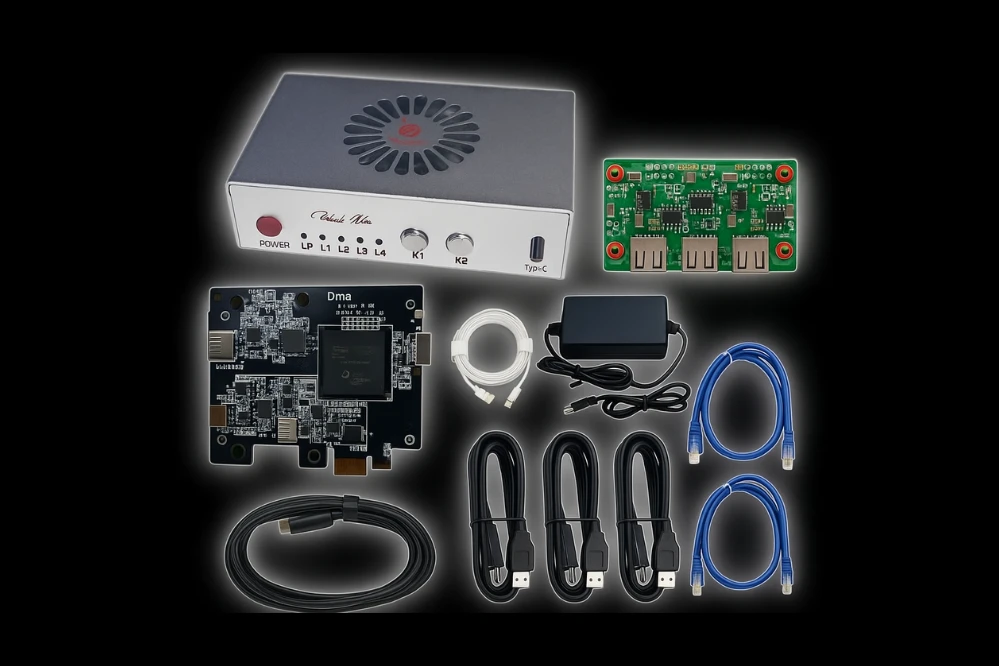
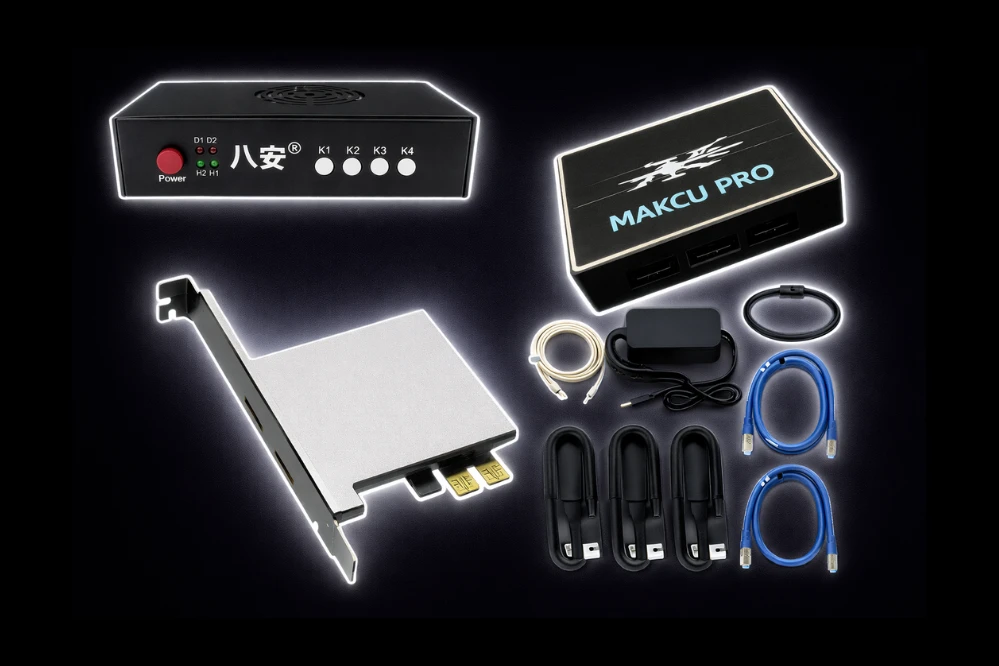
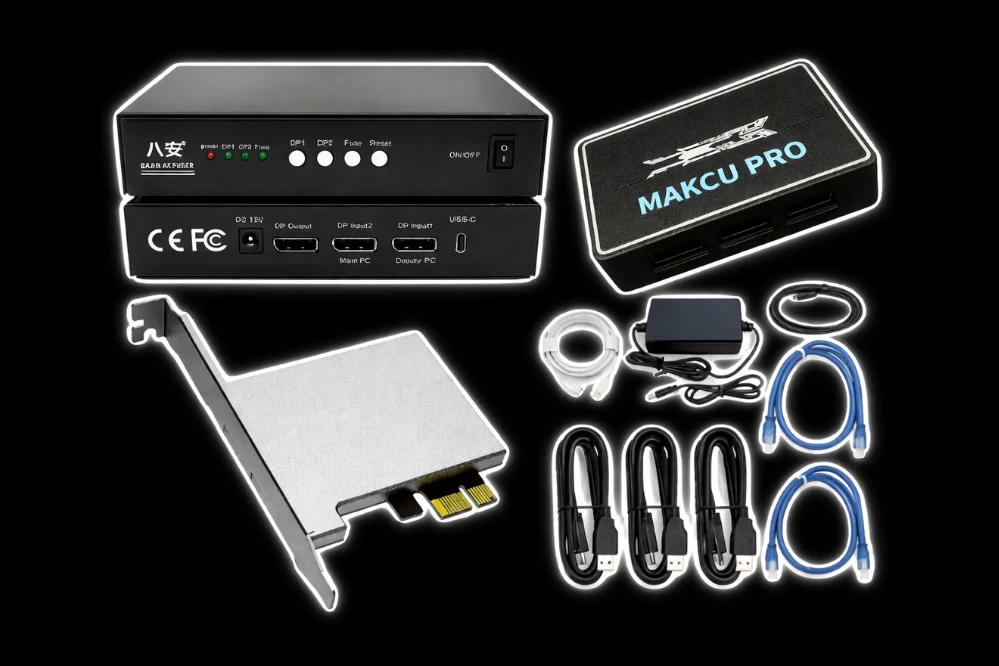
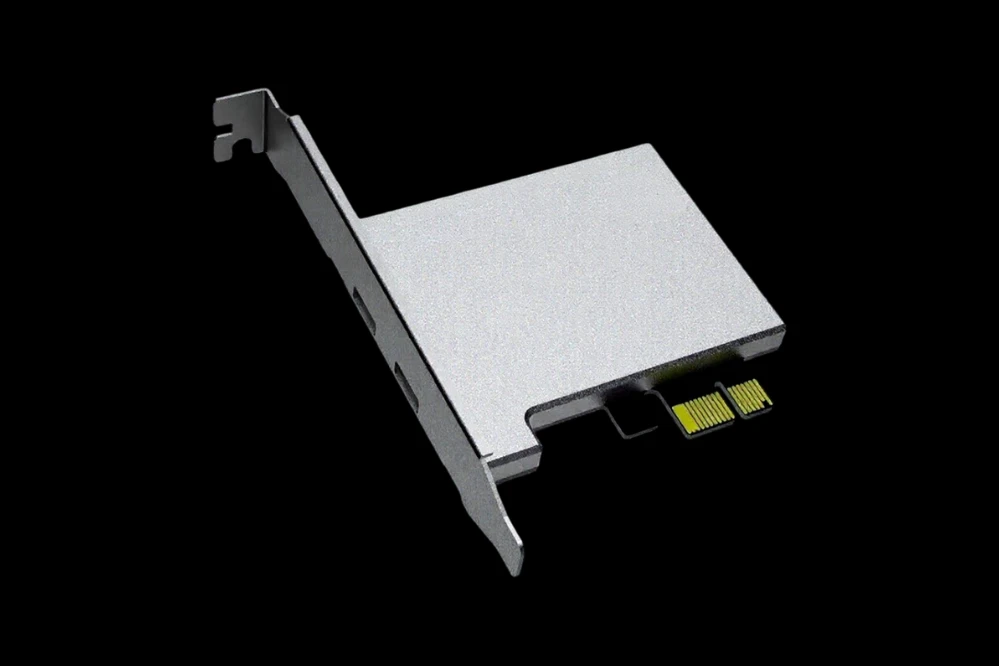
You must own a DMA card to use this product.
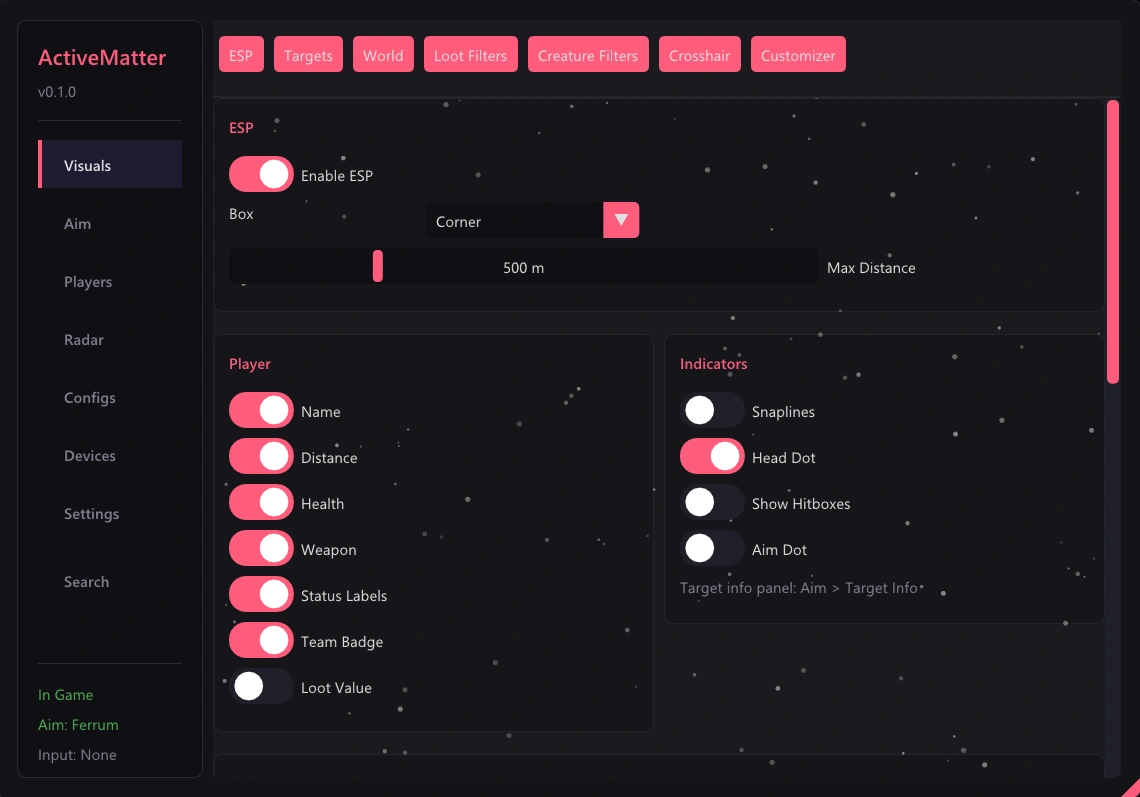
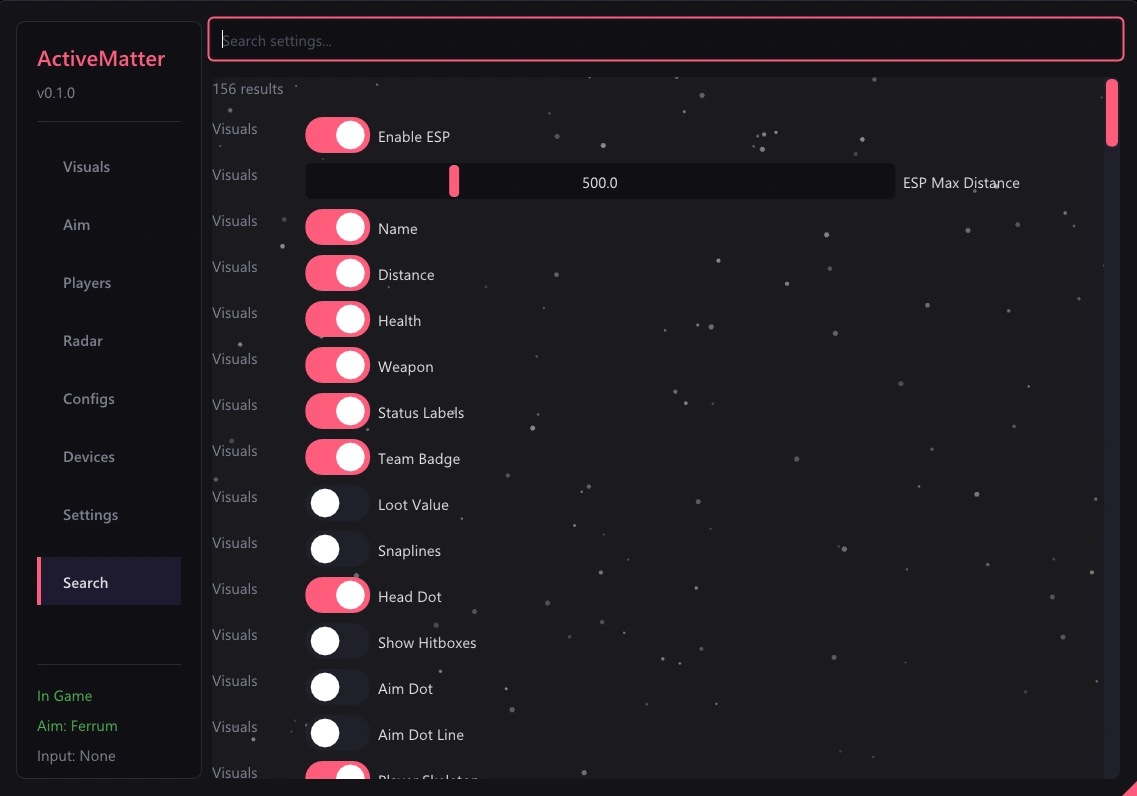
👁️ ESP
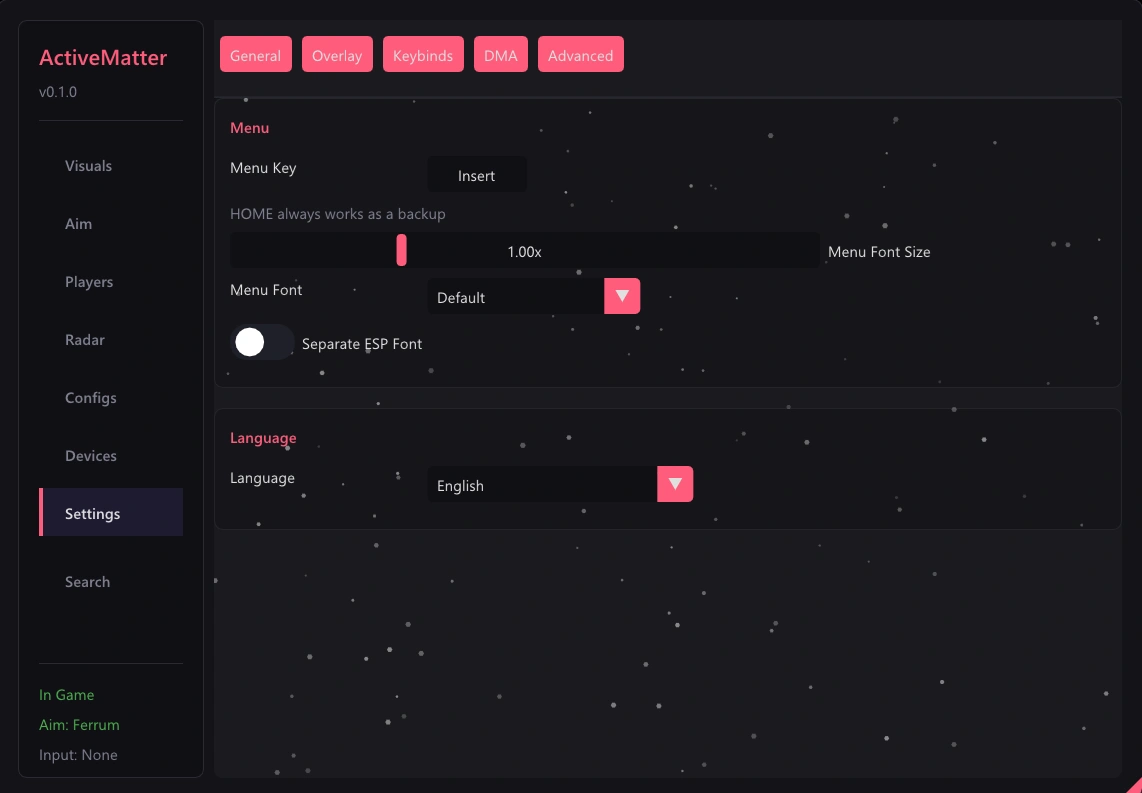
- Player ESP – Boxes, names, distance, HP, skeleton, and snaplines for all players
- Bot/Guard ESP – Separate color and same features as player ESP
- Creature ESP – All creature types with per-type coloring
- Dead Body ESP – Locate and highlight dead bodies
- Loot ESP – Ground items with rarity colors
- Container ESP – Shows locked/unlocked/opened/empty states, contents preview, and loot presets
- Extraction Point ESP – Displays open/closed status, countdown timer, and zone radius
- Trap/Hazard ESP – Tracks gravity, singularity, repulsion, null-G, shear, anomaly traps, and swarms
- Vehicle ESP – Shows occupied status, fuel, and trunk contents
- Character Model Rendering – 3D mesh through walls with wireframe, solid, or chams options
- Aim Dot – Visual aim indicator without moving your mouse
- Ammo Counter HUD – Displays current ammunition count
- Player Stats HUD – Shows heartrate, stamina, breath, and pain levels
- Team Badge – Displays team affiliation
- Platform Icons – Shows PC, PSN, or Xbox platform
- Weapon Display – Shows held weapon name and type on other players
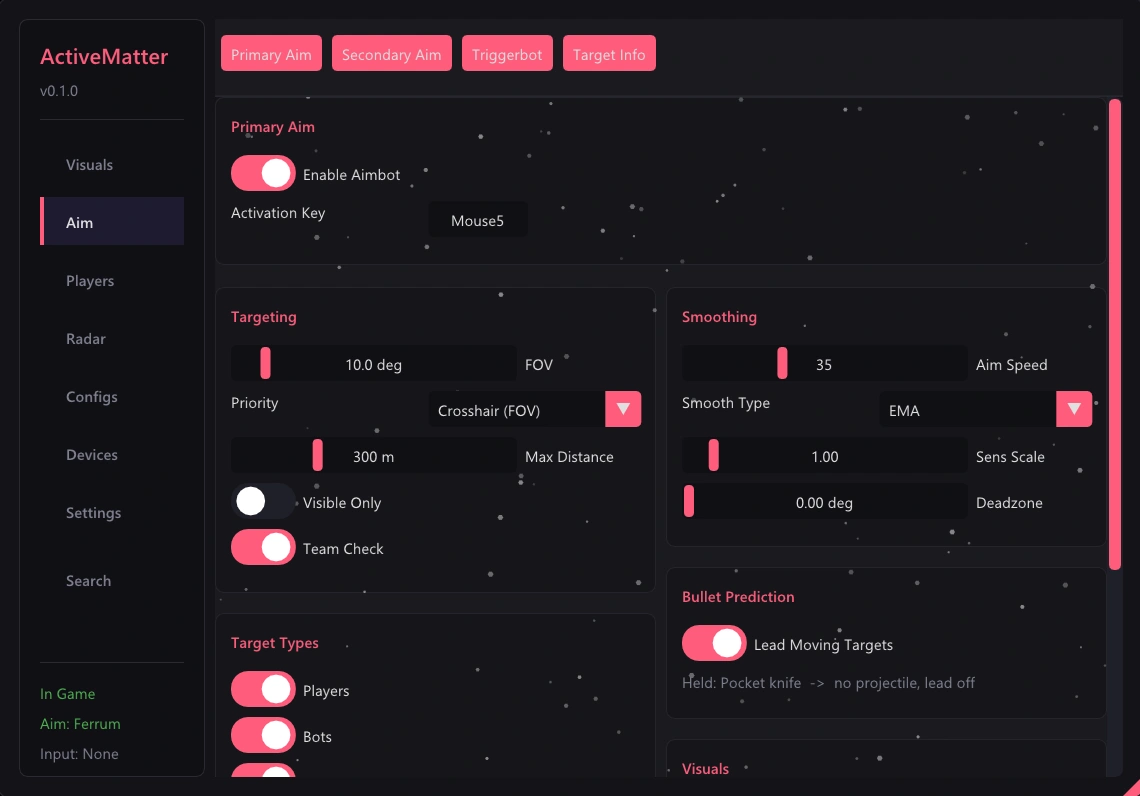
🎯 Aim
- Aimbot – FOV selection with EMA or linear smoothing
- Bullet Prediction – Velocity tracking with weapon-specific bullet speeds
- Bone Selection – Choose from head, neck, chest, pelvis, or closest bone
- Camera-local Aiming – Works with leaning and gravity zones
- Triggerbot – Automatic firing on target
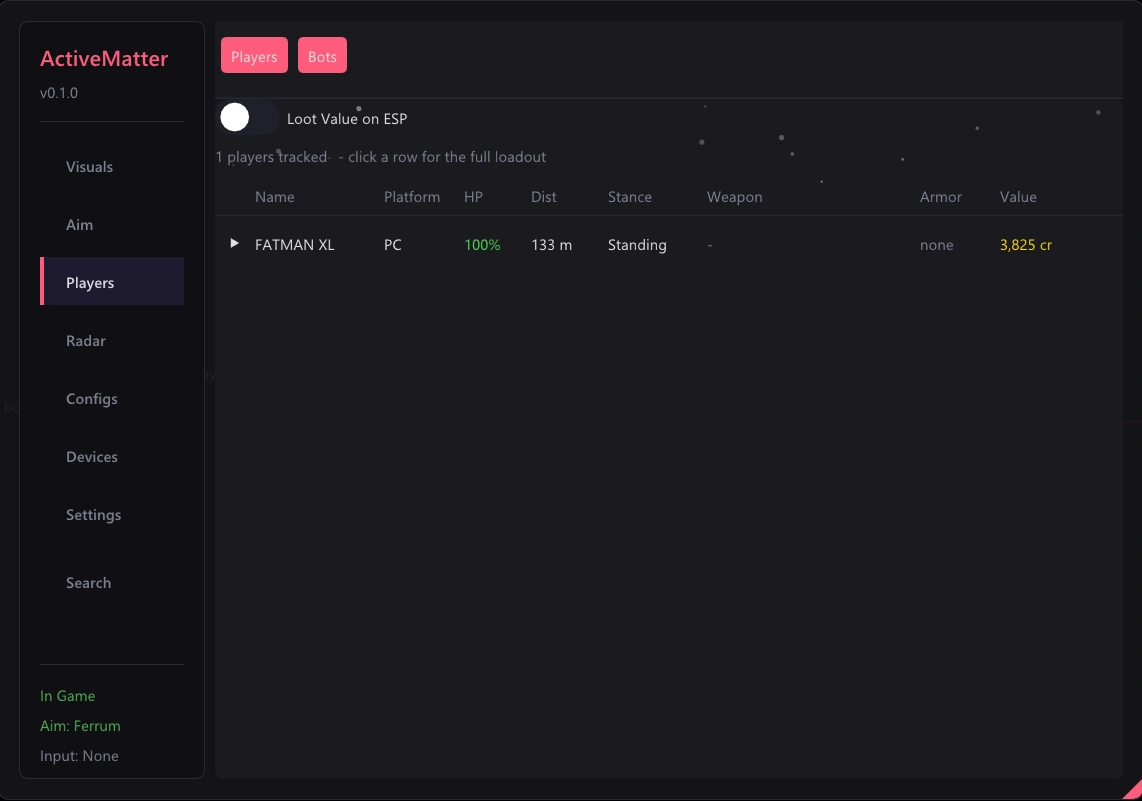
📋 Players Tab
- Players / Bots sub-tabs – Separate views for players and bots
- Click-to-expand player loadout – View detailed equipment
- Equipment – Helmet, armor with durability, backpack, and suit
- Weapons + attachments – Scope, muzzle, grip, and magazine
- Inventory list – Rarity-colored items with prices
- Total loot value – Calculated total worth of carried items
- Platform column – Shows which platform each player is on
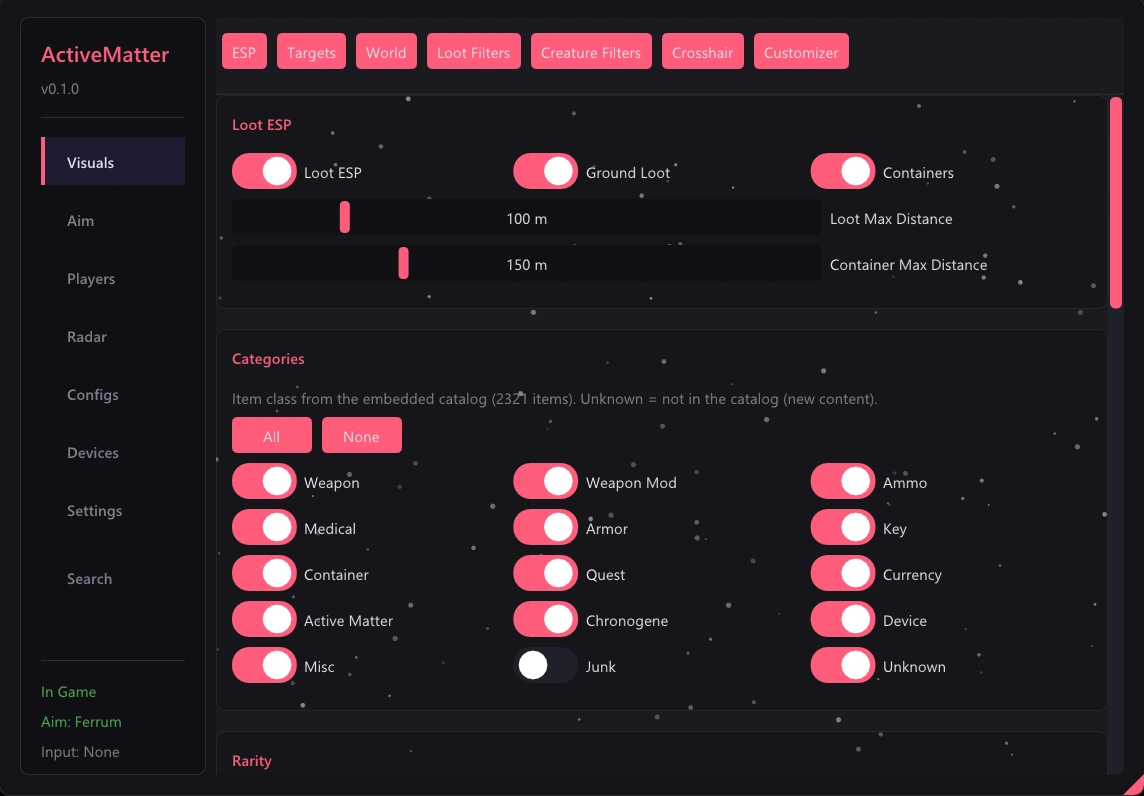
🔍 Loot Filters Tab
- Category toggles – Weapons, ammo, medical, armor, keys, and more
- Rarity toggles – Common, uncommon, rare, epic, and legendary
- Min value filter – Set minimum item value to display
- Per-item overrides – Show/hide, color, and distance for individual items
- Searchable item table – Browse 2,321 items
- Right-click context menu – Add items to filter lists
- Custom filter lists – Create, edit, and delete named lists
🐾 Creature Filters Tab
- Per-creature-type toggles – 37 creature types supported
- Per-type color, distance, opacity – Customize each creature type
- Per-type distance override toggle – Override global distance per creature
- Custom filter lists – Create and manage custom lists
- Right-click context menu – Quick access to filter options
🎨 ESP Customizer
- Box styles – Corner, full, 3D, or rounded
- Box fill, outline, thickness, rounding – Fine-tune box appearance
- Text position, outline style, team coloring – Customize text display
- Health bar styles – Left, right, bottom, or number
- Health gradient colors – Customize health bar colors
- Skeleton colors, thickness, joint dots – Adjust skeleton appearance
- Snapline thickness – Control line thickness
- Per-class colors – Separate colors for enemy, teammate, bot, and creature
- Live 3D model preview – Orbit camera preview of changes
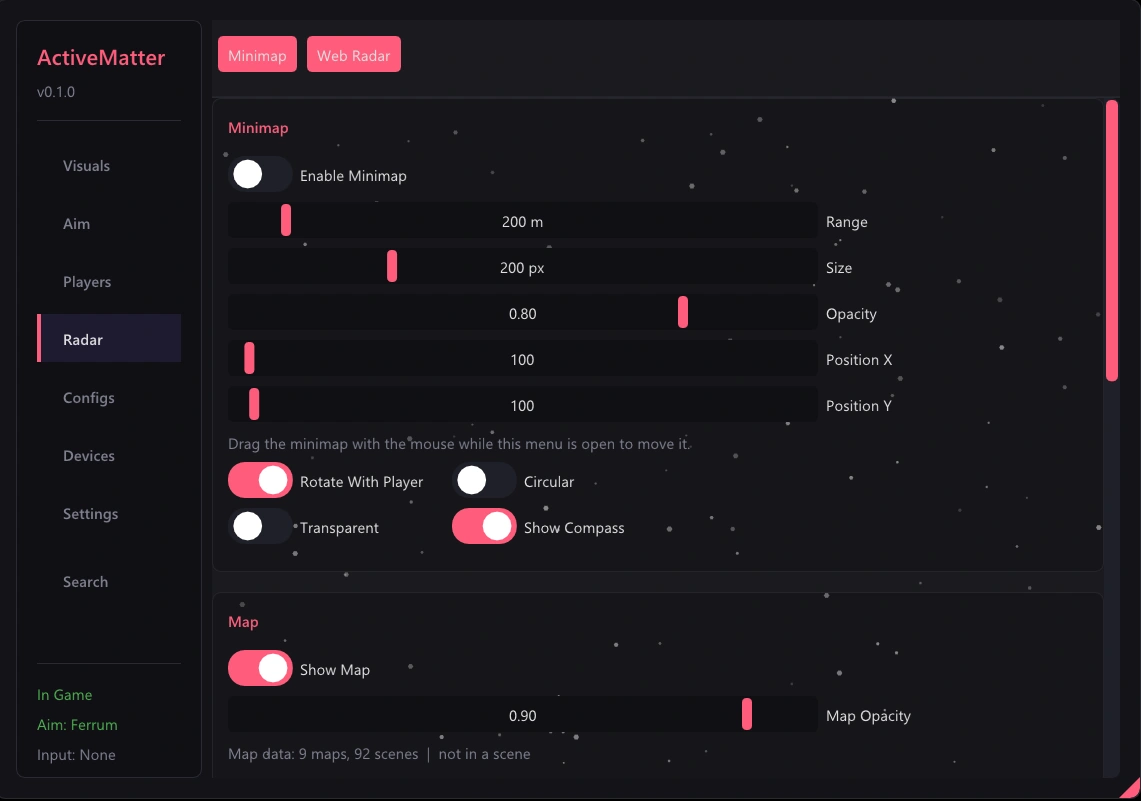
🗺️ Radar/Minimap
- Map texture background – Auto-loads per level
- Rotate-with-player / north-up – Choose rotation mode
- All entity layers – Players, creatures, loot, exits, hazards, and vehicles
- Battle area circle + outside dimming – Shows playable zone
- Storm zone circle – Displays storm boundaries
- Building labels + outlines – Identifies structures
- Key rooms – Highlights important rooms
- Compass, zoom, drag – Full navigation controls
🌐 Web Radar
- Browser-based top-down map – Access at localhost:8888
- Map image with battle area overlay – Full map view
- All entities, hazards, vehicles, containers – Complete tracking
- Building labels, key rooms – Structure identification
- Rotate-with-me mode – Follows your orientation
- Auto raid detection – Automatically detects raids
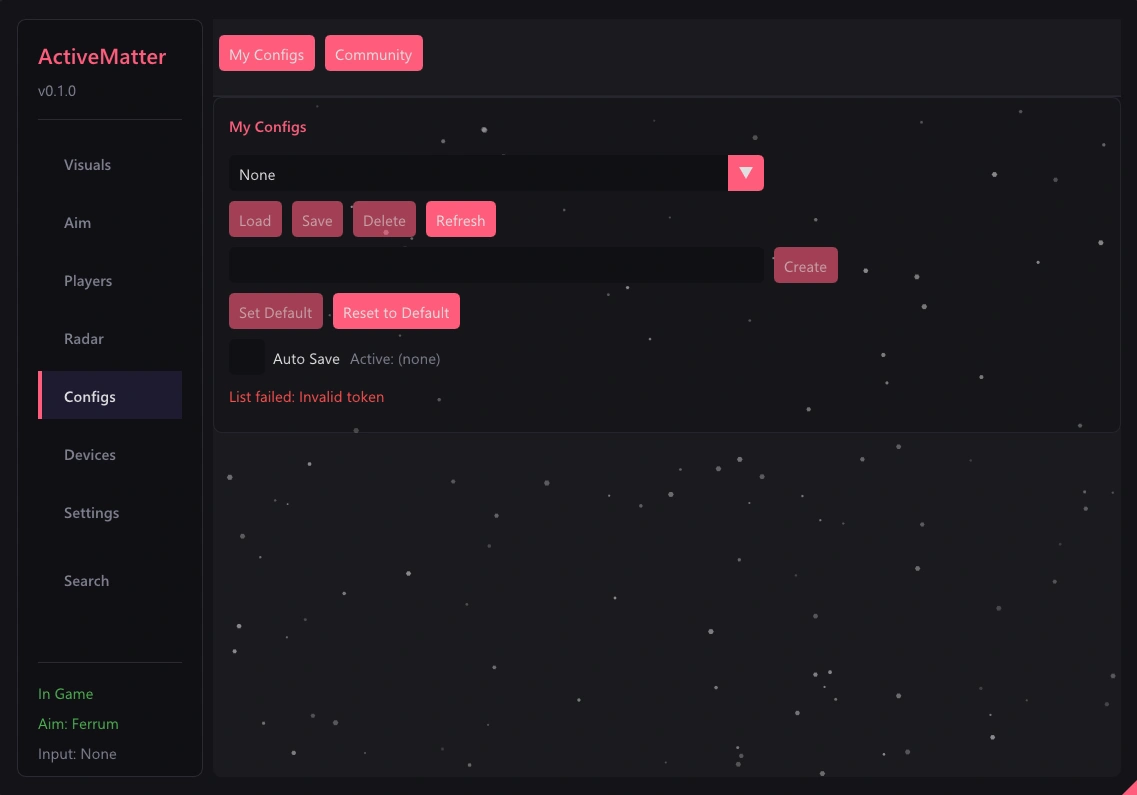
⚙️ Configs
- Cloud config profiles – Save and load configs
- Community config browser/upload – Browse and share configs
- All settings persisted – Settings are saved automatically
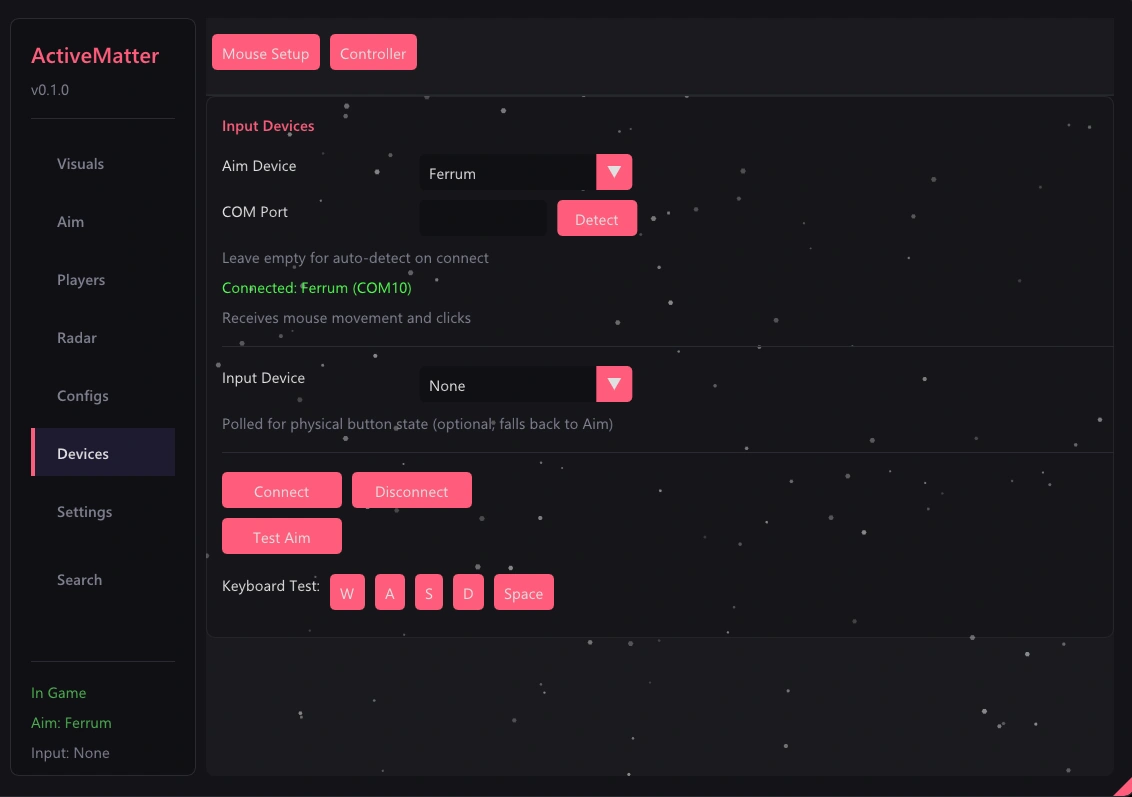
🖱️ Devices
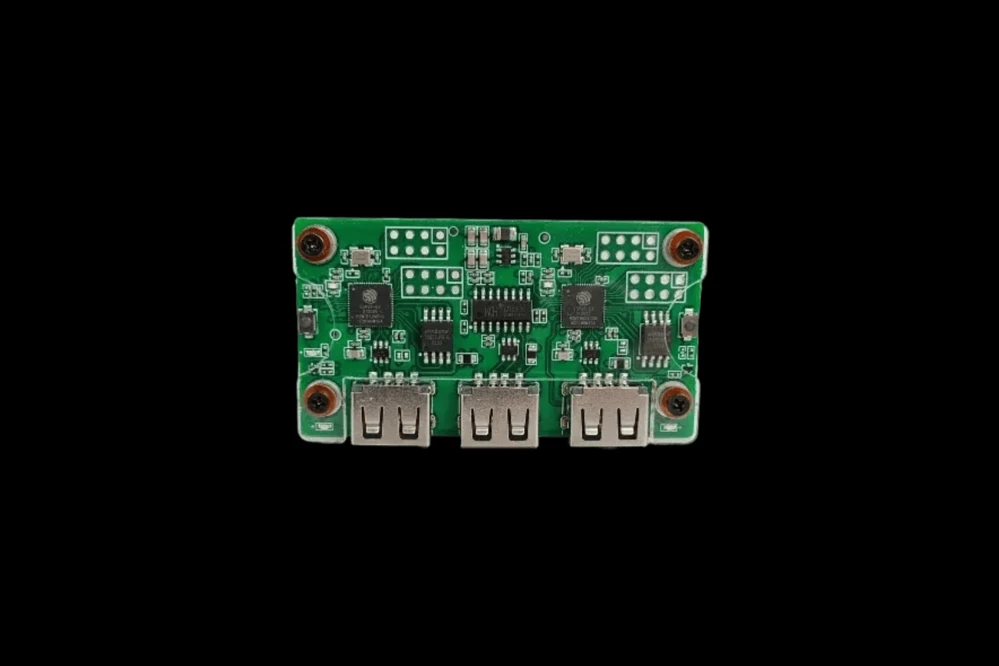
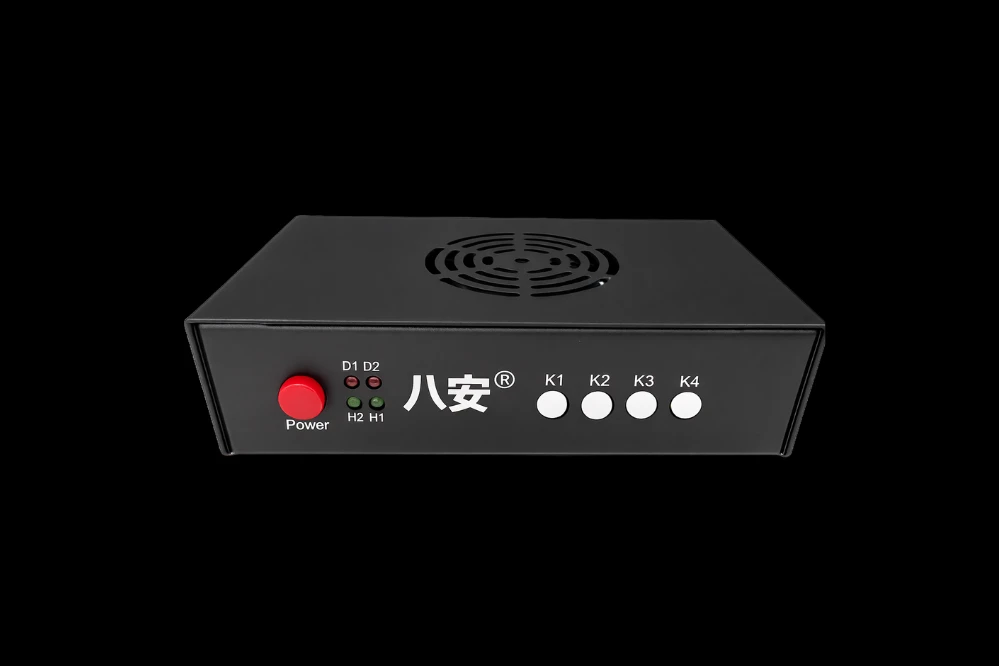
- Mouse setup – Ferrum, KMBox Net/Serial, MAKCU, CatBox, Arduino/CH9329
- Controller support – XInput via DMA
⚙️ Settings
- Overlay settings – Customize overlay behavior
- DMA settings – Configure DMA card
- Keybinds – Assign custom hotkeys
Automatic feedback after 7 days.
Automatic feedback after 7 days.
Automatic feedback after 7 days.
 Someone in US purchased
Active Matter
Verifierad
Someone in FR purchased
Active Matter
Verifierad
Someone in US purchased
Active Matter
Verifierad
Someone in GB purchased
Active Matter
Verifierad
Someone in US purchased
Active Matter
Verifierad
Someone in FR purchased
Active Matter
Verifierad
Someone in US purchased
Active Matter
Verifierad
Someone in GB purchased
Active Matter
Verifierad
Logga in på ditt konto
Din webbläsare har blockerat Discord-fönstret. Tillåt popup-fönster för den här webbplatsen och försök igen.
Inloggningen på Discord misslyckades. Försök igen.














No matches here — press Enter to search everything.
Skriv in sökord för att söka efter produkter.