GTAV/FiveM
each
I lager
I lager
Slut i lager
Köps ofta tillsammans
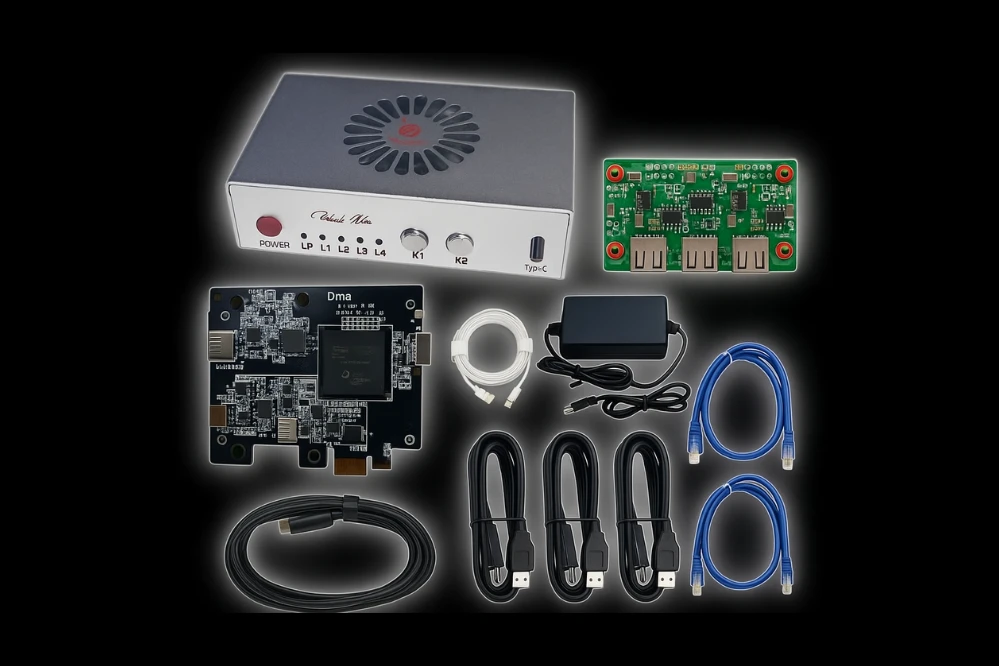
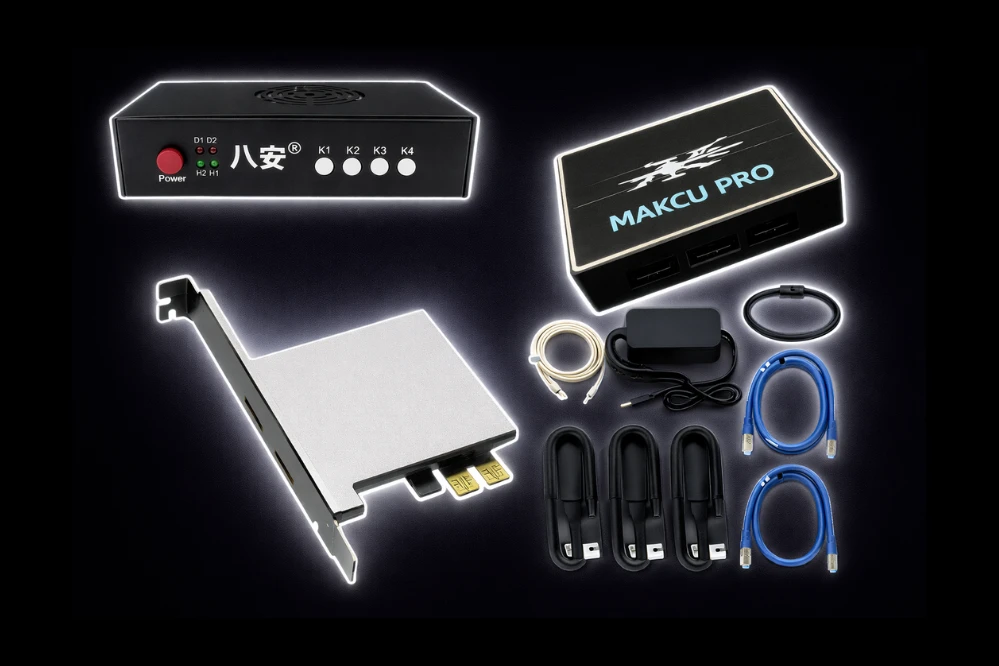
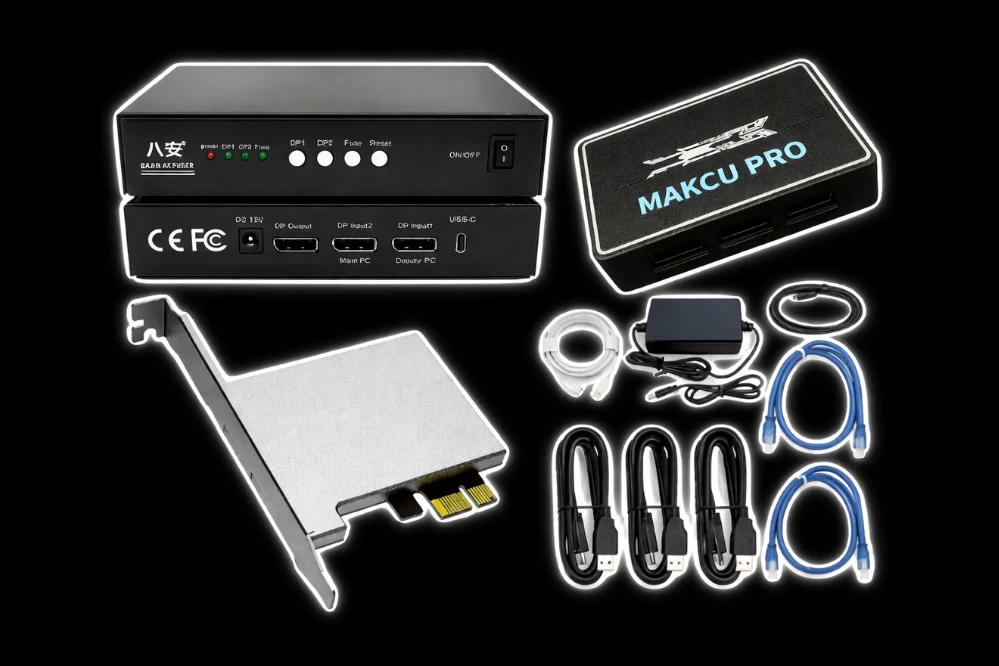
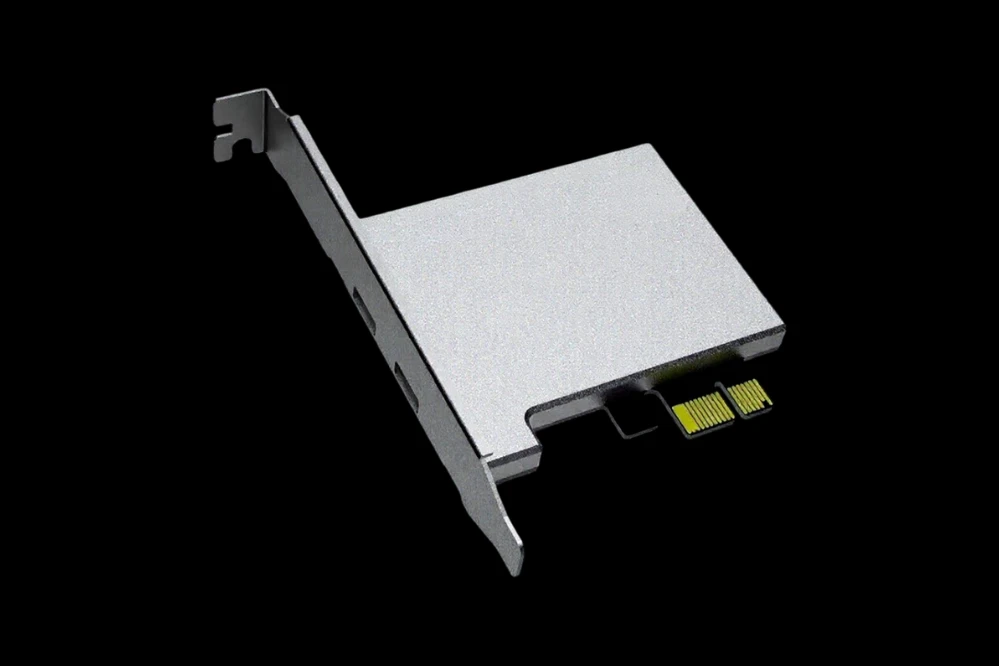
Requires: DMA Card
Supported Platforms
- Fivem – All builds supported
- ALTV – Full compatibility
- RageMP – Seamless integration
- Majestic – Supported
- GTAV Online & Legacy – Both versions supported
- GTA5VN – Supported
- Brotherhood – Supported
- CrimeZ – Supported
- And More – Additional platforms available
Supported Aim Devices
- Kmbox BPro – Full native support
- Kmbox Net – Network-based support
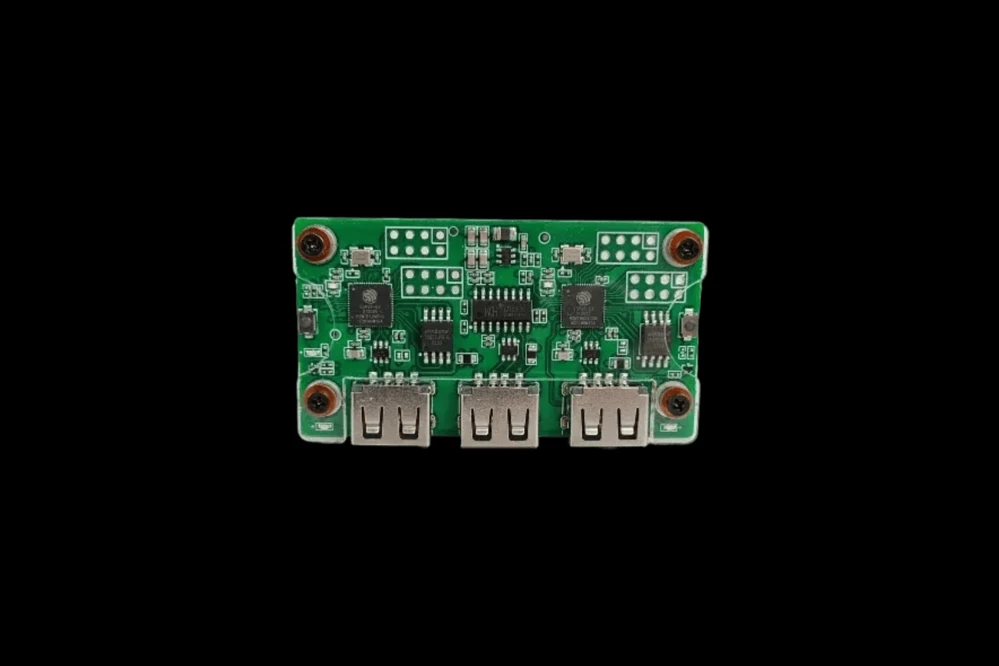
- Makcu – Full native support
- Arduino – Script-based integration
- Ferrum – Full native support
- And Others – Additional devices supported
Supported DMA Cards
35T / 75T / 100T – All major DMA card variants supported
Supported Windows
10 and 11 – Full compatibility with both operating systems
🎯 Aim Assistance
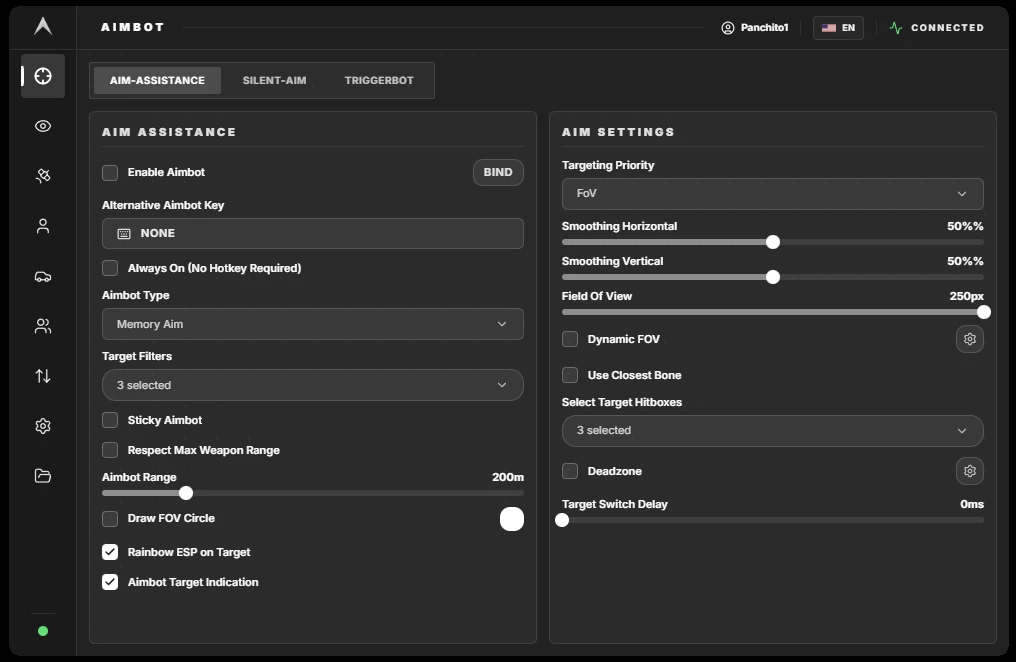
- Enable Aimb0t – Master toggle for aimbot functionality
- Alternative Aimb0t Key – Assign a secondary activation key
- Always On – No hotkey required, aimbot stays active
- Aimb0t Type – Choose between Memory Aim or Aim Device
- Target Filters – Toggle targeting for Players, Pedestrians, Visible Only, Combat Roll, Friends, and Dead
- Sticky Aimb0t – Maintains lock on target even when moving
- Respect Max Weapon Range – Only engage targets within weapon range
- Aimb0t Range – Set engagement distance from 0 to 1000 meters
- Draw FOV Circle – Display the aimbot's field of view on screen
- FOV Circle Color – Customize the FOV circle color
- Rainbow ESP on Target – Colorful visual indicator on current target
- Aimb0t Target Indication – Visual feedback showing locked target
- Targeting Priority – Choose between FoV, Health, or Crosshair priority
- Smoothing Horizontal – Control horizontal aim transition speed (0–100%)
- Smoothing Vertical – Control vertical aim transition speed (0–100%)
- Field Of View – Set detection radius from 0 to 250 pixels
- Use Closest Bone – Automatically target the nearest bone to crosshair
- Select Target Hitboxes – Choose from Head, Neck, Body, Arms, Feet, Ankles, or Hips
- Deadzone – Toggle deadzone functionality
- Deadzone Value – Set the deadzone area size
- Target Switch Delay – Add delay between target switches (0–5000ms)
🎯 Silent Aim
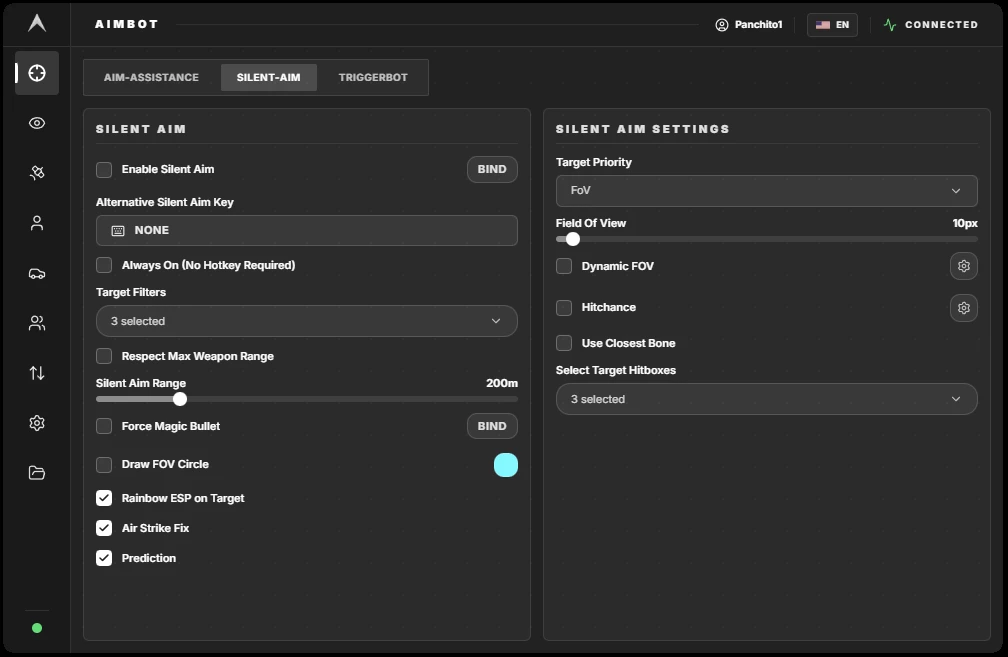
- Enable Silent Aim – Master toggle for silent aim functionality
- Alternative Silent Aim Key – Assign a secondary activation key
- Always On – No hotkey required, silent aim stays active
- Target Filters – Toggle targeting for Players, Pedestrians, Visible Only, Combat Roll, Friends, and Dead
- Respect Max Weapon Range – Only engage targets within weapon range
- Silent Aim Range – Set engagement distance from 0 to 1000 meters
- Force Magic Bullet – Enable magic bullet functionality
- Magic Bullet Hotkey – Assign a key for magic bullet activation
- Draw FOV Circle – Display the silent aim field of view on screen
- FOV Circle Color – Customize the FOV circle color
- Rainbow ESP on Target – Colorful visual indicator on current target
- Air Strike Fix – Corrects silent aim behavior during airstrikes
- Prediction – Enable target movement prediction
- Target Priority – Choose between FoV, Health, or Crosshair priority
- Field Of View – Set detection radius from 0 to 250 pixels
- Hitchance – Toggle hit chance functionality
- Hitchance Value – Set required accuracy percentage (0–100%)
- Use Closest Bone – Automatically target the nearest bone to crosshair
- Select Target Hitboxes – Choose from Head, Neck, Body, Arms, Feet, Ankles, or Hips
🔫 Triggerbot
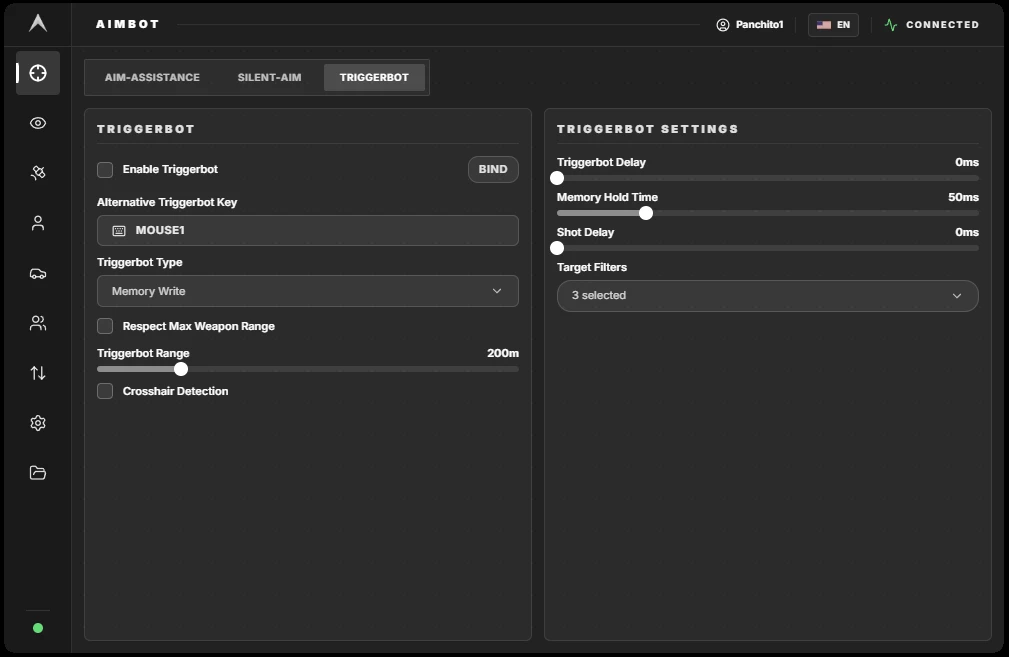
- Enable Triggerbot – Master toggle for automatic firing
- Alternative Triggerbot Key – Assign a secondary activation key
- Triggerbot Type – Choose between Aim Device or Memory Write
- Respect Max Weapon Range – Only fire at targets within weapon range
- Triggerbot Range – Set engagement distance from 0 to 1000 meters
- Crosshair Detection – Only fire when crosshair is on target
- Triggerbot Delay – Add delay before firing (0–1000ms)
- Memory Hold Time – Set hold time for memory input (10–200ms)
- Shot Delay – Add delay between shots (0–2000ms)
- Target Filters – Toggle targeting for Players, Pedestrians, Visible Only, Combat Roll, Friends, and Dead
👁️ Visuals
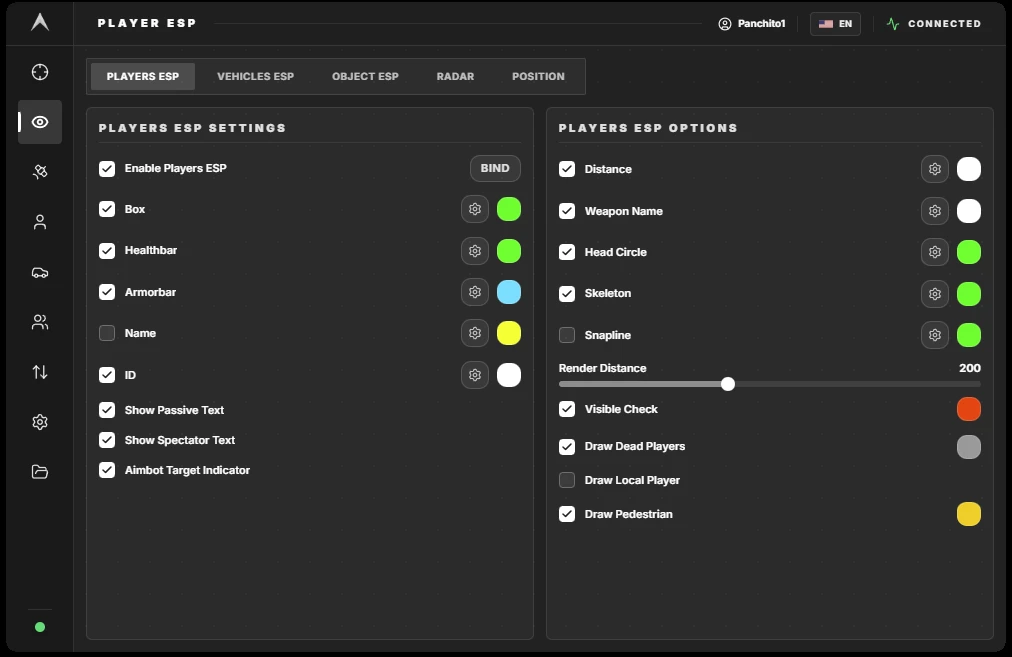
- Enable Players ESP – Master toggle for player tracking
- ESP Hotkey – Assign a key to toggle ESP on and off
- Box – Draw boxes around players with Full or Cornered style, adjustable corner size (0–15), thickness (0.5–5.0), top offset (0.0–50.0), and custom color
- Healthbar – Display health with Side, Bottom, or Text style, with position selection, gradient option, and custom color
- Armorbar – Display armor with Side, Bottom, or Text style, with position selection, gradient option, and custom color
- Name – Show player names with Bottom or Above position and custom color
- Passive Indicator – Display when a player is in passive mode
- Spectator Indicator – Show when a player is spectating you
- Target Indicator – Visual indicator when a player is targeted by aimbot
- ID – Display player ID with Bottom or Above position and custom color
- Distance – Show distance to players with Bottom or Above position and custom color
- Weapon Name – Display equipped weapon with Bottom or Above position, hide when unarmed option, and custom color
- Head Circle – Draw a circle around heads with adjustable size (0–10) and custom color
- Skeleton – Display player skeletons with adjustable thickness (0.5–5.0) and custom color
- Snapline – Draw lines to players with Down, Crosshair, or Up position and custom color
- Render Distance – Set maximum ESP render distance (0–500m)
- Visible Check – Only display visible targets with custom Invisible Color
- Draw Dead Players – Show dead players with custom Dead Color
- Draw Local Player – Display your own character on ESP
- Draw Pedestrians – Show pedestrian NPCs with custom Pedestrian Color
Vehicle ESP
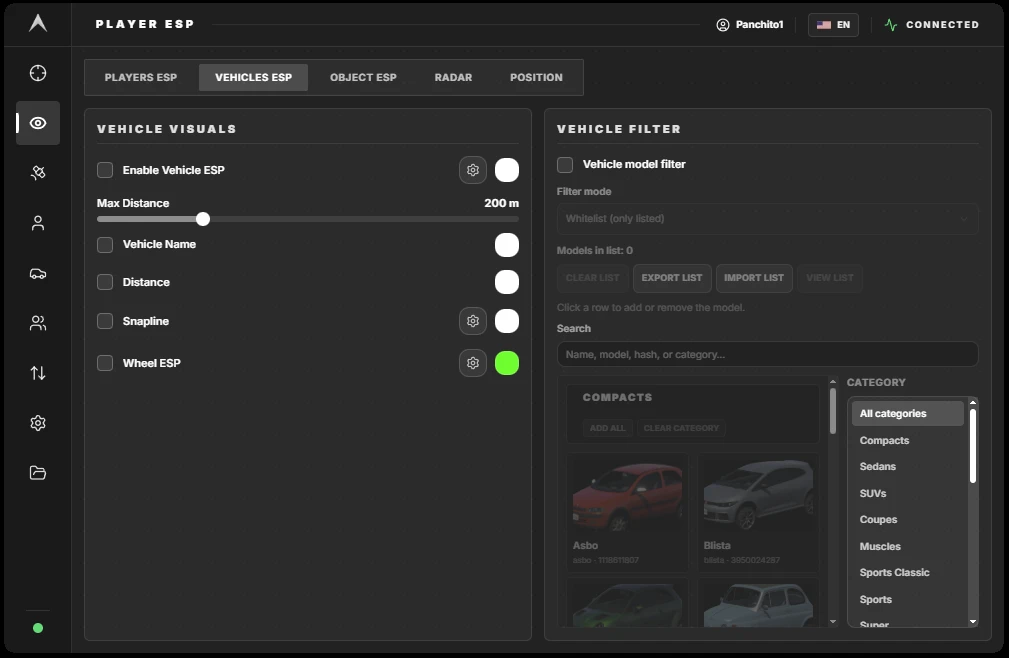
- Enable Vehicle ESP – Master toggle for vehicle tracking
- Vehicle Color – Customize vehicle box color
- Vehicle Name – Display vehicle names
- Distance – Show distance to vehicles
- Snapline – Draw lines to vehicles with Bottom, Center, or Top position
- Wheel ESP – Display wheel locations with adjustable dot size and color
- Render Distance – Set maximum render distance (0–500m)
- Max Distance – Set maximum detection range (100–500m)
Objects
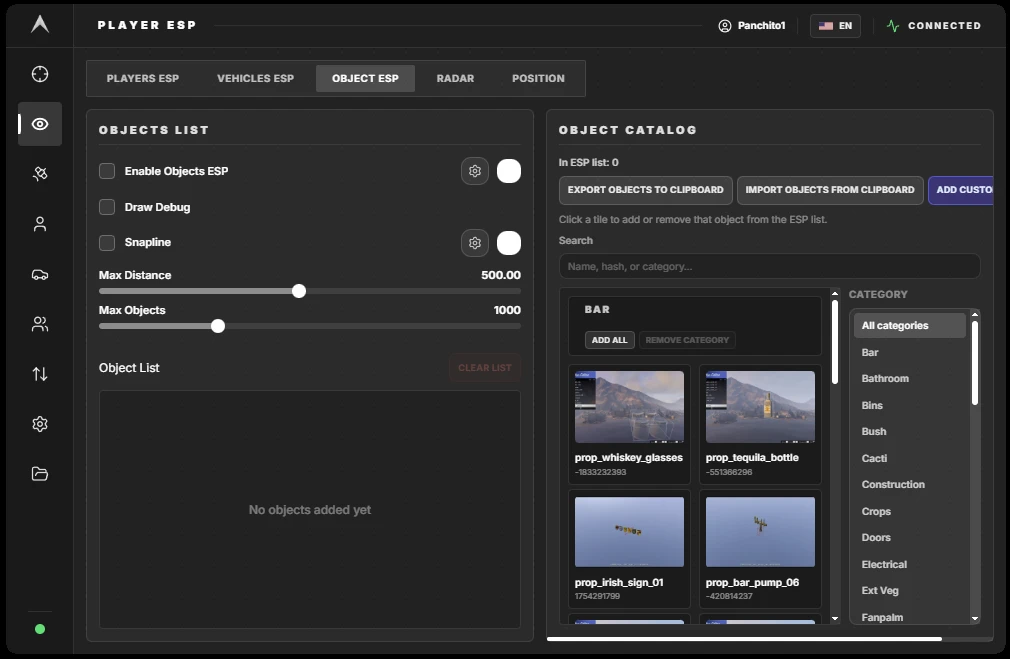
- Enable Objects ESP – Master toggle for object tracking
- Object Color – Customize object box color
- Draw Debug Info – Display technical debug information
- Snapline – Draw lines to objects with position selection
- Render Distance – Set maximum render distance
- Max Count – Set maximum number of objects to display
- Objects List – Add Object with Name and Hash, Rename, Delete, Export to Clipboard, and Import from Clipboard
Radar
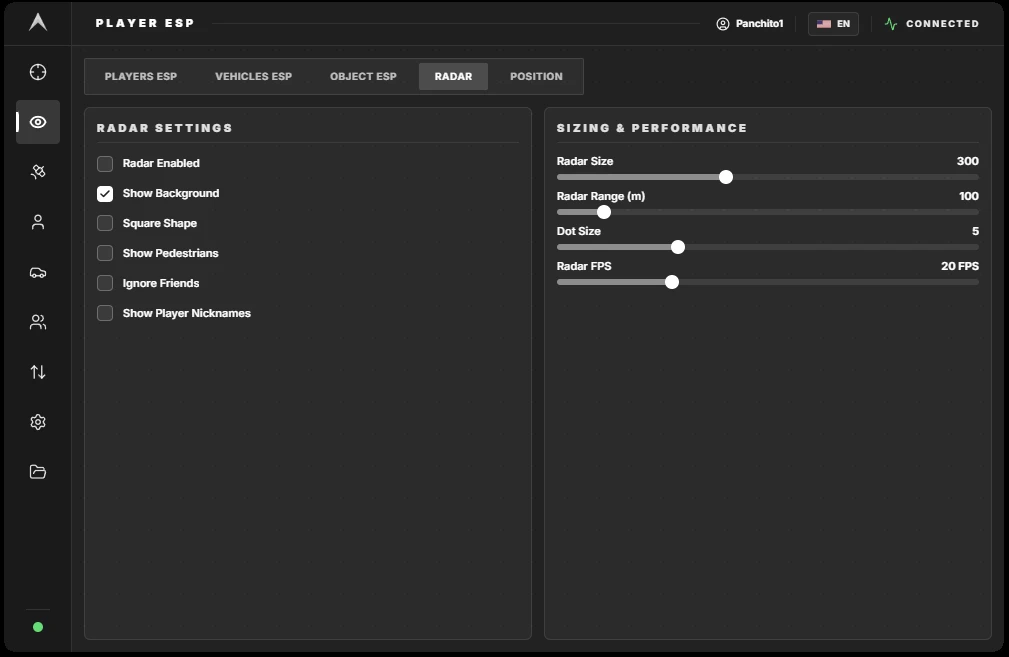
- Radar Enabled – Toggle the radar overlay
- Show Background – Display radar background
- Square Shape – Choose between square or circular radar
- Show Pedestrians – Display pedestrian positions on radar
- Ignore Friends – Filter out friends from radar
- Show Player Nicknames – Display names on radar
- Radar Size – Adjust radar size (100–600)
- Radar Range – Set detection range (50–500m)
- Dot Size – Adjust dot size (1–15)
- Refresh Rate / FPS – Control radar update speed (10–60 FPS)
Locations
- Enable Locations – Master toggle for location tracking
- Location Color – Customize location marker color
- Locations List – Add Location with Name and X/Y/Z coordinates, Add Current Position, Delete Location, Export to JSON, and Import from JSON
🌐 Web Radar
- Create Web Radar Room – Generate a new web radar session
- Connected Users Counter – Display number of users connected
- Room Code Display – Show the room code for sharing
- Room Destroy Timer – Auto-destruct timer when owner disconnects
- Copy Code – Copy room code to clipboard
- Open Radar – Launch radar at https://radar.ambientdma.com/{code}
- Copy URL – Copy the full radar URL to clipboard
- Refresh Rate (FPS) – Control radar update speed (10–60 FPS)
- Close Web Room – End the current web radar session
🛠️ Player
Local Player
- Enable Localplayer Features – Master toggle for local player modifications
- Semi Godmode – Take reduced damage
- Infinite Combat Roll – Unlimited rolling without cooldown
- No Collision – Pass through objects and players
- No Ragdoll – Prevent ragdoll physics
- Infinite Stamina – Unlimited sprinting and actions
- Passive Mode + Hotkey – Enable passive mode with assignable hotkey
- Override Passive – Bypass passive mode restrictions
- Freecam – Detach camera with assignable hotkey, adjustable speed (0.01–1.0), and directional controls (Forward, Backward, Left, Right)
- Give Health – Set health value (0–200) with assignable hotkey and manual set button
- Give Armor – Set armor value (0–100) with assignable hotkey and manual set button
- Prediction – Override bullet speed for improved prediction
Weapon Mods
- Enable Weapon Mods – Master toggle for weapon modifications
- No Recoil – Eliminate weapon recoil with reduction control (0–100%)
- No Spread – Remove bullet spread with reduction control (0–100%)
- No Reload – Skip reload animations
- Infinite Ammo – Unlimited ammunition
🚗 Vehicle
- Enable Vehicle Features – Master toggle for vehicle modifications
- Traction Curve Min – Set minimum traction value (0.0–5.0)
- Traction Curve Max – Set maximum traction value (0.0–5.0)
- Acceleration – Boost vehicle acceleration (0.0–5.0)
- Drive Bias Front – Control front-wheel drive bias (0.0–1.0)
- Brake Bias Rear – Control rear brake bias (0.0–5.0)
- Brake Force – Increase braking power (0.0–5.0)
- Apply Handling Button – Apply handling modifications
- Primary Color Picker – Choose vehicle color
- Set Vehicle Color Button – Apply selected color to current vehicle
📋 Lists
Players
- Filter – Search for specific players by name
- Show Only Friends – Display only friends in the list
- Player List – Live player list updating every 500ms with double-click to add or remove friend
- Friends Render Type – Choose Don't Render or Color display
- Friends Color – Customize friend indicator color
- Quick Add / Remove Friend – Assign hotkey for friend management
- Show Friend Notification – Alert when friends join the game
- Nearby Range – Set detection range for nearby players (1–100 meters)
- Draw Range Circle – Display circle indicating nearby range
- Range Circle Color – Customize range circle color
- Add Nearby Players as Friends – Bulk add nearby players
- Add Friend / Remove Friend Button – Manual friend management
- Clear All Friends Button – Remove all friends from the list
⌨️ WASD Strafe
- System Status Indicator – Shows current status: Stopped, Starting, Searching Offsets, Running, or Failed
- START SYSTEM / STOP SYSTEM Button – Control the strafe system
- Enable Strafe WASD – Toggle strafe functionality
- Toggle Hotkey – Assign key to toggle strafe
- Auto Sprint – Automatically sprint while moving
- Auto Sprint Hotkey – Assign key for auto sprint
- Anti AFK – Prevent idle kick
- Anti AFK Hotkey – Assign key for Anti AFK
- W Hold Duration – Set W key hold duration (10–1000ms)
- A Hold Duration – Set A key hold duration (10–1000ms)
- S Hold Duration – Set S key hold duration (10–1000ms)
- D Hold Duration – Set D key hold duration (10–1000ms)
⚙️ Miscellaneous
- Watermark – Display software branding
- Crosshair – Custom crosshair with styles including Simple Cross, Cross + Dot, Cross + Outline, and Dot Only, with adjustable Gap, Size, Thickness, Dot Size, Dot Outline, and Color
- Prefer Aiming / Shooting – Prioritize aiming or shooting actions
- ESP Flickering Fix – Smooth ESP rendering to prevent flickering
- Spectator List – Display who is spectating you
- Active Features Panel – Show currently active features
- GTA Process Name – Custom input for game process name
- Menu Accent Color – Customize menu accent color
- Menu Hotkey – Assign key to open the menu
- Allow MemWrite Features – Master toggle for memory write functionality
- Vertical Synchronization – Synchronize with monitor refresh rate
- Overlay Type – Choose between Fuser or Parsec / Moonlight overlay
- Monitor Selection – Choose which monitor displays the overlay
- Overlay Background Color – Customize overlay background
- Configure Aim Device – Select from KmBox BPro, Makcu, Arduino, or KmBox Net with COM Port, Baud Rate, IP / Port / UUID settings, and Connection Status display
- Exit Button – Safely close the software
💾 Config
- Config List – Up to 20 configuration slots available
- Config Manager – Create New Configuration, Load, Save, Delete, Rename, Import from Clipboard, and Export to Clipboard
- Public Config Explorer – Search Configs, Sort Configs, Save Public Config to Account, and Share Config ID
- Publish Config – Copy configuration to public library
- Unsaved Changes Detection – Alert when changes need to be saved
Automatic feedback after 7 days.
Automatic feedback after 7 days.
Automatic feedback after 7 days.
Automatic feedback after 7 days.
 Someone in DE purchased
GTAV/FiveM
Verifierad
Someone in QA purchased
GTAV/FiveM
Verifierad
Someone in AU purchased
GTAV/FiveM
Verifierad
Someone in LV purchased
GTAV/FiveM
Verifierad
Someone in AU purchased
GTAV/FiveM
Verifierad
Someone in DE purchased
GTAV/FiveM
Verifierad
Someone in QA purchased
GTAV/FiveM
Verifierad
Someone in AU purchased
GTAV/FiveM
Verifierad
Someone in LV purchased
GTAV/FiveM
Verifierad
Someone in AU purchased
GTAV/FiveM
Verifierad
Logga in på ditt konto
Din webbläsare har blockerat Discord-fönstret. Tillåt popup-fönster för den här webbplatsen och försök igen.
Inloggningen på Discord misslyckades. Försök igen.



























No matches here — press Enter to search everything.
Skriv in sökord för att söka efter produkter.