COD
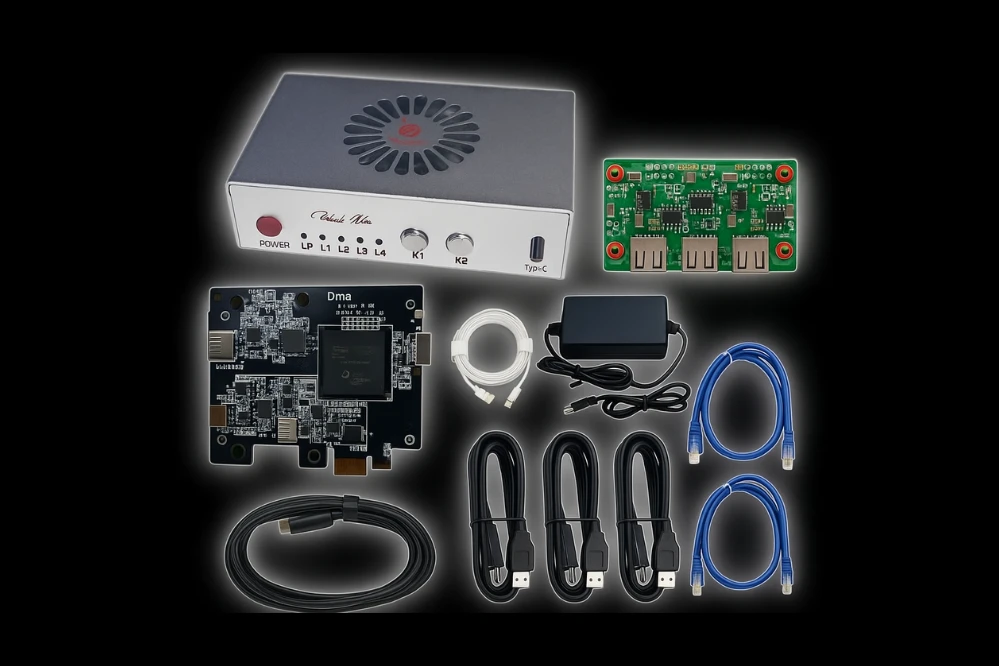
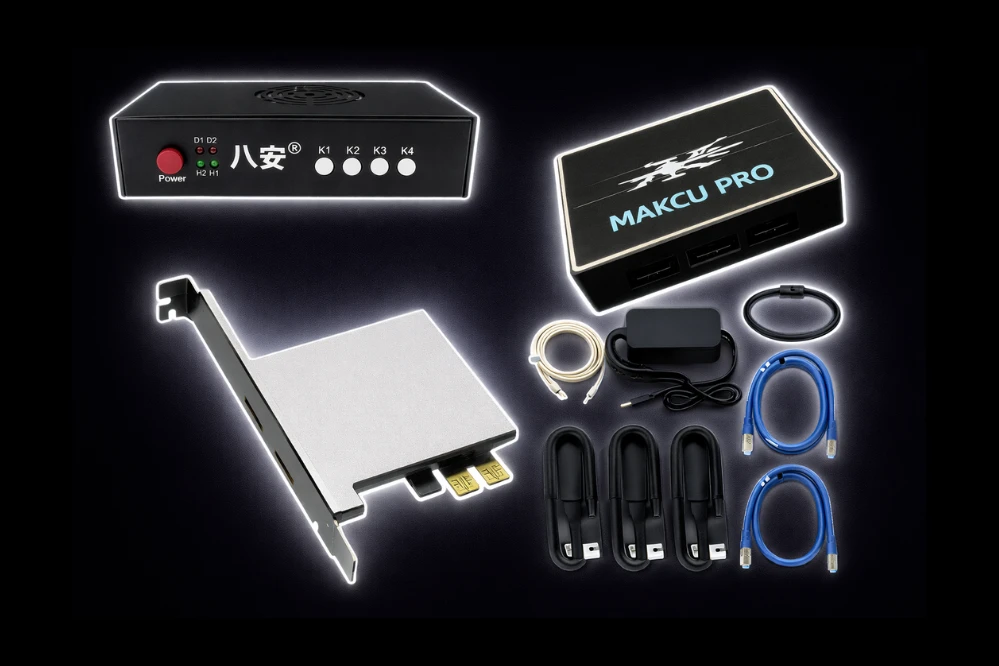
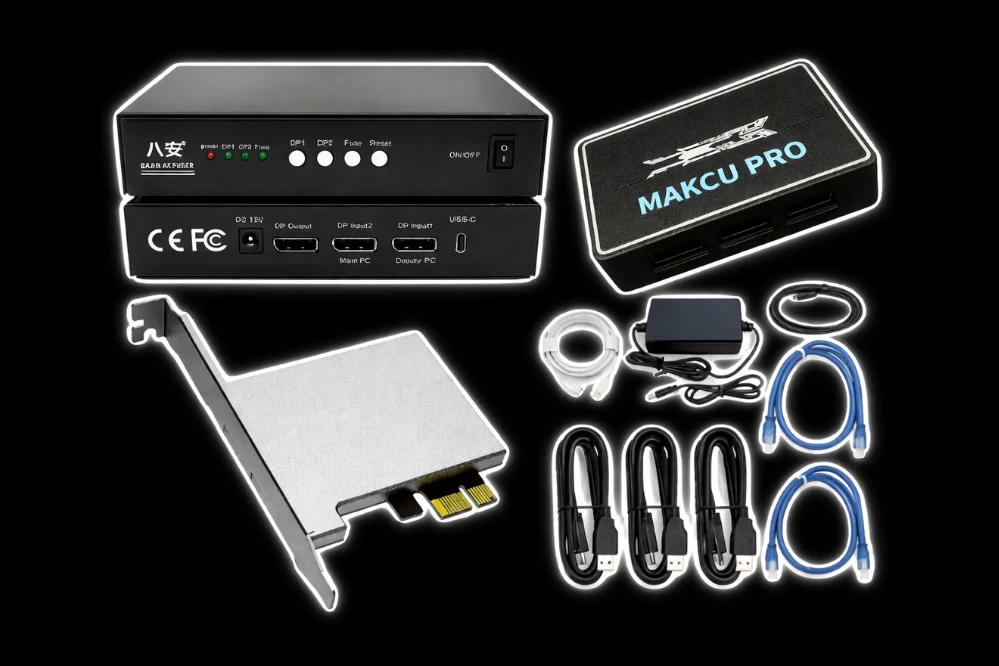
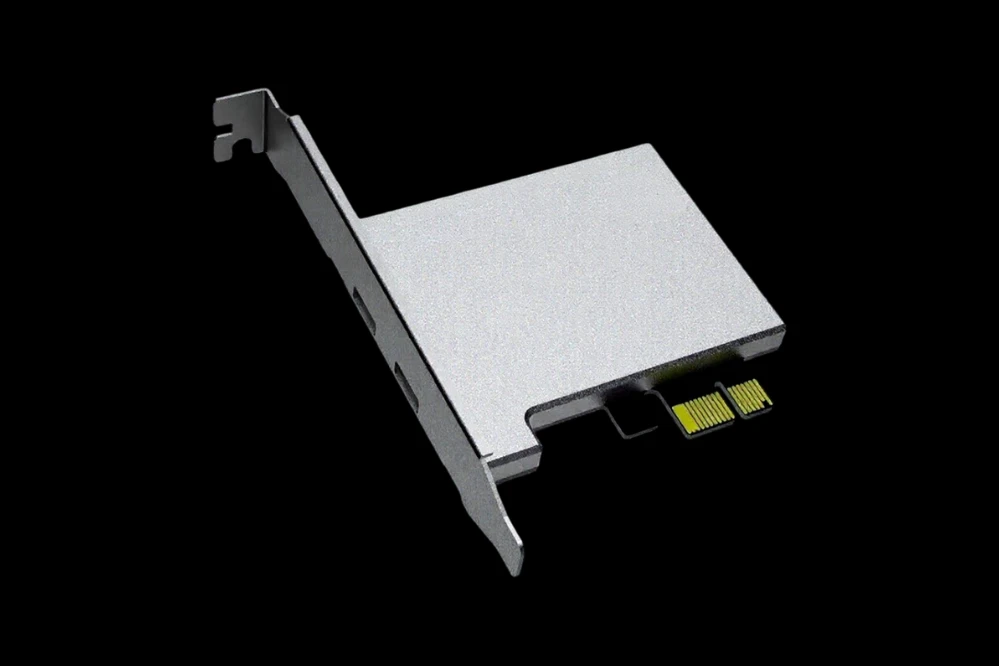
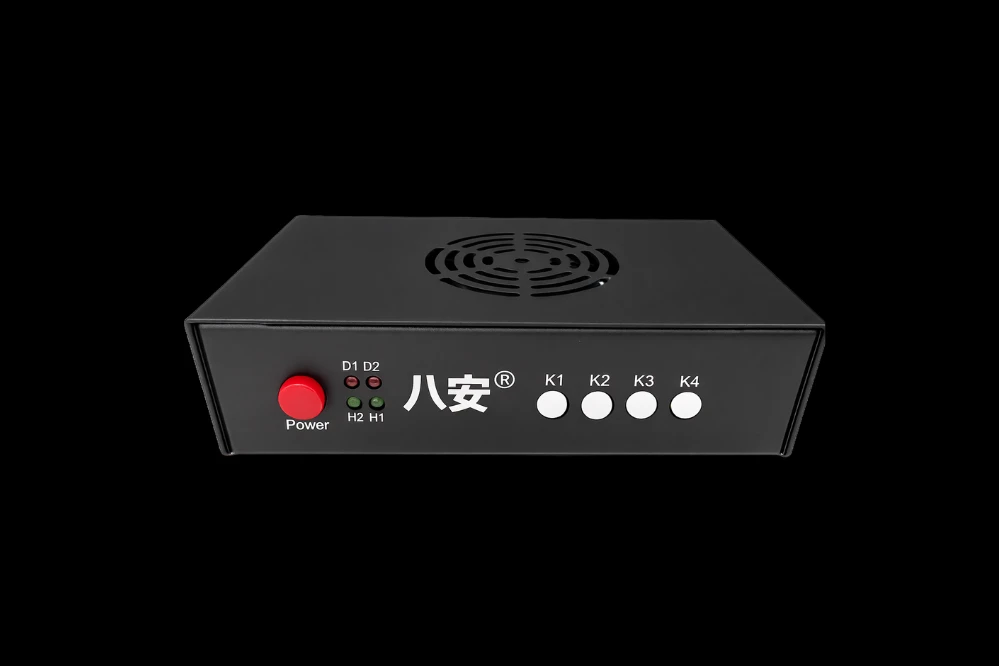
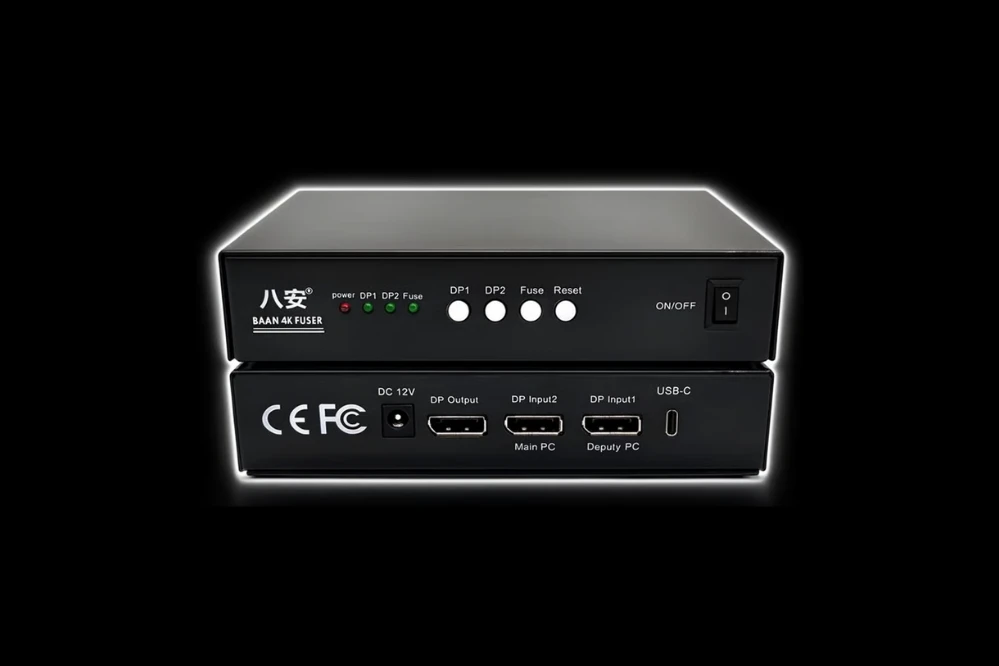
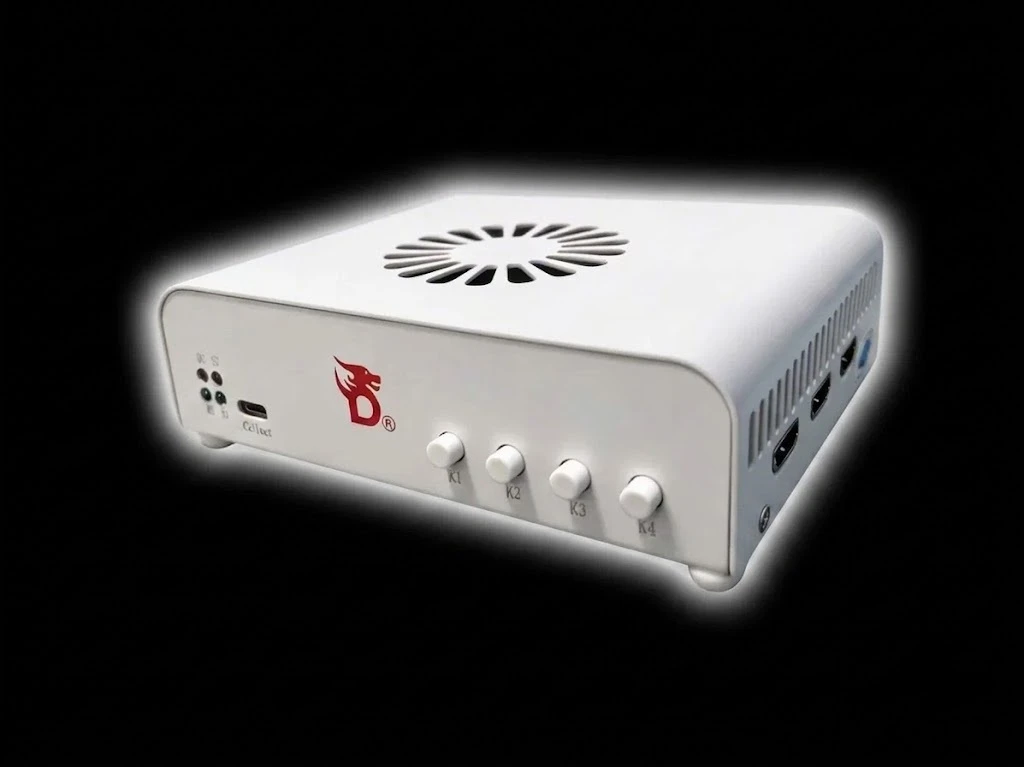
Requires: DMA Card
Game Versions:
- bo7 / warzone (all modes)
- bo6 (mp and zombies)
- mw3 (mp and zombies)
- mw2 (mp and dmz)
- vanguard
- mw19
Game Platforms:
STEAM + GAMEPASS + BATTLENET
💣 Grenade & Utility Features
- Tactical & Lethal Trajectory Preview: Visualize the exact landing spot of your thrown tactical and lethal equipment before deployment, ensuring precise utility placement.
- Accurate Enemy Grenade Trajectories: Enemy grenade trajectory lines are now rendered with pinpoint accuracy, allowing for better evasion and counter-play.
- Instant Grenade Proximity Warning: Receive immediate on-screen alerts when you are within the blast radius of an active grenade, providing maximum time to react.
🎯 Aimbot
- Aimbot: Automatically assists your aim to help you hit targets more accurately and consistently.
- Targeting Prediction: Calculates where a moving target will be based on your weapon and distance, ensuring your shots land.
- Target Switching: Automatically moves your aim to the next available enemy after you eliminate your current target.
- Bone Locking: Forces your aim to stay locked onto a specific body part, such as the head or chest.
- Mid-Lock Bone Switching: Allows you to change which body part you are targeting even while the aimbot is currently locked on.
- Smart Target Priority: Automatically chooses the best target based on their health, distance, and whether they are visible.
- Max Distance: Limits the aimbot to only target enemies within a specific range, up to 300 meters.
- Off-Screen Targeting: Enables the aimbot to lock onto enemies even if they are not currently visible on your screen.
- FOV Adjustment: Lets you change the size of the area where the aimbot will look for targets.
- FOV Display: Shows a visual circle on your screen representing the aimbot's active area.
- Deadzone Controls: Sets specific areas where the aimbot will not activate, giving you more manual control when needed.
- Dynamic Smoothness: Adjusts how naturally your aim moves to a target, making the assistance look more human-like.
- Aim Delay: Adds a slight pause before the aimbot locks on to mimic natural human reaction time.
- Randomization: Adds subtle, random variations to aim movements to avoid looking robotic or predictable.
- Sticky Aim: Helps your crosshair "stick" to a target once you have started aiming at them.
- Auto Shoot: Automatically fires your weapon as soon as the aimbot has a clear lock on a target.
- Rapid Fire: Increases the firing rate of semi-automatic weapons, making them fire as fast as possible.
- Recoil Control: Helps manage and reduce weapon kickback without modifying the game's internal memory.
- Visible Check: Ensures the aimbot only targets enemies that are actually in your line of sight.
- Ignore Knocked/Reviving: Prevents the aimbot from wasting shots on players who are already down or being revived.
⚡ Triggerbot
- Triggerbot: Automatically pulls the trigger for you the exact moment an enemy enters your crosshair.
- Crosshair Detection: Monitors your crosshair and fires instantly when it detects an enemy player.
- Custom Shot Delay: Allows you to add a specific delay before the triggerbot fires to make the timing look more natural.
- ADS-Only Firing: Ensures the triggerbot only activates when you are actively aiming down your sights.
- Fully Scoped Firing: Restricts the triggerbot to only fire when your sniper or high-power scope is fully zoomed in.
🧲 Magnet Triggerbot
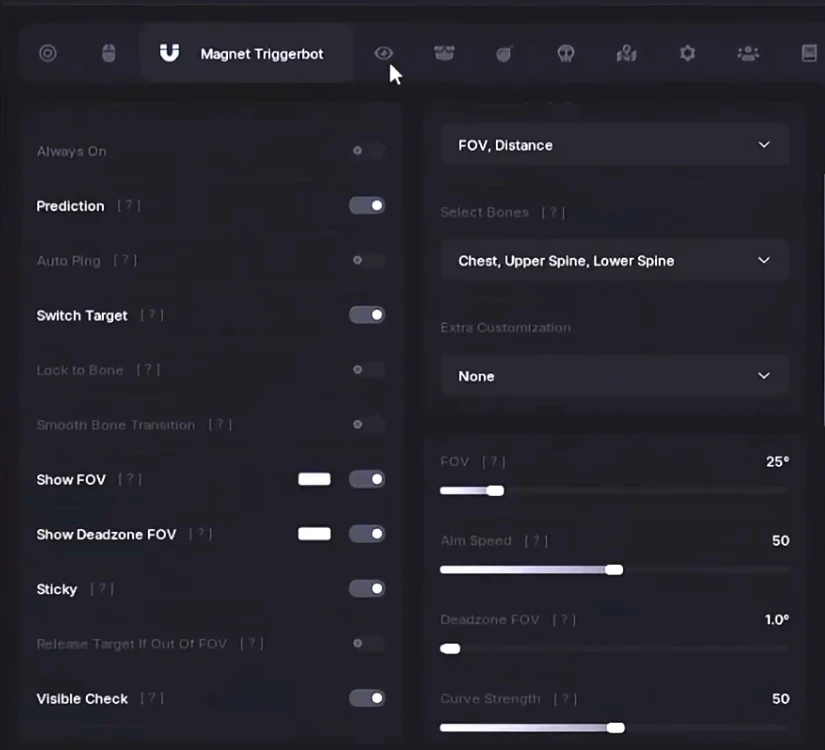
- Magnet Triggerbot: A hybrid feature that both pulls the trigger and slightly pulls your aim toward the target.
- Sticky Magnet Aim: Keeps your crosshair "magnetized" to the enemy once they are within your trigger range.
- Magnet Smoothness: Controls how gently the magnet effect pulls your aim toward the enemy.
👁️ ESP and Visual
- Player ESP: Draws visual overlays on your screen to show you exactly where other players are located.
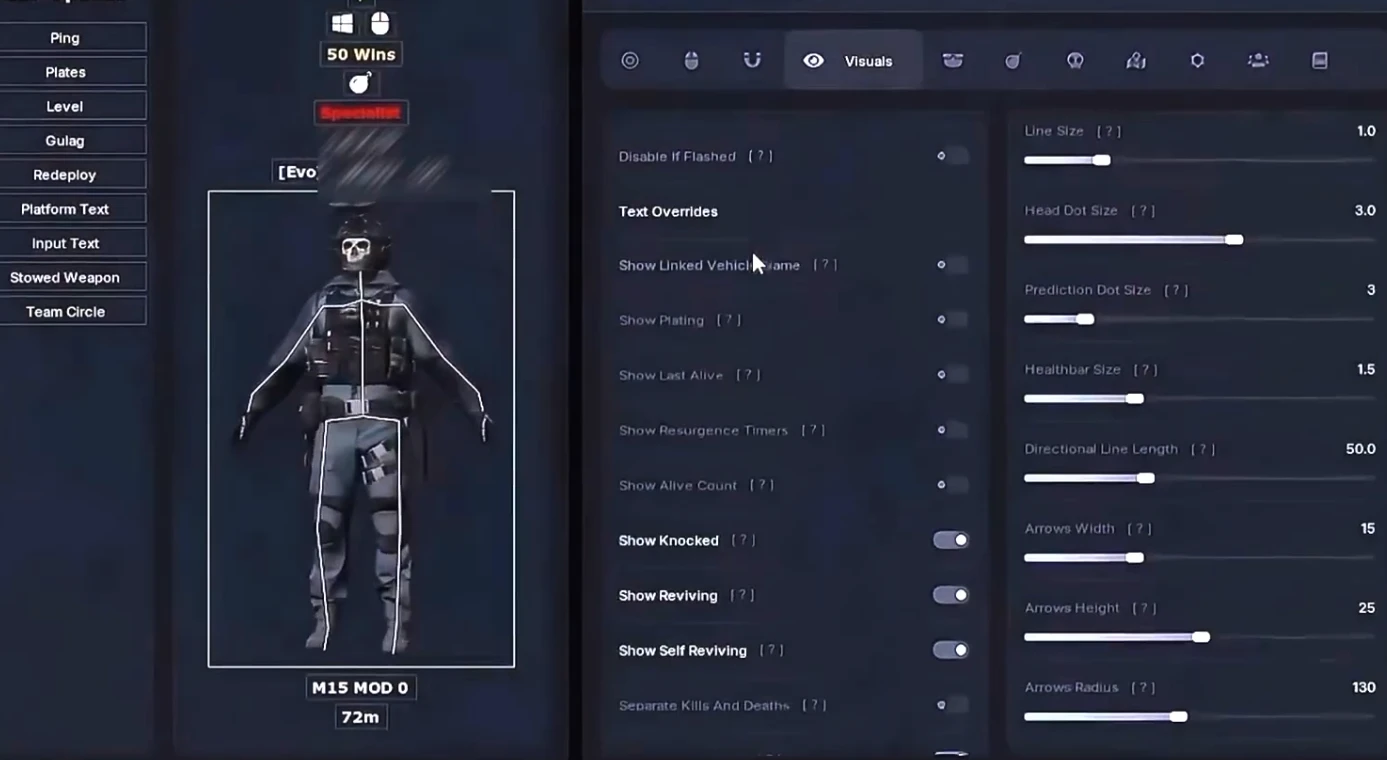
- Box/Skeleton ESP: Draws boxes or stick figures over enemies so you can see their exact position and posture through walls.
- Health and Armor Bar: Displays a visual meter showing how much health and armor an enemy has left.
- Distance Display: Shows exactly how many meters away each player or item is from your position.
- Weapon ESP: Shows you what weapon an enemy is currently holding and what they have stowed on their back.
- Aimed-At Warning: Provides a clear on-screen alert if an enemy player is currently aiming their weapon at you.
- Player Status Indicators: Shows if a player is currently knocked down, reviving themselves, or planting a bomb.
- World ESP: Highlights important items in the environment like weapons, grenades, and equipment.
- Vehicle ESP: Shows the location and distance of all drivable vehicles on the map.
- Objective ESP: Highlights game objectives like buy stations, ammo caches, and extraction points.
- Visible-Only Mode: Cleans up your screen by only showing ESP information for enemies you can actually see.
- Custom Colors: Allows you to set different colors for visible enemies versus those hidden behind cover.
📦 Warzone Loot ESP
- Loot ESP: Highlights valuable items and gear on the ground, making it easy to find the best equipment.
- Category Filters: Lets you choose exactly what type of loot you want to see, such as only high-tier weapons or money.
- Weapon Rarity Colors: Uses different colors to show the rarity level of weapons, just like the game's loot system.
- Loot Snaplines: Draws a line from the center of your screen directly to the most valuable items nearby
📡 Radar
- 2D Radar: Provides a custom map overlay that shows the exact positions of everyone around you.
- Height Indicators: Shows a small arrow next to players on the radar to tell you if they are above or below you.
- Direction Arrows: Shows which way enemies are currently facing on your radar map.
- Radar Zoom and Size: Allows you to fully customize how large the radar is and how much area it covers.
👥 Lobby and Player List
- Lobby Statistics: Shows detailed information about everyone in the match, including their level and K/D ratio.
- Platform and Input Icons: Shows if a player is on PC or Console, and if they are using a controller or a keyboard.
- Spectator List: Displays a list of exactly who is currently watching you play.
- Persistent Marking: Allows you to "tag" specific players so you can recognize them if you meet them in future games.
- Win Streak Tracking: Shows you which players in the lobby are currently on a high winning streak.
⚙️ System and Config
- Device Support: Includes specialized support for external hardware like KMBox or Arduino for safer input handling.
- Panic Key: A single emergency hotkey that instantly disables all features and clears your screen.
- Config System: Allows you to save all your favorite settings into a file that you can load instantly.
- Hotkeys: Lets you assign specific keys to toggle any individual feature on or off while you are playing.
Automatic feedback after 7 days.
Automatic feedback after 7 days.
Automatic feedback after 7 days.
Automatic feedback after 7 days.
 Someone in US purchased
COD
Verified
Someone in GB purchased
COD
Verified
Someone in US purchased
COD
Verified
Someone in KW purchased
COD
Verified
Someone in US purchased
COD
Verified
Someone in US purchased
COD
Verified
Someone in GB purchased
COD
Verified
Someone in US purchased
COD
Verified
Someone in KW purchased
COD
Verified
Someone in US purchased
COD
Verified
Log in to your account
Your browser blocked the Discord window. Allow pop-ups for this site and try again.
Discord login failed. Please try again.






































No matches here — press Enter to search everything.
Type to search products.