Escape From Tarkov
each
In stock
In stock
Out of stock
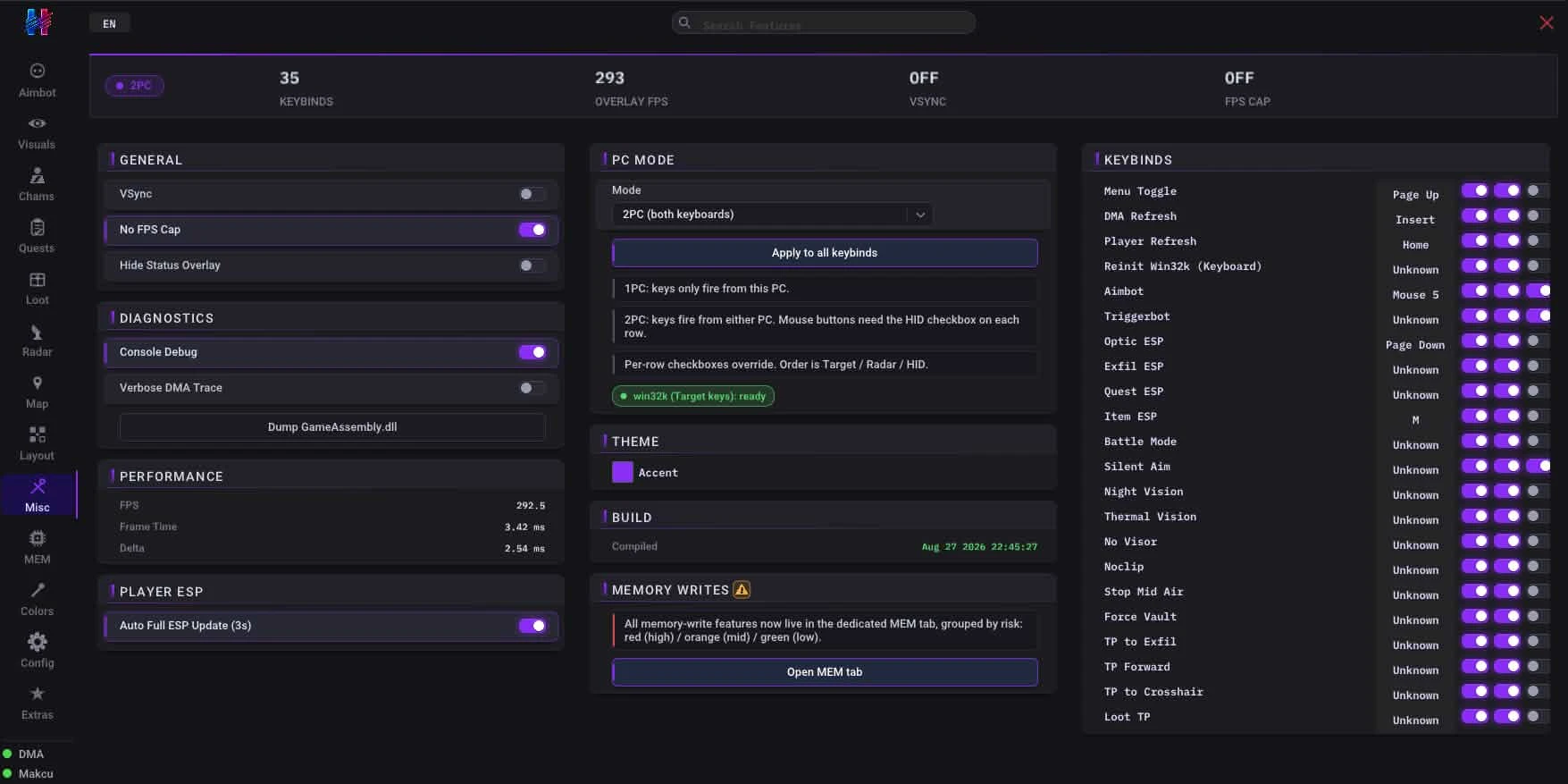
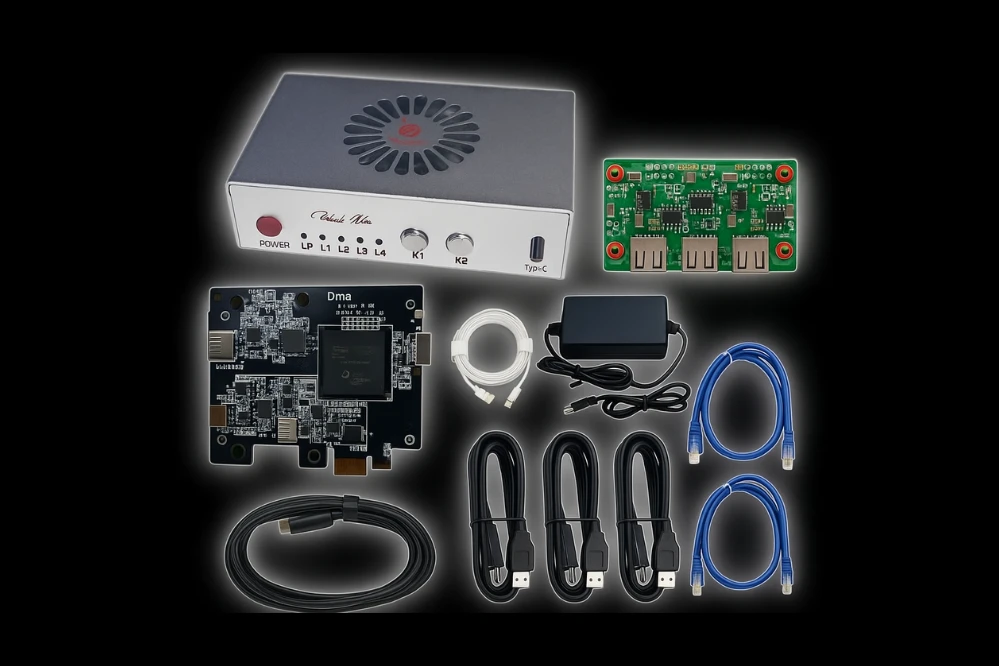
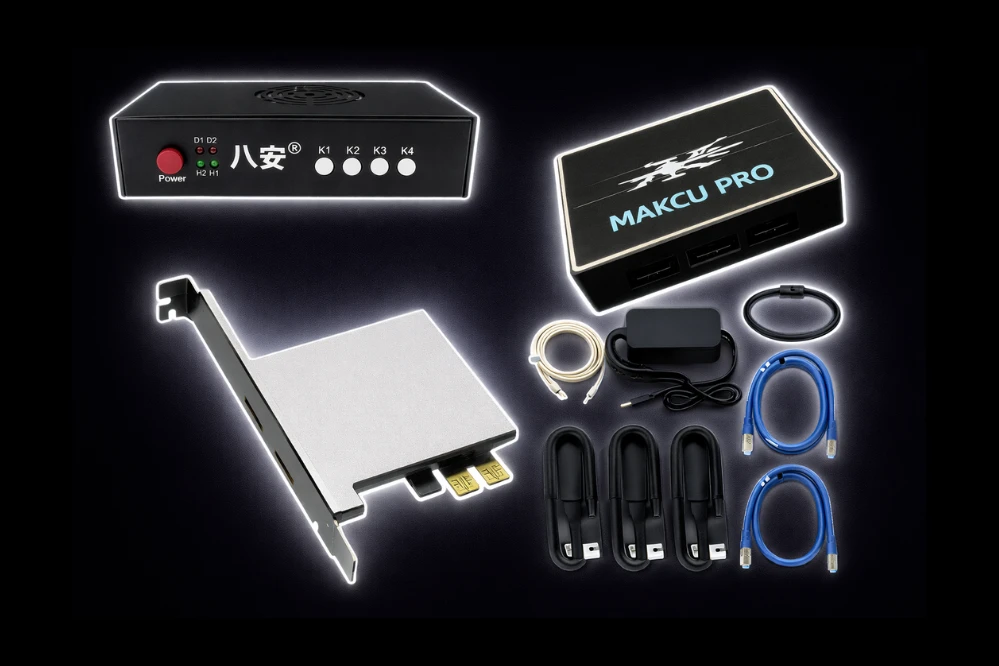
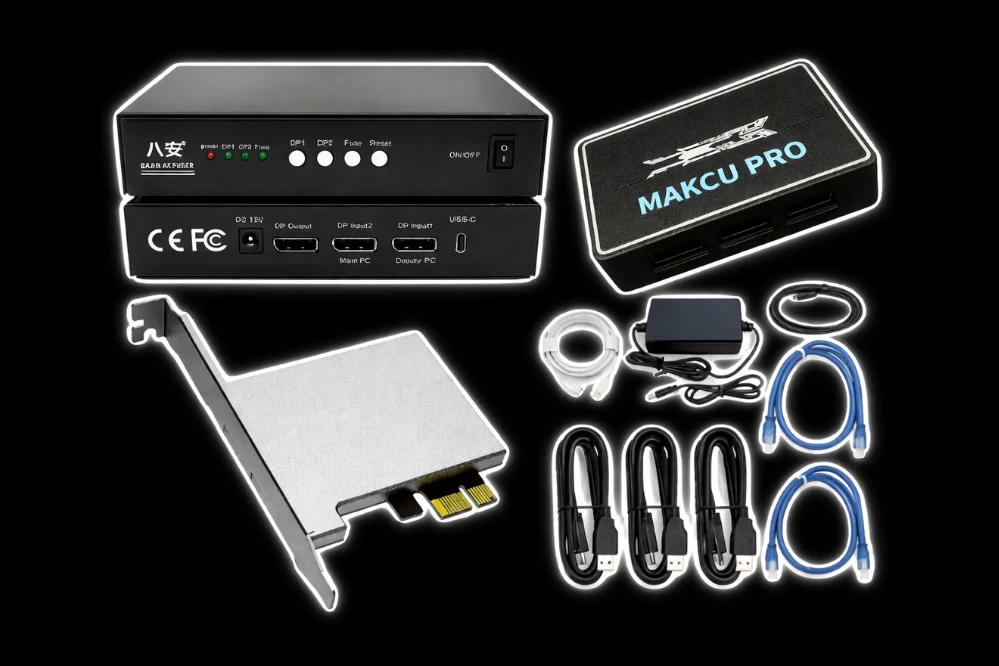
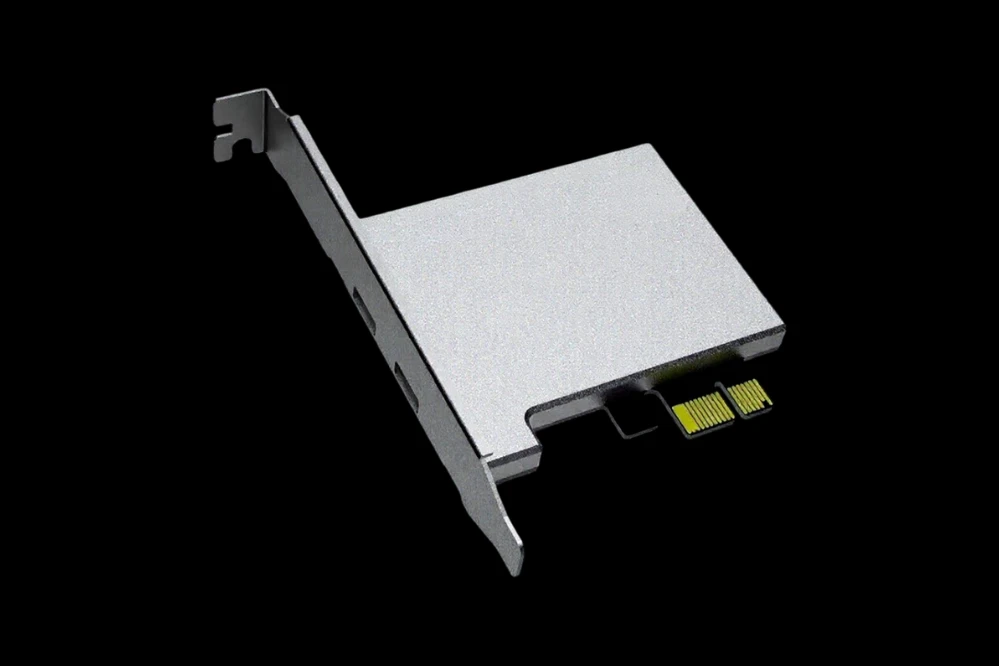
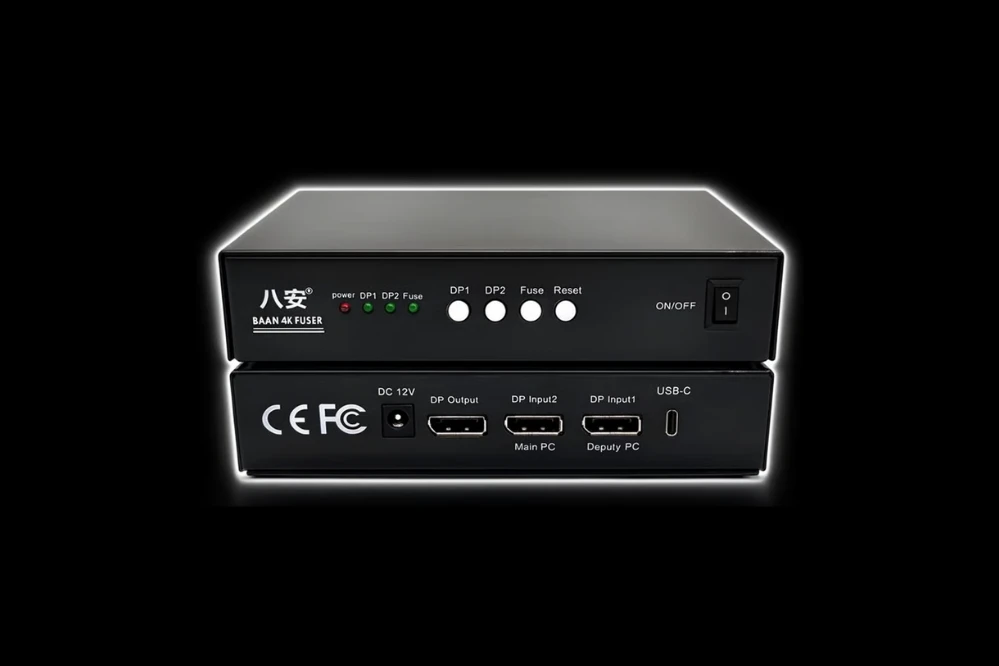
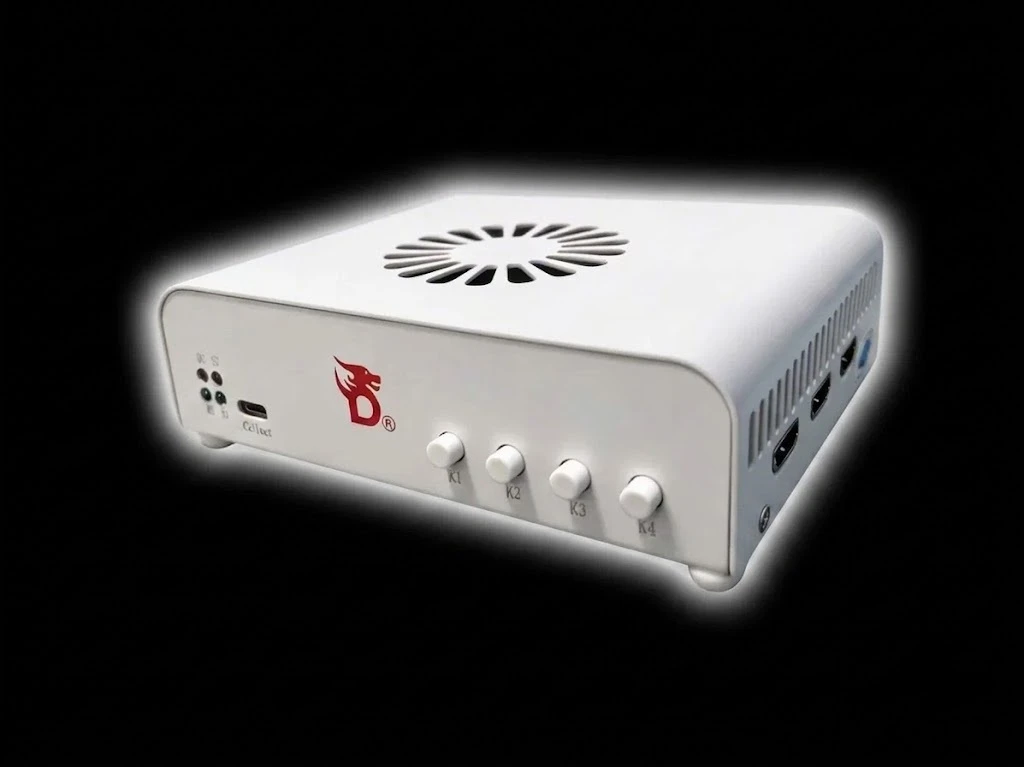
Requires: DMA Card
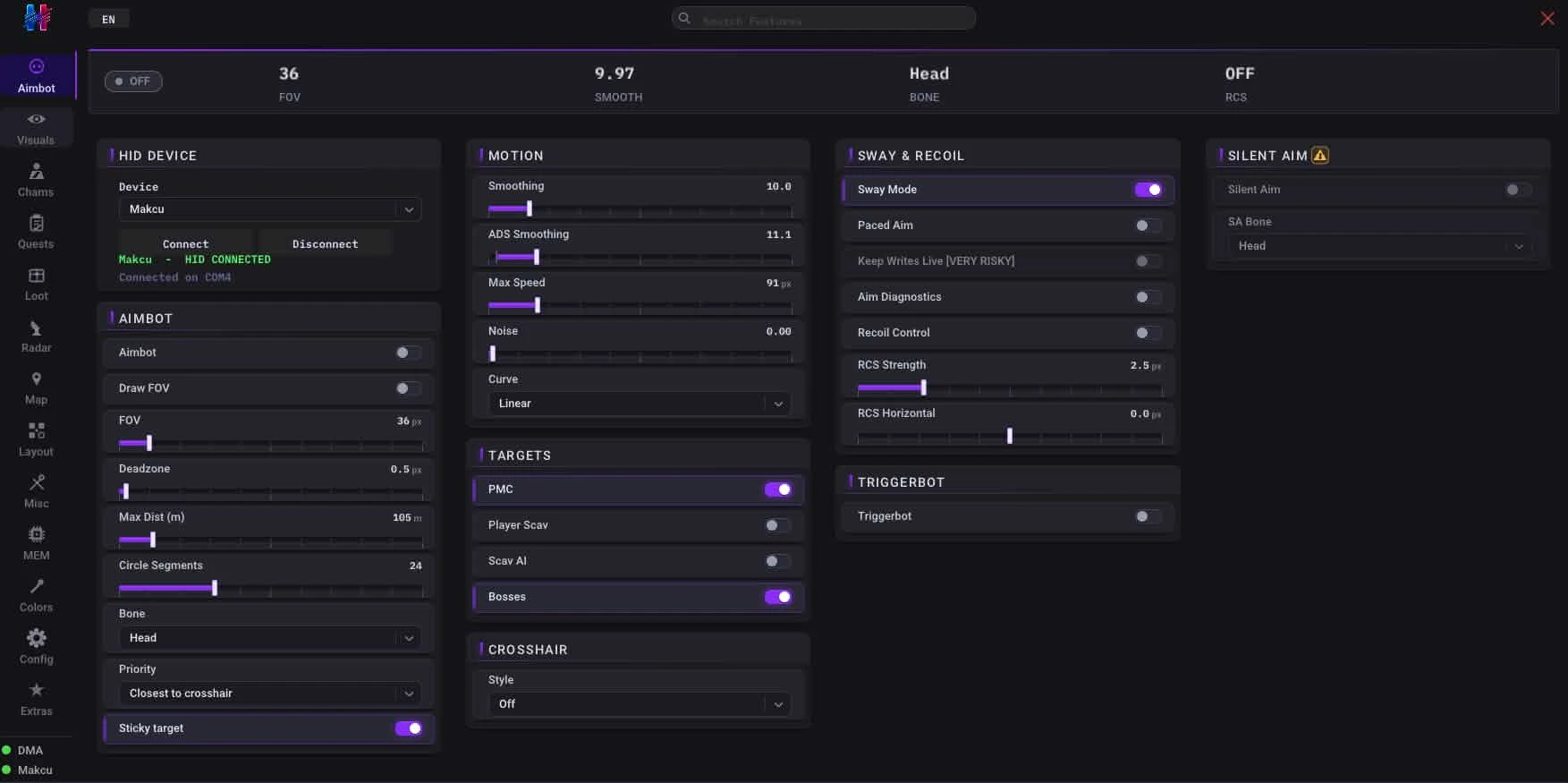
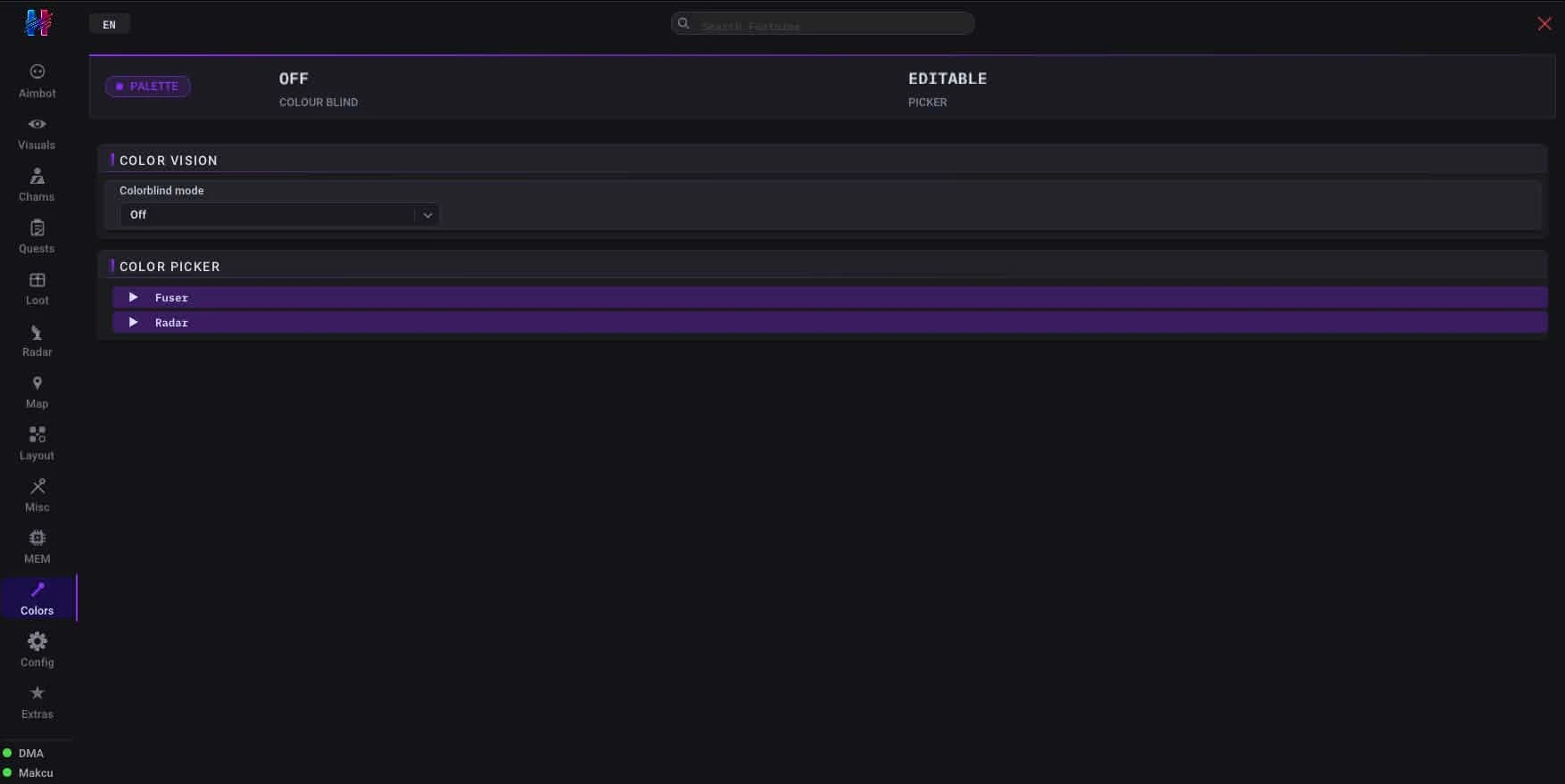
🎯 Aimbot
- Master toggle – A central switch to activate or deactivate the entire aimbot system
- FOV circle – Displays a visual circle indicating the aimbot's field of view
- FOV size – Adjusts the size of the aimbot's field of view for targeting
- Deadzone – Defines an area where the aimbot will not engage, allowing for manual adjustments
- Smoothing X/Y – Controls the smoothness of horizontal and vertical aim movements for a more natural feel
- Noise – Introduces slight variations in aim movement to mimic human imperfection
- Triggerbot – Automatically fires the weapon when an enemy is in the crosshairs
- Bone selection – Allows targeting specific body parts (e.g., head, chest) for precise shots
- Silent aim – Reroutes shots to hit targets without the crosshair visibly moving
- No recoil + No sway – Eliminates weapon recoil and sway for perfectly stable aiming
👁️ Visuals
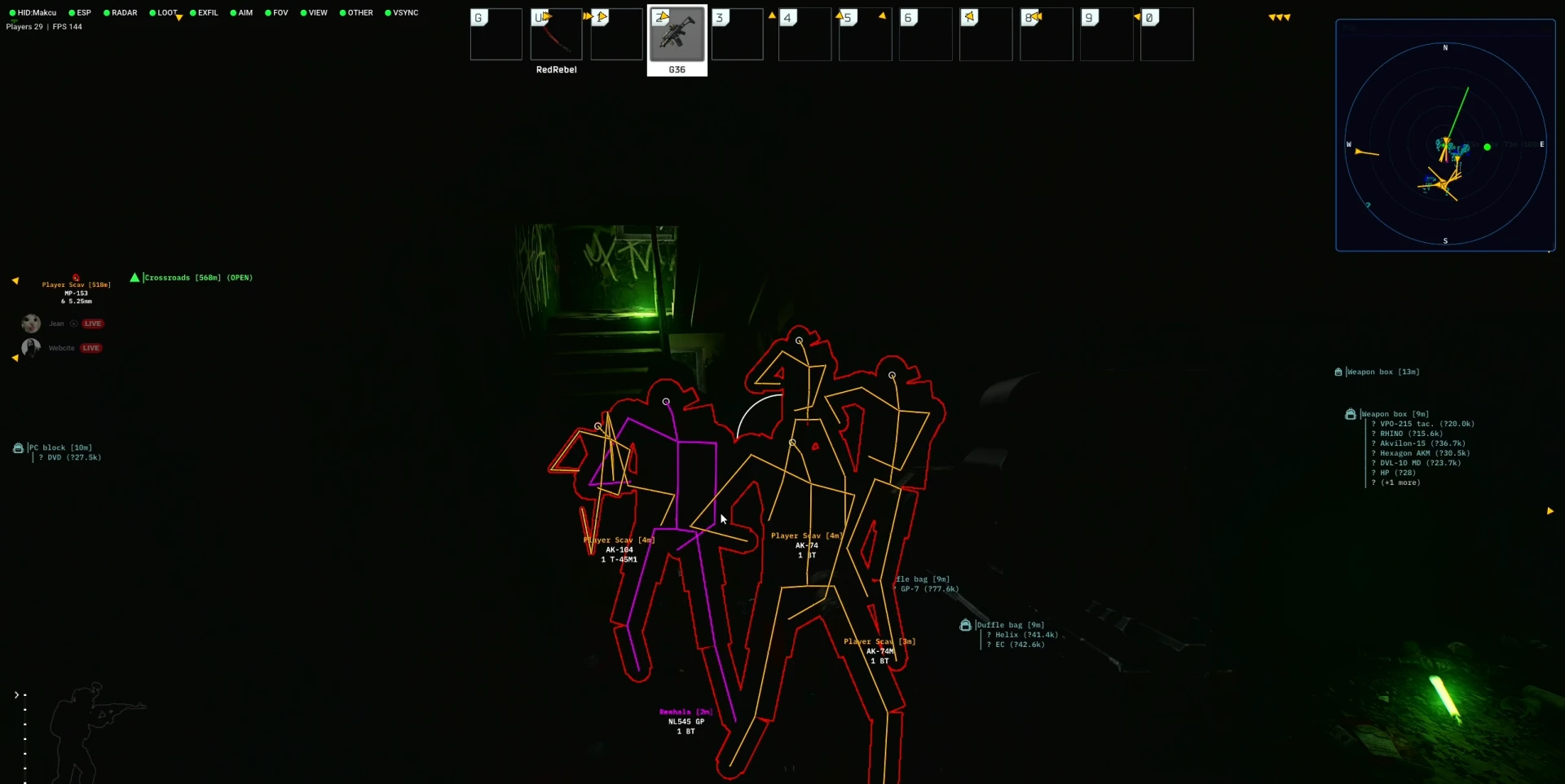
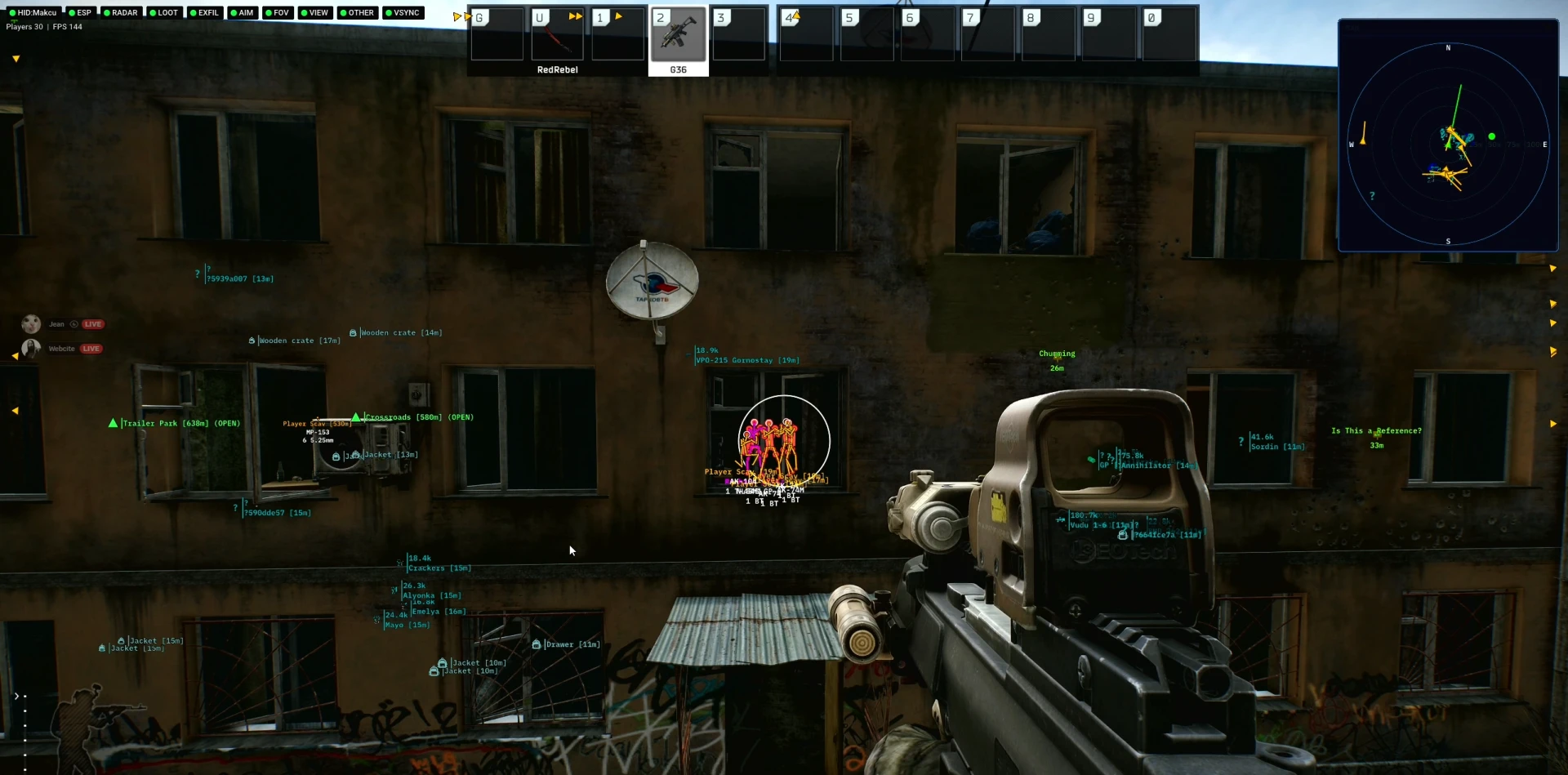
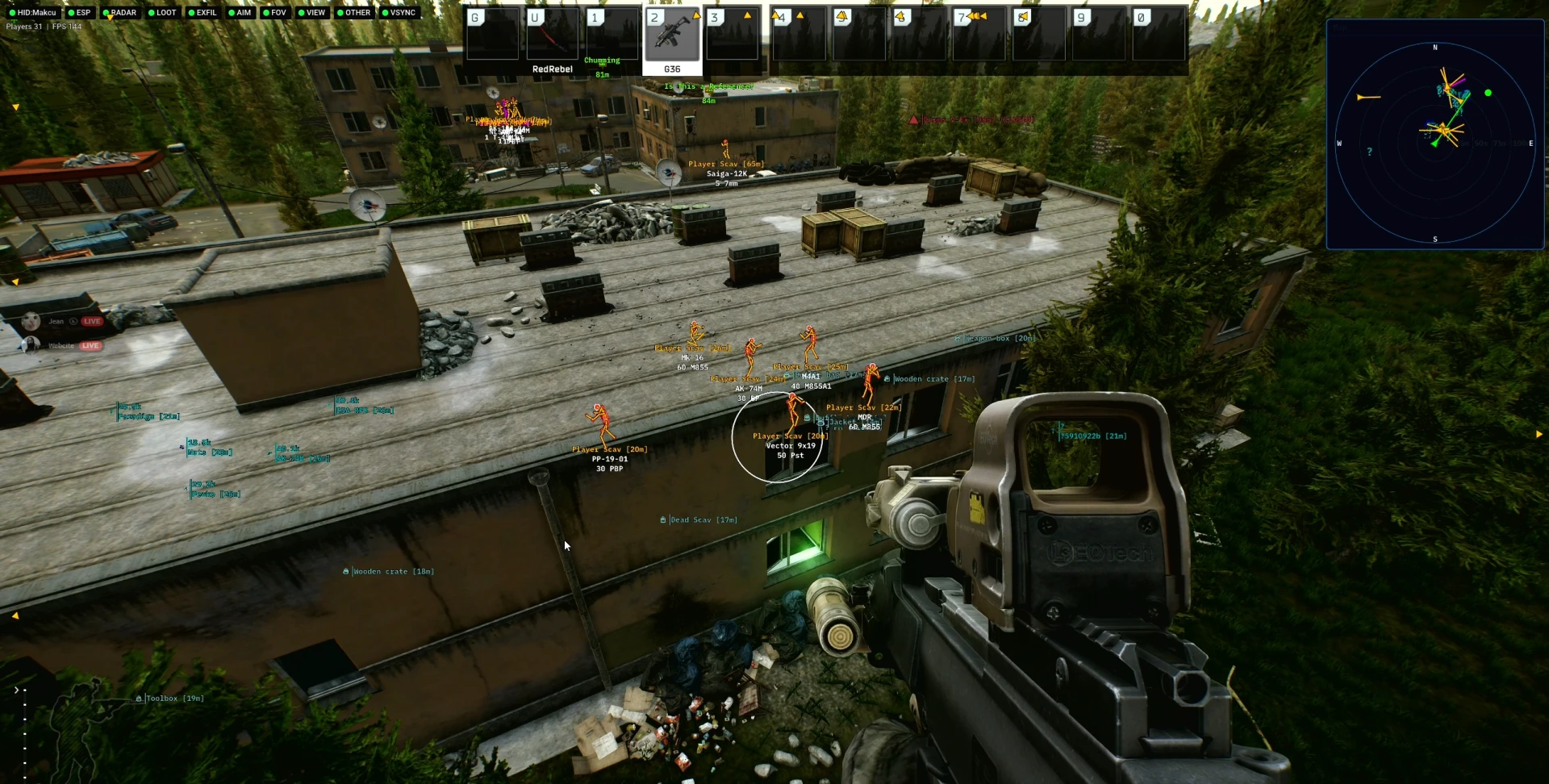
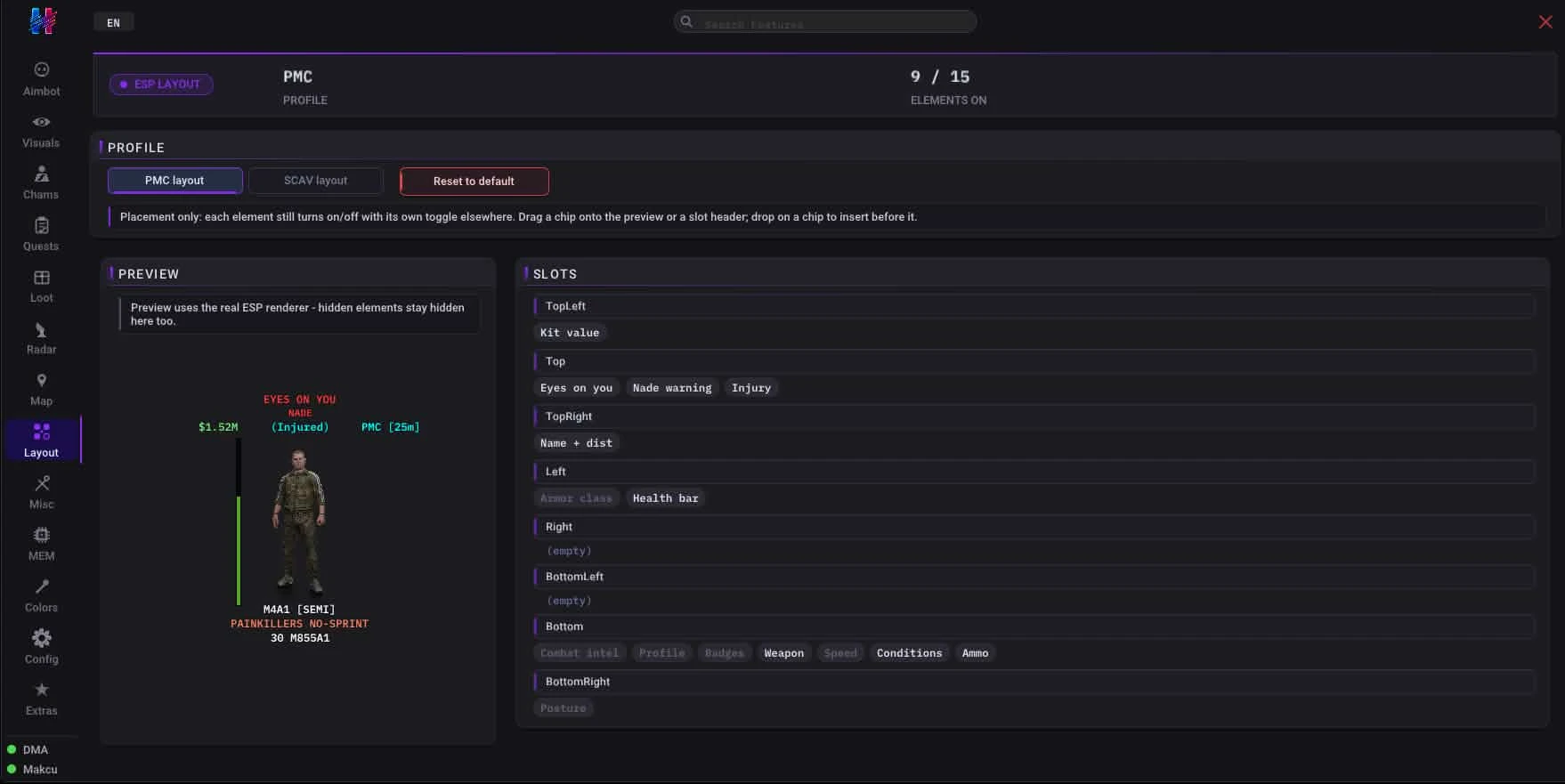
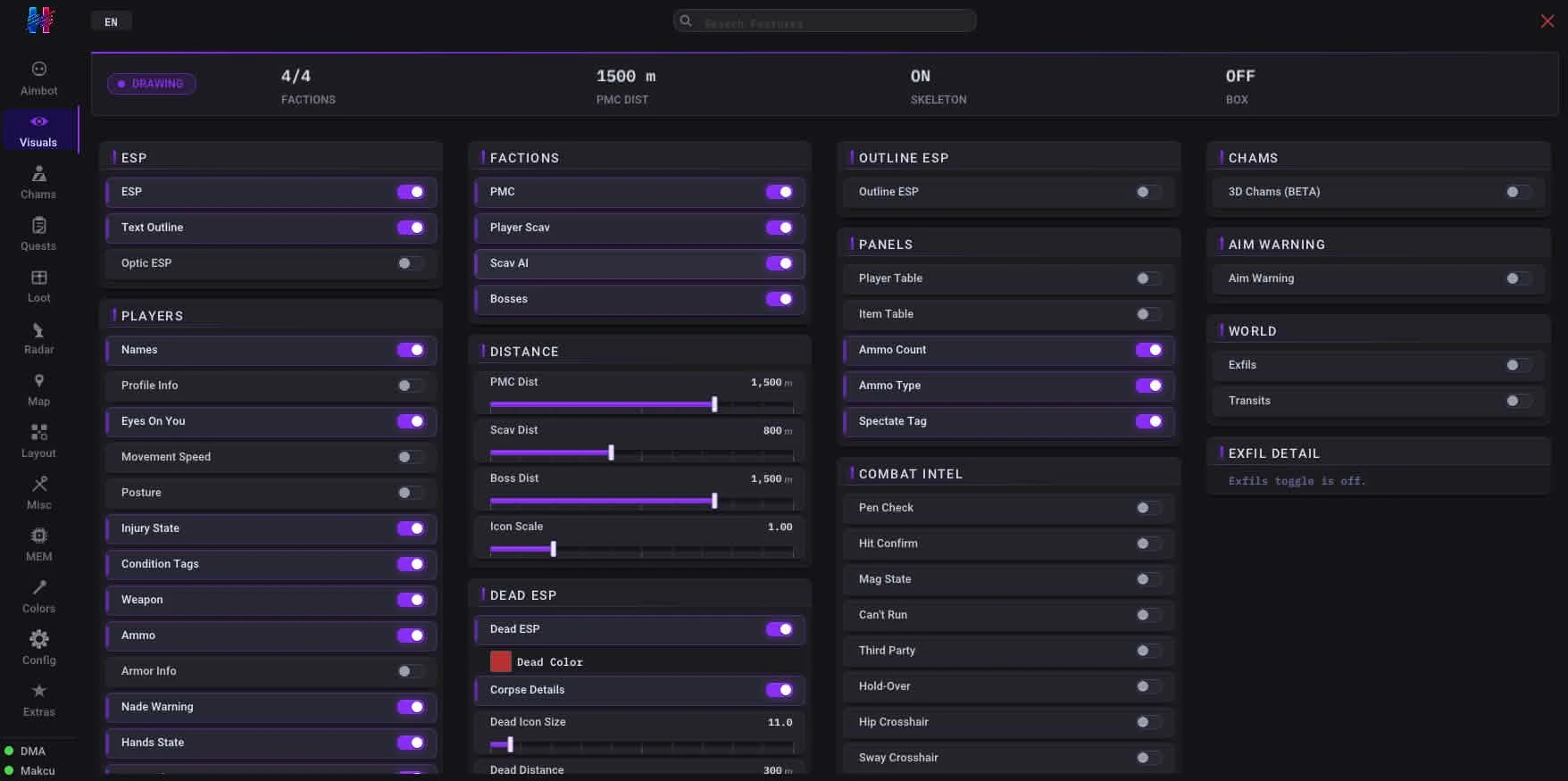
- Player ESP – Displays information about other players through walls
- Player names – Shows the names of players
- Weapon display – Indicates the weapon currently equipped by other players
- Ammo info – Provides details on the ammunition count of other players' weapons
- Skeleton ESP – Renders player skeletons, revealing their posture and exact hitboxes
- Adjustable skeleton thickness – Modifies the visual thickness of rendered skeletons
- Head dot – Places a visible dot on players' heads for easy targeting
- Bounding box / corner box – Draws a box around players, either full or just corners, for easy identification
- Snaplines – Draws lines from your position to detected players
- Aim line – Shows a line indicating where other players are aiming
- Off-screen arrows – Displays arrows pointing to players who are currently off-screen
- Optic / scoped ESP – Provides ESP information even when looking through a scope
- Bone smoothing – Smooths the movement of rendered skeletons for better tracking
- BTR ESP – Displays information about BTR (armored vehicle) units
- Grenade ESP – Shows the location of grenades, both thrown and unexploded, with fuse timers and blast rings
- Grenade Fuse – Real countdown display plus blast radius rings
- Grenade-out Warning – Alerts when an enemy pulls a grenade
- Door ESP – Now fully functional with door tracking and metadata
- Sealed Door Label – Marks welded doors for easy identification
- Door Metadata – Sync state and key hints displayed
- Profile info line under name – Adds a line of additional profile information below player names
- Armor Plates – "No side plates" warning for armor protection gaps
- Malfunction Tag – Alerts when enemy weapon is JAMMED
- Prestige Display – Season progress tracker display
- Speed Budget Chip – Displays server speed headroom
- Killfeed Attribution – Shows who killed whom and with what weapon
- Corpse Intel – Reveals what equipment the body is carrying
- Ballistics – Live template values for ballistic calculations
- Quest Badges – Group-shared and LL locked quest indicators
- Black Division Tags – New spawn type identification
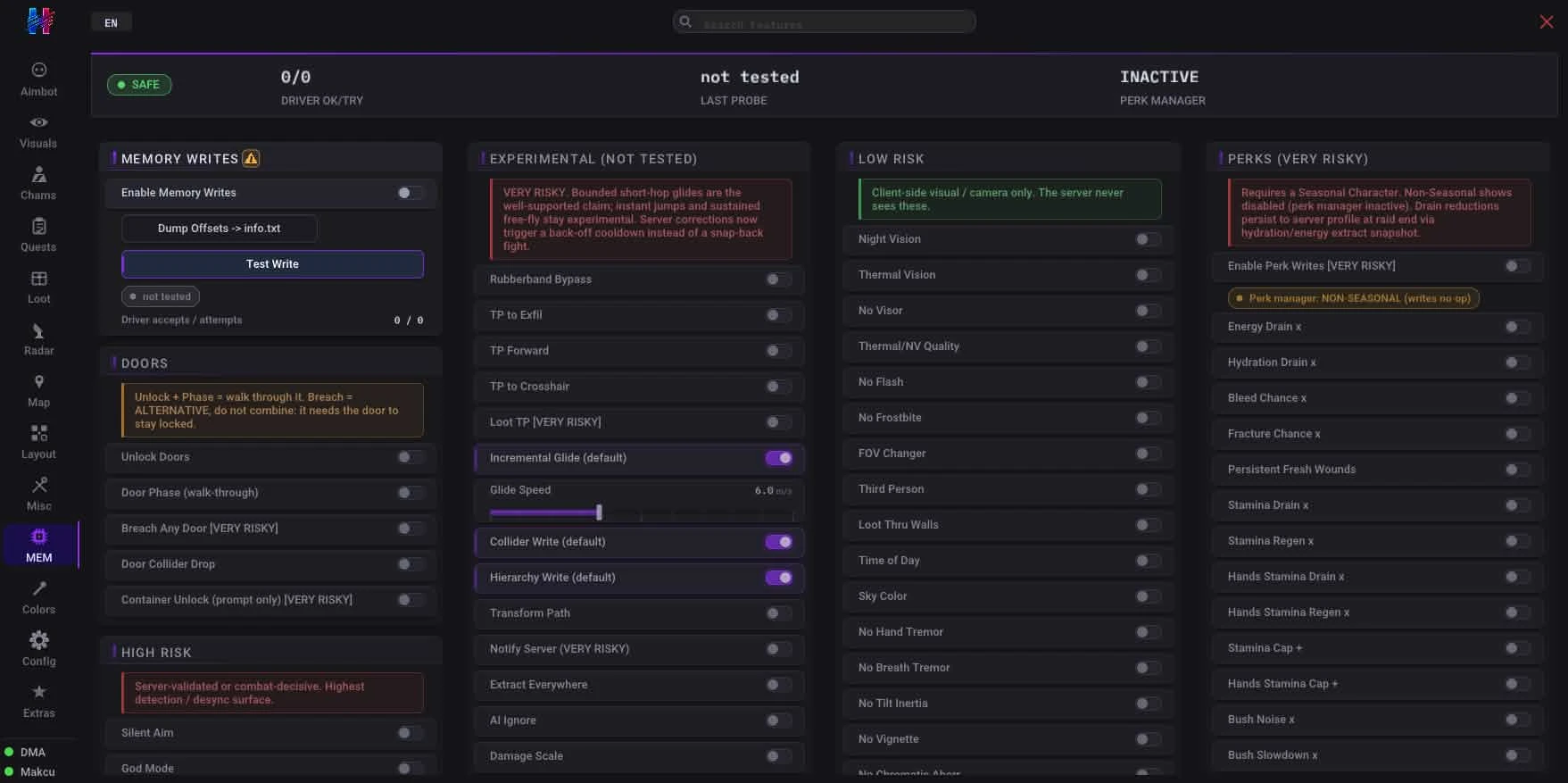
🆕 Seasonal Character Perks
- Energy Drain – Slower hunger depletion
- Hydration Drain – Slower thirst depletion
- Bleed Chance – Bleed less often
- Fracture Chance – Break bones less often
- Persistent Fresh Wounds – Wounds stay fresh
- Stamina Drain – Stamina lasts longer
- Stamina Regen – Stamina recovers faster
- Hands Stamina Drain – Arm stamina lasts longer
- Hands Stamina Regen – Arm stamina recovers faster
- Stamina Cap – Larger stamina bar
- Hands Stamina Cap – Larger arm stamina bar
- Bush Noise – Quieter movement through bushes
- Bush Slowdown – Faster movement through bushes
- Bolt Reload Time – Faster bolt cycling
- Hands Stamina Consumption – Aiming lasts longer
☢️ Exploits (Movement)
- Run (pose) – Allows sprinting or moving at run speed while in any stance or pose.
- Strafe/Back speed – Increases movement velocity when strafing left/right or moving backward.
- Fast walk – Boosts the standard walking speed beyond normal limits.
- Noclip – Enables passing through solid geometry, walls, and objects.
- Door phase – Allows the player to walk directly through closed doors.
- Door collider drop – Removes the physical collision boxes of doors, making them intangible.
- Stop mid air – Allows the player to come to a complete halt instantly while airborne.
- Fly (apex hover) – Enables unrestricted flight and the ability to hover at any altitude.
- Vault/climb anywhere – Permits vaulting over or climbing onto any surface regardless of height or obstacles.
- Fast climb/vault – Significantly speeds up the climbing and vaulting animations.
- Rubberband bypass – Prevents the server from rubberbanding the player back to a previous location.
- Unlock doors – Automatically unlocks and opens any locked door instantly.
- No fall damage – Negates all damage received from falling any distance.
- Move Speed – Increases character movement speed.
- No Inertia – Eliminates character inertia, allowing for instant stops and changes in direction.
- No tilt inertia – Removes inertia from tilting movements, allowing instant tilt response.
- No strafe inertia – Eliminates inertia during strafing, enabling immediate directional changes.
- Silent movement – Mutes all footstep and movement sounds, making the player completely silent.
- Fast pose – Speeds up the transition between different character poses (e.g., prone, crouch, standing).
- Instant speed change – Allows immediate acceleration and deceleration without gradual ramp-up.
- No prone align delay – Removes the delay when aligning to prone position, enabling instant proning.
- Air control – Provides full directional control over the character while in mid-air.
- Infinite Stamina – Grants unlimited stamina for continuous running and actions.
- Wide lean – Extends the range of character leaning for better peeking.
- Mule Mode – Allows carrying unlimited weight without movement penalties.
☢️ Exploits (Combat)
- Silent aim – Enables hitting targets without the crosshair directly on them, acting as a stealthy aimbot.
- No weapon malfunction – Prevents all weapon malfunctions, misfires, or stoppages.
- No weapon jam – Completely eliminates the chance of a weapon jamming during firing.
- No recoil – Completely removes weapon recoil for perfectly accurate sustained fire.
- No spread – Eliminates bullet spread, ensuring every shot lands precisely at the reticle center.
- No sway – Negates all weapon sway while aiming down sights.
- Fast weapon Ops – Speeds up weapon-related actions like reloading and switching.
- Mag Drills – Allows for instant magazine changes.
- Instant plant – Allows for instantaneous planting of quest items or explosives.
- No weapon collision – Removes collision detection for weapons, allowing them to clip through geometry.
- Never lower weapon – Forces the weapon to remain raised and ready at all times, never lowering automatically.
- Instant search – Speeds up container and body searches to complete instantly.
- Infinite hold breath – Allows holding the breath indefinitely for stabilized aiming.
- No hand tremor – Eliminates all hand tremors, making aiming perfectly steady.
- No breath tremor – Removes breathing-related scope sway and tremors.
- Extended reach – Increases the interaction range for looting, opening doors, and using objects.
- Instant lean – Allows leaning around corners instantly with no transition delay.
- Instant body turn – Enables immediate 180-degree or full rotation turns without rotational inertia.
- Owl mode – Enables silent, fully stabilized movement with near-zero detection risk.
☢️ Exploits (Visuals & Environment)
- GLOW (read only) – Makes certain items or entities glow for easy visibility.
- No vision – Removes visual obstructions or effects that impair sight.
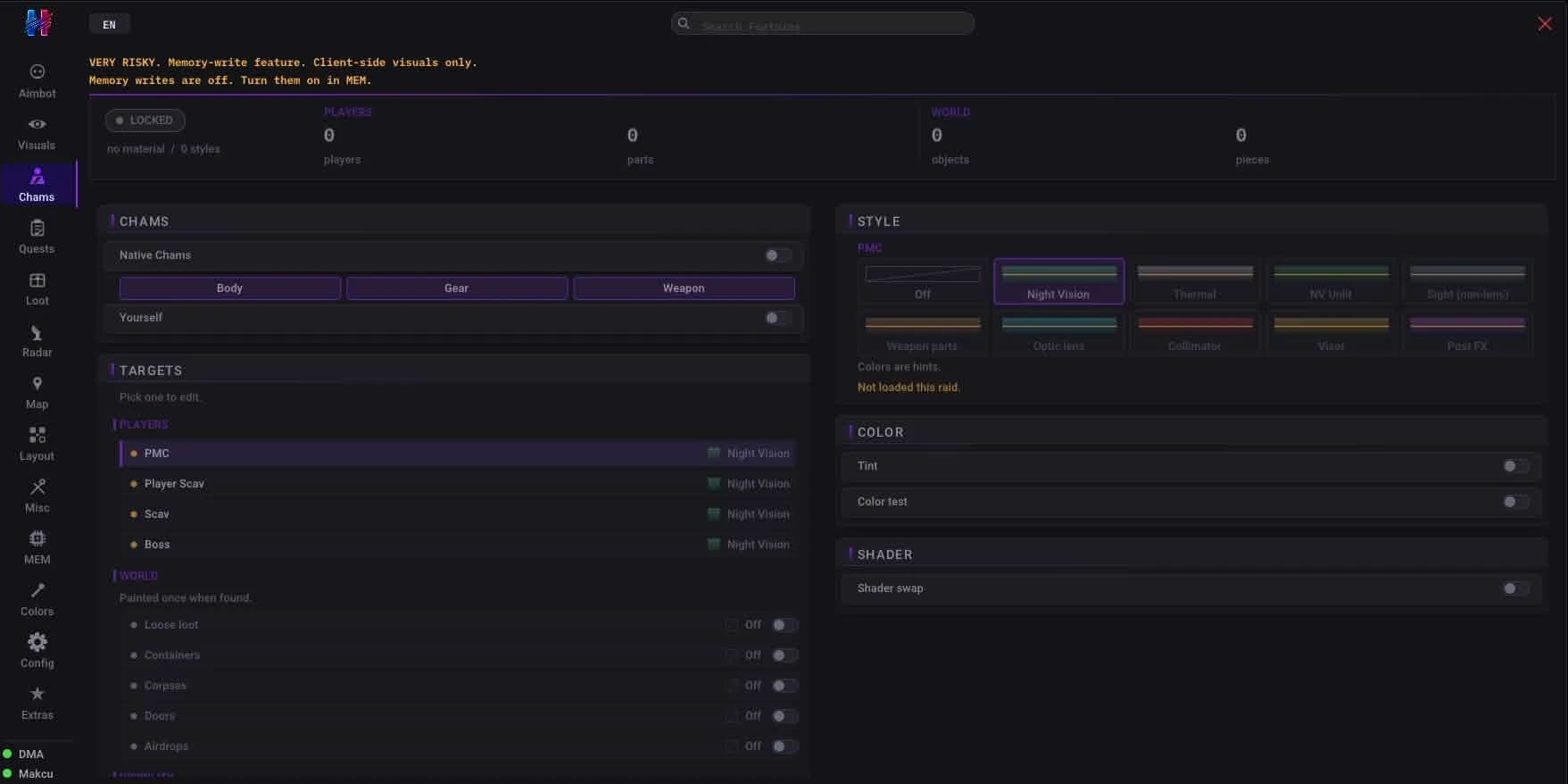
- Thermal Vision – Provides a thermal overlay, highlighting heat signatures.
- Night Vision – Enhances visibility in low-light conditions.
- Added FOV Changer – Allows modification of the field of view beyond game limits.
- Third person – Enables a third-person camera view.
- Loot through walls – Enables looting containers and bodies through solid objects.
- Time of day – Allows manipulation of the in-game time of day.
- NoFrostbite – Prevents the effects of frostbite in cold environments.
- God mode – Renders the player completely invulnerable to all forms of damage.
- No hunger/thirst – Removes the need for food and water, preventing any related debuffs.
- Cleanse debuffs – Instantly removes all negative status effects and debuffs from the character.
- Skill buffs – Boosts all character skills to maximum or artificially enhances them.
- No visor – Removes the visor or helmet overlay obstruction from the screen.
- No flash – Prevents flashbang effects from blinding the player.
- No vignette – Removes the vignette (darkened screen edges) effect.
- No chromatic aberration – Eliminates the chromatic aberration visual distortion effect.
- No radial blur – Removes radial blur effects, often caused by explosions or damage.
- No sharpen – Disables image sharpening filters for a raw visual output.
- No fog – Removes all environmental fog for clear long-distance visibility.
- No rain – Disables the rain weather effect entirely.
- Brightness boost – Increases the overall screen brightness beyond game limits.
- Saturation boost – Increases color saturation for vibrant visuals.
- No fracture overlay – Removes the visual overlay and effects caused by limb fractures.
🎯 Special Features
- Revolver DA Reducer – Tighter double-action groups (VERY RISKY)
- Container Unlock – Padlock prompt swapped for easier access
- Trader LL Boost – Fake trader level displayed until next sync
💰 Loot System
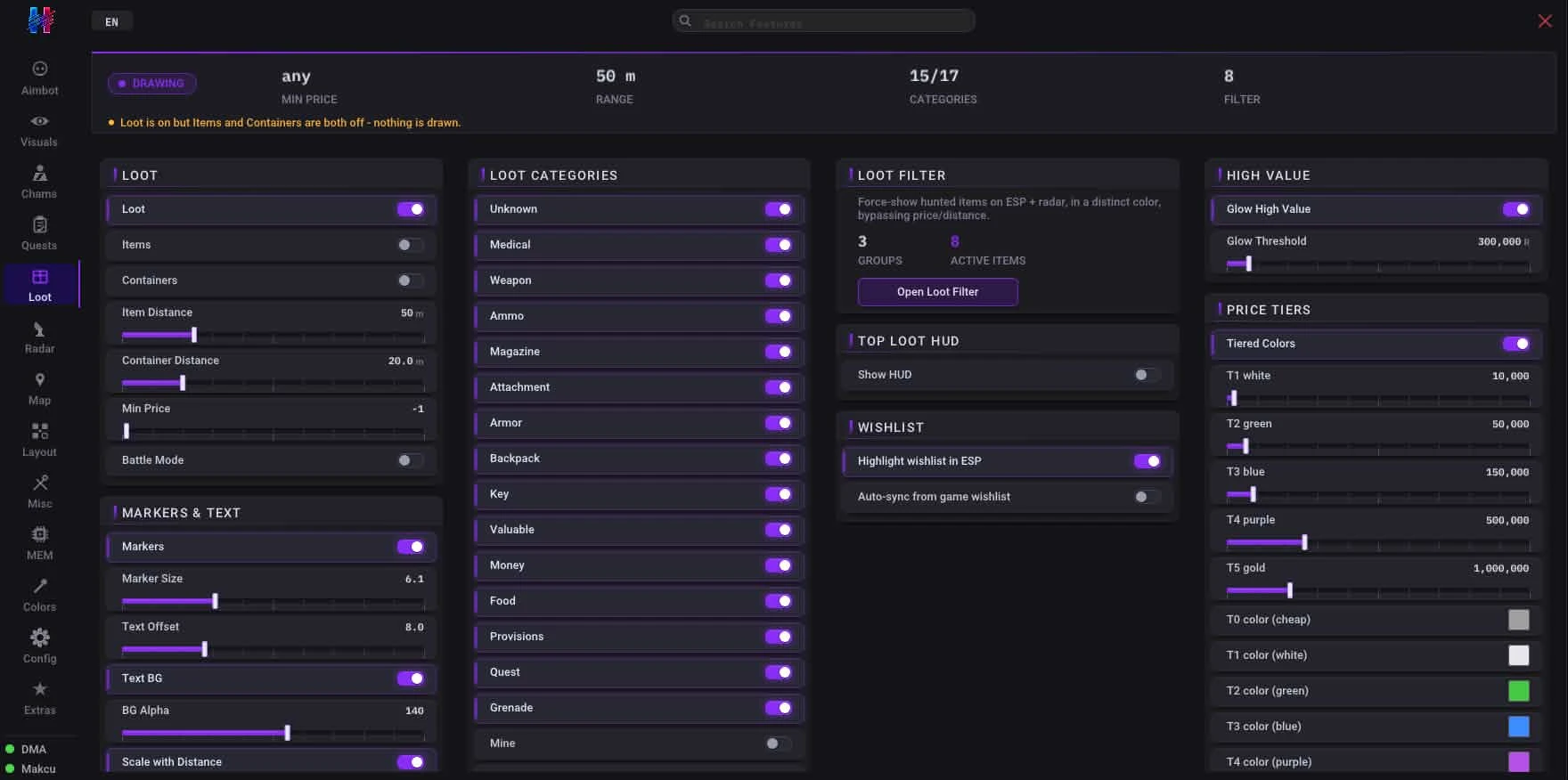
- Loot ESP – Displays information about lootable items through walls
- Item highlighting – Makes valuable items stand out visually
- Container highlighting – Highlights lootable containers
- Item distance – Shows the distance to individual loot items
- Container distance – Shows the distance to lootable containers
- Min price filter – Filters loot display based on a minimum market value
- Loot markers – Places visual markers on loot items
- Marker size / offset – Adjusts the size and position of loot markers
- Text background / opacity – Customizes the background and transparency of loot information text
- Tier-based coloring – Colors loot items according to their rarity or value tier
- High-value glow – Makes particularly valuable items glow intensely
- Container inventory preview – Allows viewing the contents of containers without opening them
- Trader + flea price merge – Displays merged prices from both traders and the flea market for items
- Container BUSY Tag – Alerts when someone is currently looting a container
- BP Document ESP – Gold / Cyan / Grey ([BP DOC] · [MINE] · [locked]) color-coded document highlighting
- BP Spawn Pool Rings – Highlights document spawn locations on the map
- BP Doc HUD Chip – Shows "docs 3/5 · univ 2" document tracking display
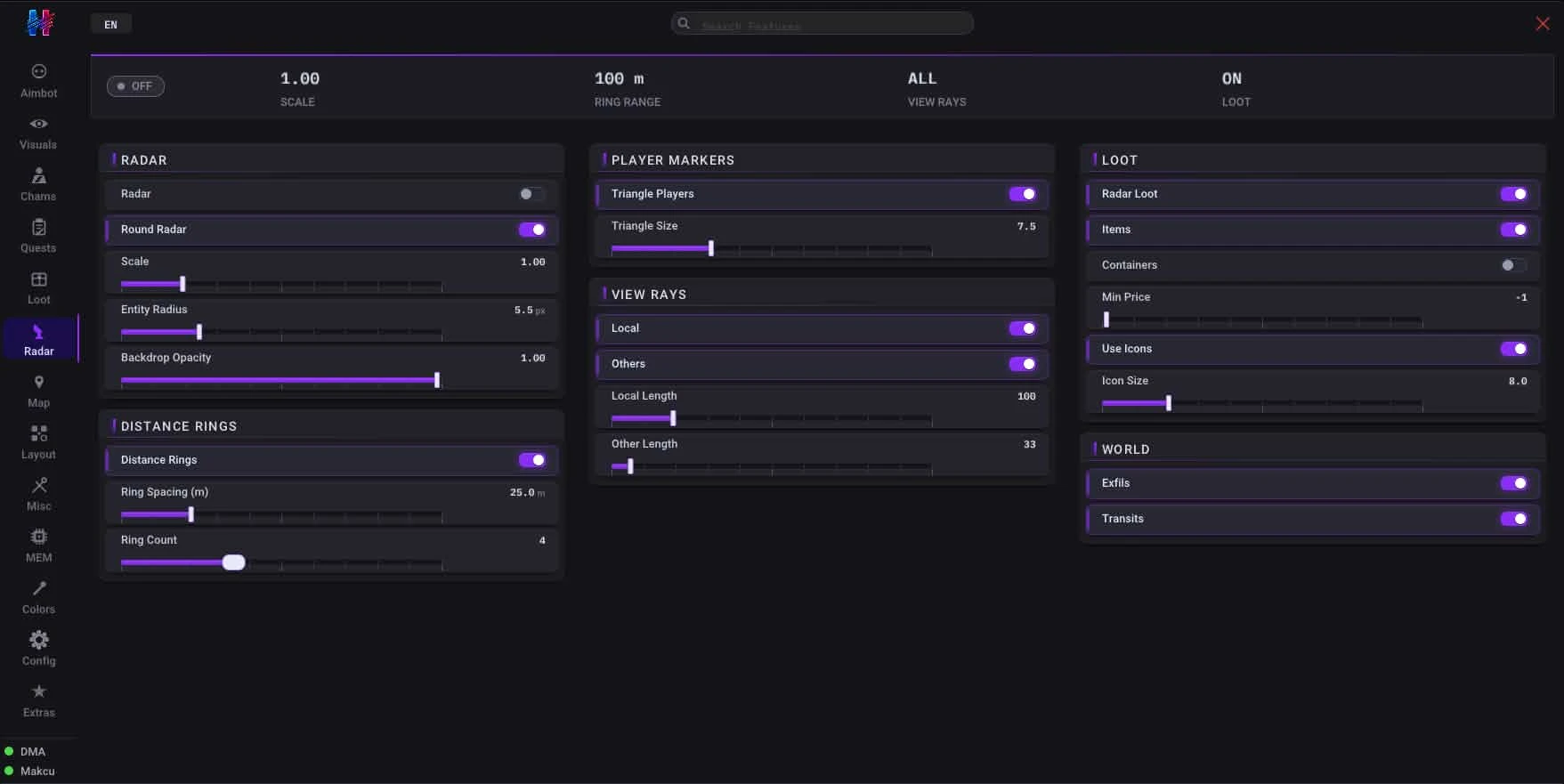
🗺️ Map Radar
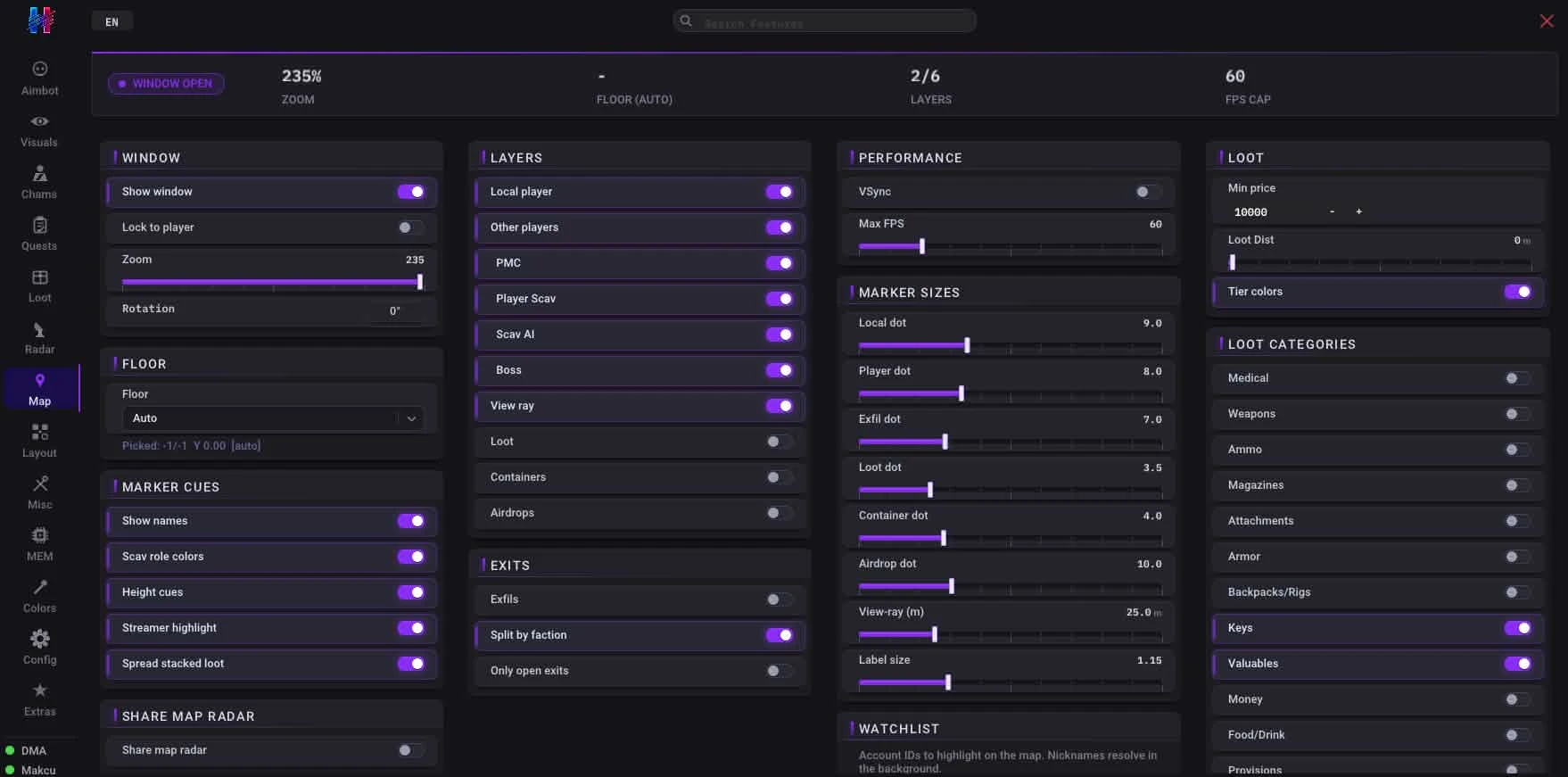
- Draggable map radar window – Provides a movable radar display on the screen
- SVG maps – Utilizes scalable vector graphics for detailed and clear map rendering
- Multi-layer floor rendering – Renders multiple floor levels of buildings on the radar
- Auto floor switching – Automatically switches the displayed floor level based on player position
- Local player triangle – Represents your character as a triangle on the radar
- Faction icons – Displays icons for different factions on the map
- Dead markers – Marks the locations of dead players or scavs
- Loot + container icons – Shows icons for loot and containers on the map
- Exfils / quests / airdrops – Marks extraction points, quest objectives, and airdrop locations
- Exfil Deep Detail – Shows extraction requirements and queue status
- Airdrop Stage – Tracks falling vs landed status and flare trigger status
- View ray – Displays a line indicating your character's current line of sight
- Hover tooltip – Shows detailed information when hovering over elements on the radar
- Watchlist override – Allows overriding the display of certain entities on the radar
- Zoom / pan / lock toggle – Provides controls for zooming, panning, and locking the radar view
- VSync + FPS cap – Synchronizes the radar's frame rate with the monitor and caps FPS
- Trader Widget – Loyalty and standing indicators for traders
- MapRadar Doc Colours – Gold split plumbed through for document tracking
📏 Distance & Rendering
- Max PMC distance – Sets the maximum distance at which Player Scavs (PMCs) are rendered
- Max Scav distance – Sets the maximum distance at which Scavs are rendered
- Icon scaling – Adjusts the size of icons based on distance
- Distance-scaled loot icons – Scales loot icons based on their distance from the player
👥 Faction Filtering
- PMC filter – Filters the display of Player Scavs (PMCs)
- Player Scav filter – Filters the display of player-controlled Scavs
- AI Scav filter – Filters the display of AI-controlled Scavs
- Boss detection – Identifies and highlights boss characters
- Boss name resolution – Displays the names of detected bosses
❓ Quest Objective ESP
- Quest zones on map radar – Highlights quest-related zones directly on the map radar
- Per-map filtering – Allows filtering quest objectives based on the current map
- Live quest list – Provides a real-time list of active quests
- Tarkov.dev tasks DB – Integrates with the Tarkov.dev database for quest information
💀 Dead / Corpse ESP
- Dead body ESP – Displays the location of dead bodies through walls
- Dead icon markers – Places distinct markers on dead bodies
- Sticky dead flag – Keeps a persistent flag on dead bodies
- Dead marker on map radar – Shows dead body locations on the map radar
- Corpse Intel – Reveals what equipment the body is carrying
➕ Crosshair
- Custom crosshair – Allows for personalized crosshair designs
- Style selection – Provides various crosshair styles to choose from
🧭 2D Mini-Radar
- Radar display – A compact radar display for immediate surroundings
- Direction + distance – Shows the direction and distance to nearby entities
- Entity tracking – Tracks the movement of entities within its range
- Per-faction colors – Assigns different colors to entities based on their faction
⚠️ Mines
- Mine ESP – Displays the location of mines through walls
- Mines on radar – Shows mine locations on the 2D mini-radar
Automatic feedback after 7 days.
Automatic feedback after 7 days.
Automatic feedback after 7 days.
Automatic feedback after 7 days.
 Someone in US purchased
Escape From Tarkov
Verified
Someone in US purchased
Escape From Tarkov
Verified
Someone in US purchased
Escape From Tarkov
Verified
Someone in DE purchased
Escape From Tarkov
Verified
Someone in US purchased
Escape From Tarkov
Verified
Someone in US purchased
Escape From Tarkov
Verified
Someone in US purchased
Escape From Tarkov
Verified
Someone in US purchased
Escape From Tarkov
Verified
Someone in DE purchased
Escape From Tarkov
Verified
Someone in US purchased
Escape From Tarkov
Verified
Log in to your account
Your browser blocked the Discord window. Allow pop-ups for this site and try again.
Discord login failed. Please try again.



















No matches here — press Enter to search everything.
Type to search products.