Battlefield 6

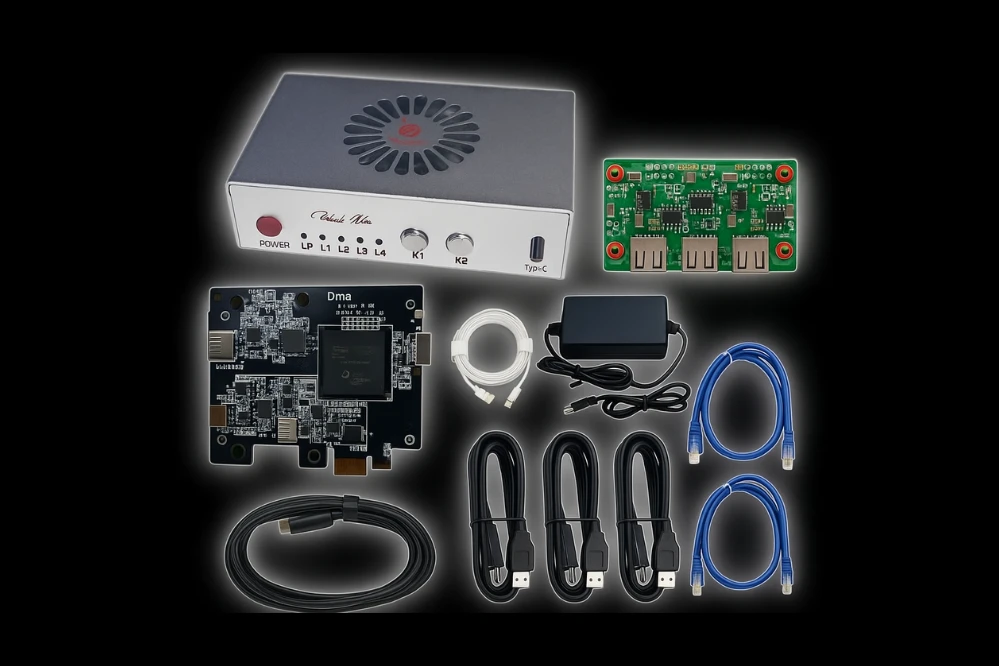
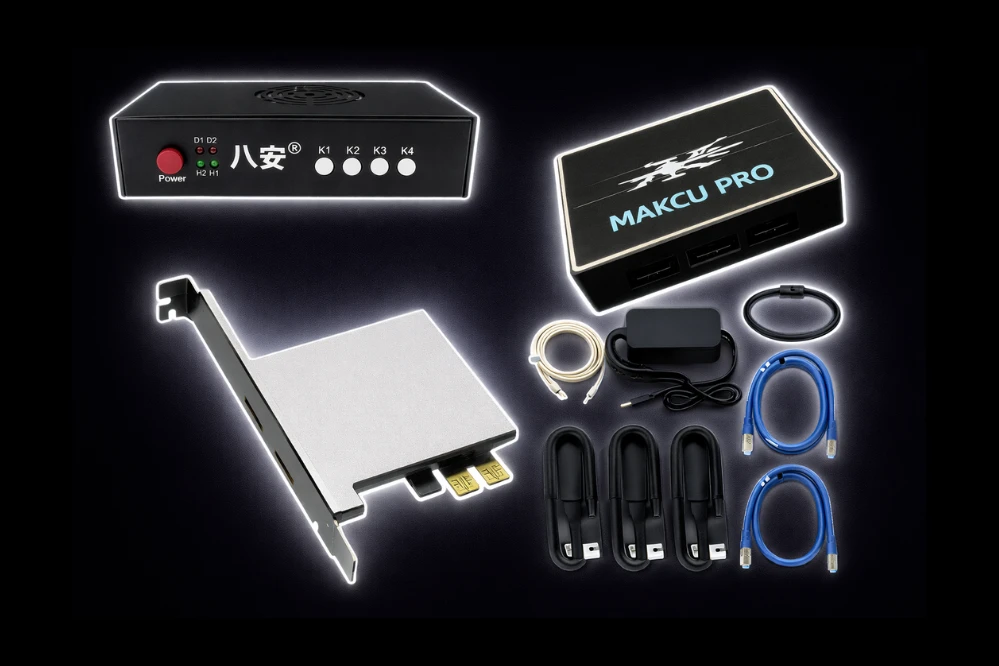
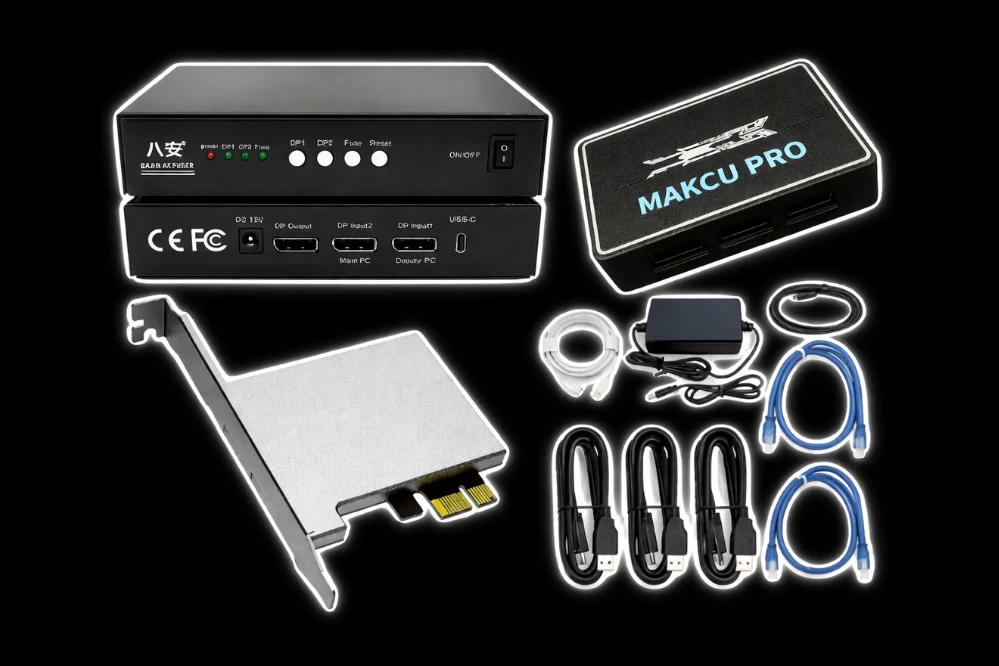
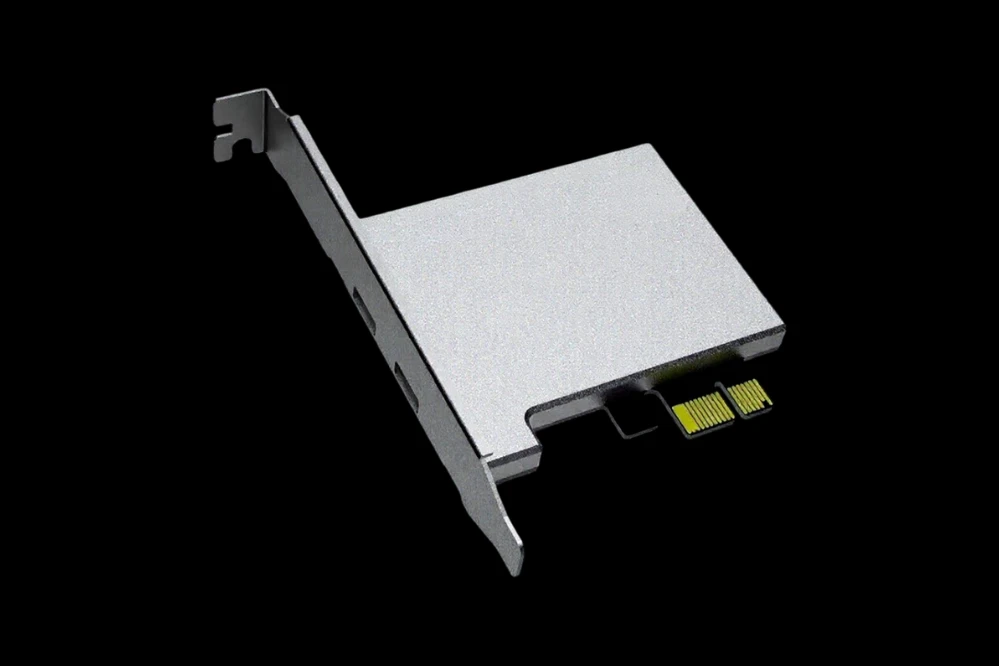
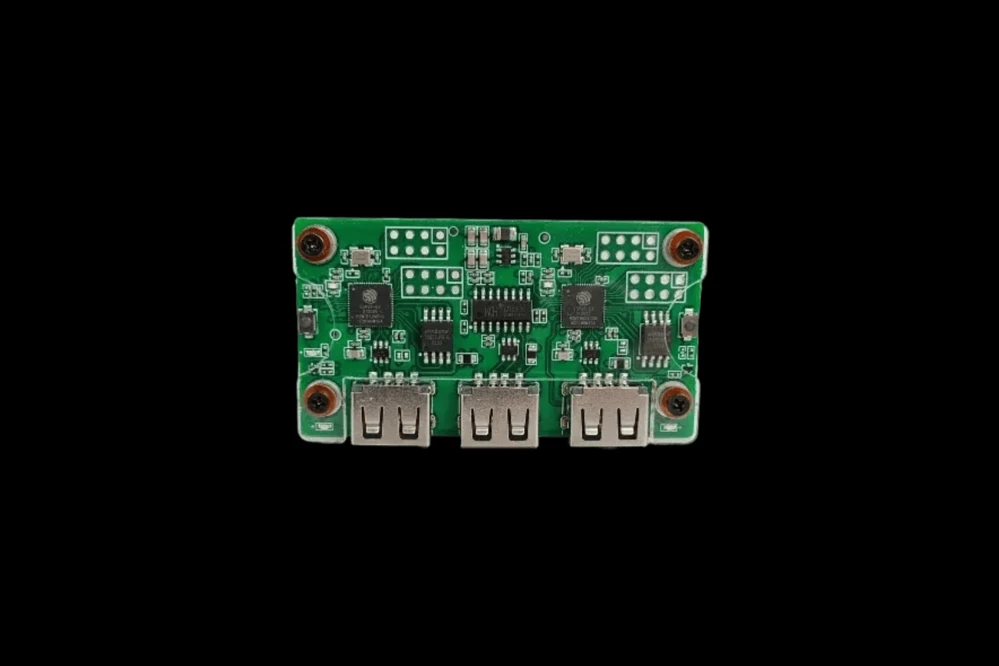
Requires: DMA Card
🎯 AimBot
Lock onto targets with surgical precision and devastating accuracy — dominate the battlefield.
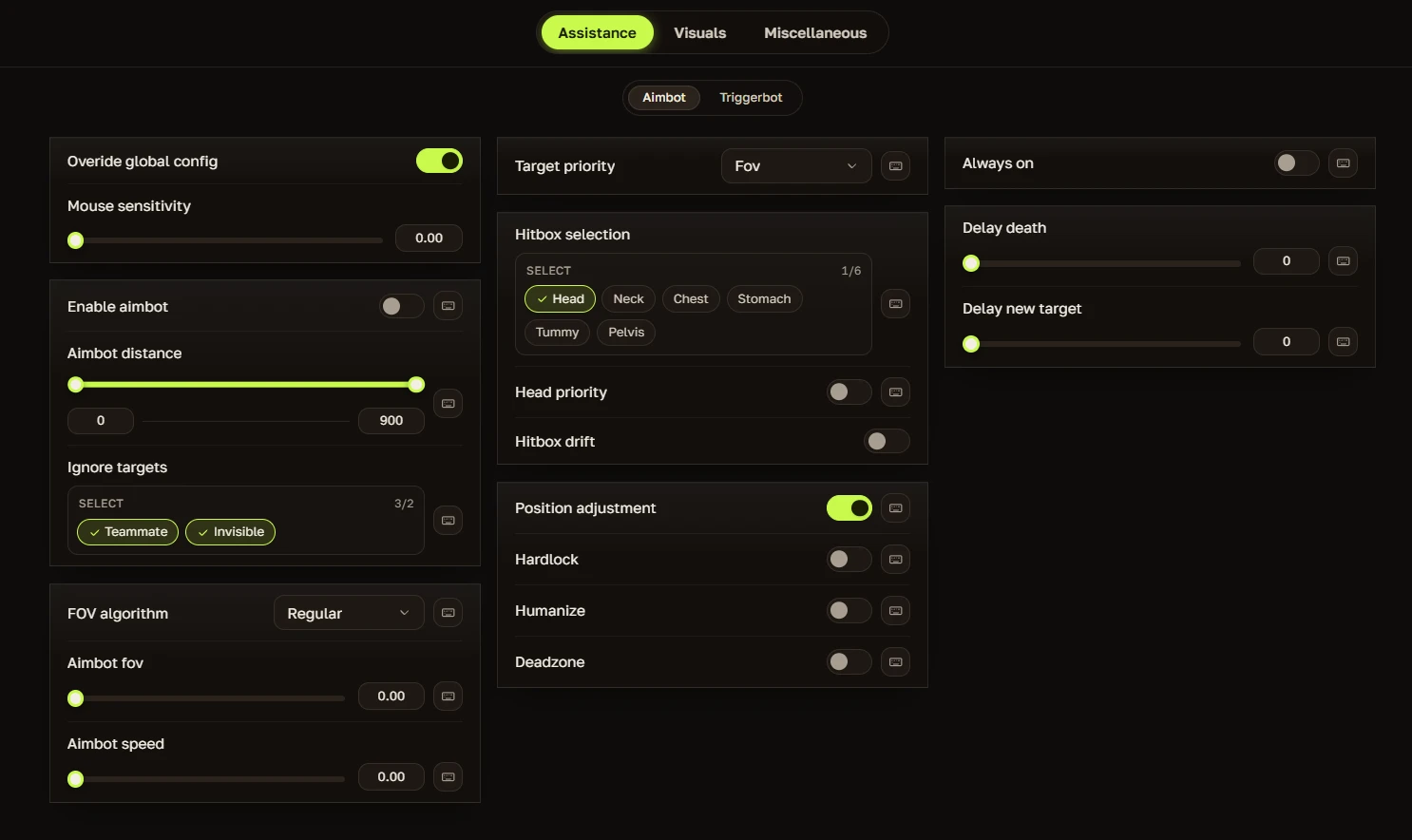
- AimBot Mode (Regular/Humanized) – Choose between standard aimbot or humanized mode for a more natural feel
- Hitbox (Head/Neck/Body Closest) – Pick your preferred hit zone — headshots for instant kills, neck for consistency, or the closest body part
- Custom Prediction (Dynamic/Static) – Choose dynamic prediction that adapts to movement or static prediction for consistent lead calculation
- Regular/Dynamic (AimBot Smooth, Idle smooth) – Choose between standard or dynamic smoothing that adapts to your movement, with separate idle smooth settings
- First / Second Hotkey – Assign two separate keys to activate the aimbot for maximum flexibility
- AimBot Custom FOV – Adjust the aimbot's field of view to suit your playstyle
🔫 Triggerbot
Fire the instant your crosshair lands on a target — no hesitation, no missed opportunities.
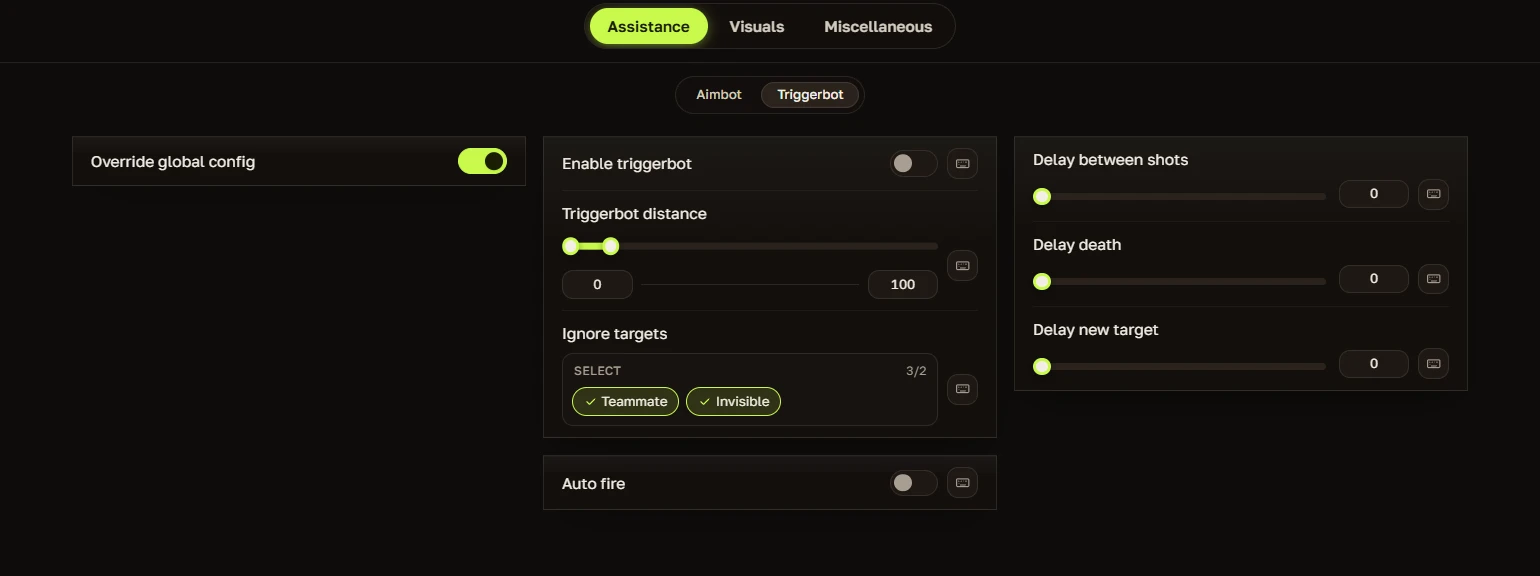
- Triggerbot Enable / Disable – Turns the triggerbot on or off with a single toggle
- First & Second Hotkey Bind – Assign two separate keys to activate the triggerbot
- Maximum Distance – Set the maximum range at which the triggerbot will detect and fire at targets
- Triggerbot Shoot Delay – Add a brief delay between detecting a target and firing
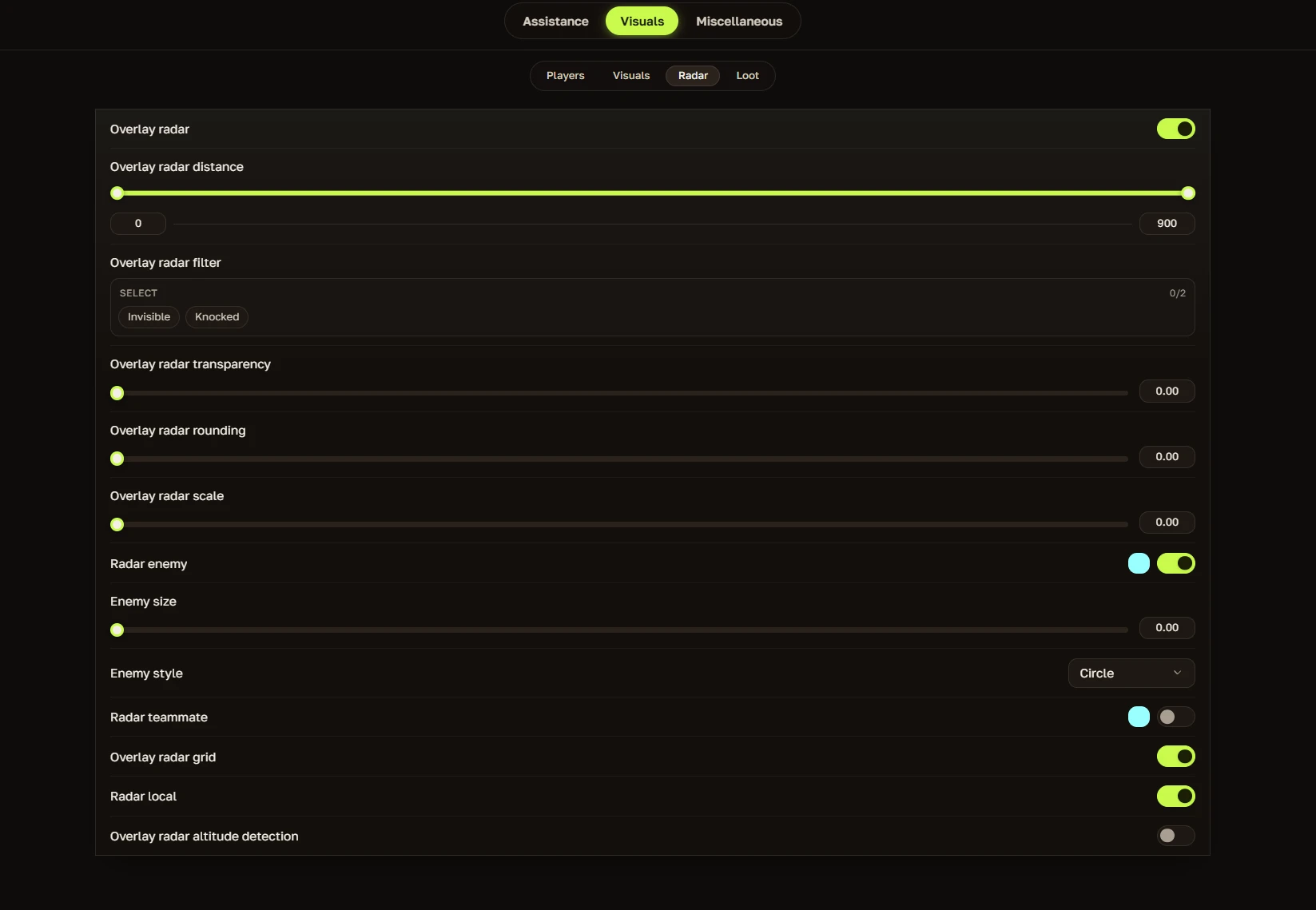
🗺️ Overlay Radar
- Overlay Radar – Toggle the radar overlay on or off
- Overlay Radar Distance – Set how far the radar detects targets
- Overlay Radar Filter – Filter which entities appear on radar (e.g., Invisible, Knocked)
- Overlay Radar Transparency – Adjust radar background opacity
- Overlay Radar Rounding – Round the corners of the radar display
- Overlay Radar Scale – Adjust the overall size of the radar
- Radar Enemy – Show enemy positions on radar
- Enemy Size – Adjust the size of enemy dots on radar
- Enemy Style – Choose the appearance of enemy dots (e.g., Circle)
- Radar Teammate – Show teammate positions on radar
- Overlay Radar Grid – Display grid lines on the radar for better positioning
- Radar Local – Show your own position on radar
- Overlay Radar Altitude Detection – Display altitude/elevation information on radar
⭕ Dead Zone
Create a controlled area where the aimbot won't activate for more precise control.
- FOV – Set the field of view for the deadzone area
- Aim dead-zone smooth – Adjust how smoothly the aimbot transitions when entering or leaving the deadzone
- Curve dead-zone FOV – Set the curved field of view for the deadzone
- Curve maximum-zone FOV – Set the maximum field of view for the curved deadzone
👁️ VISUALS
Complete situational awareness with customizable overlays — never miss a threat.
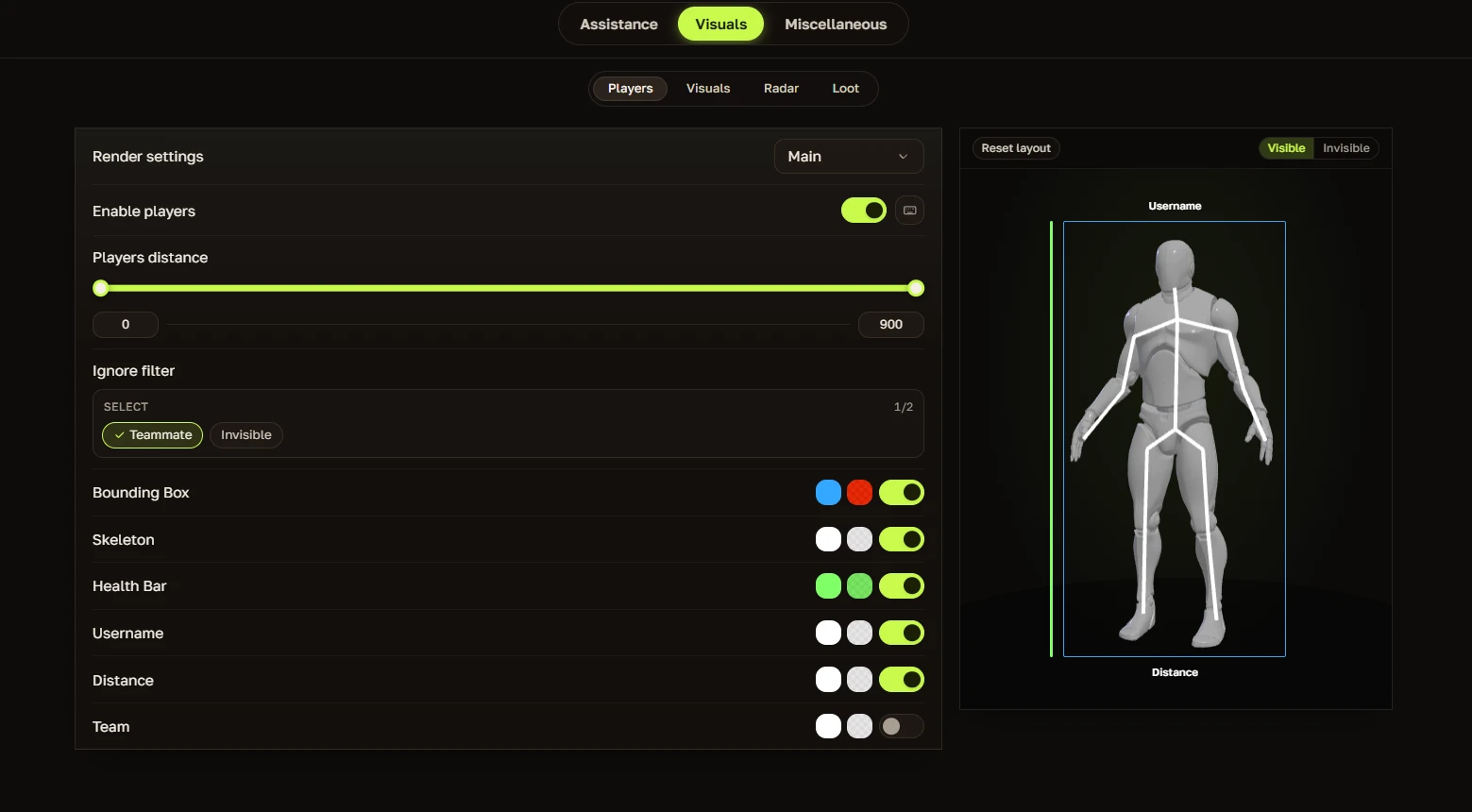
- Bounding Box – Draw a box around each player's body for easy target acquisition
- Health/Shield bar – Display each player's health and shield above their head
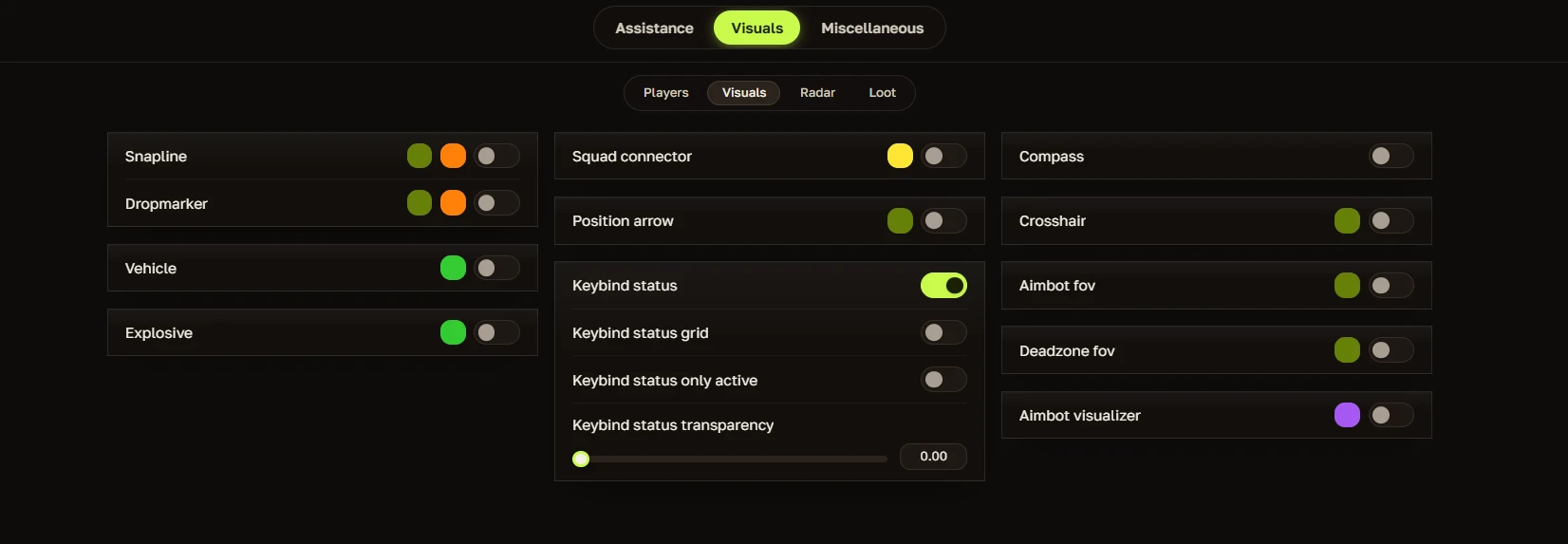
- Snapline – Draw a line from your character to each enemy for easy targeting
- Visible Check – Only display ESP on targets you can actually see
- Name – Display player names above their heads
- Weapon – Show what weapon each player is currently holding
- Distance – Display exactly how far away each player is
- Head dot – Place a dot on each player's head for easy headshot targeting
- Seer bar – Display additional player status information
- Spectator list – Show who is spectating you
- Aim helper – Visual assistance for aiming
- Aim FOV – Display the aimbot's field of view on screen
- Curve FOV – Display the curved field of view on screen
- Deadzone FOV – Display the deadzone field of view on screen
Automatic feedback after 7 days.
Automatic feedback after 7 days.
Automatic feedback after 7 days.
Automatic feedback after 7 days.
Jelentkezzen be fiókjába
A böngésződ letiltotta a Discord ablakot. Engedélyezd a felugró ablakokat ezen a webhelyen, majd próbáld meg újra.
A Discord bejelentkezés sikertelen volt. Kérjük, próbálja meg újra.



























No matches here — press Enter to search everything.
Írja be a keresni kívánt termék nevét.