The Finals
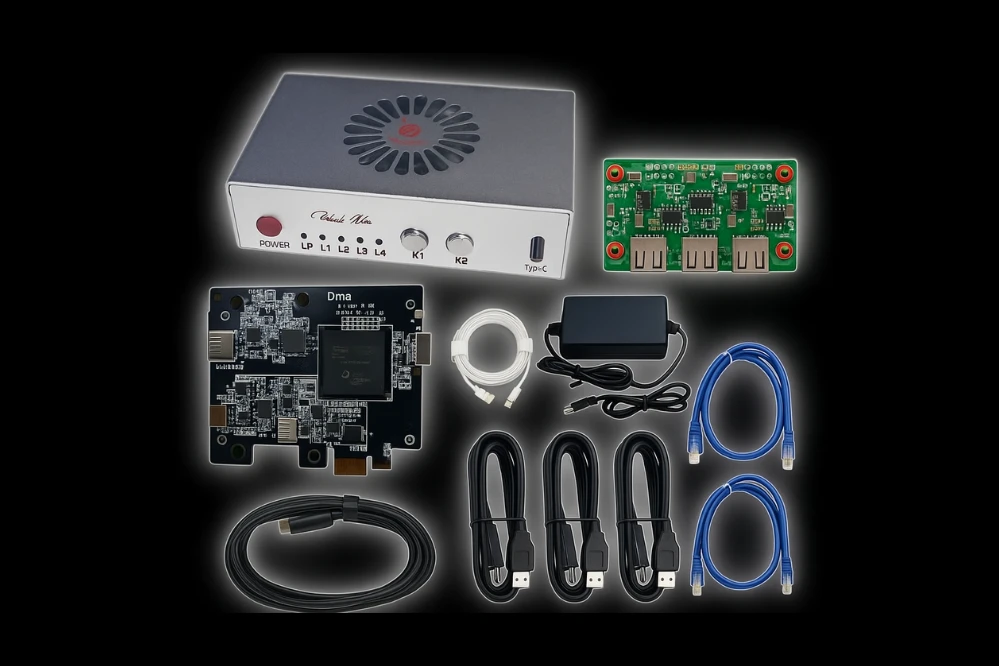
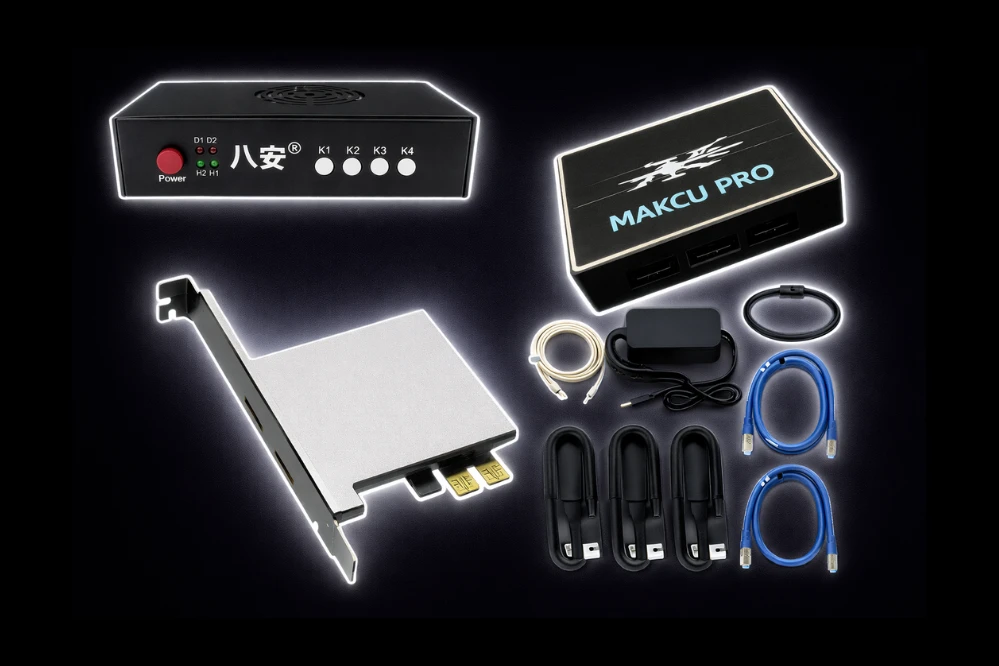
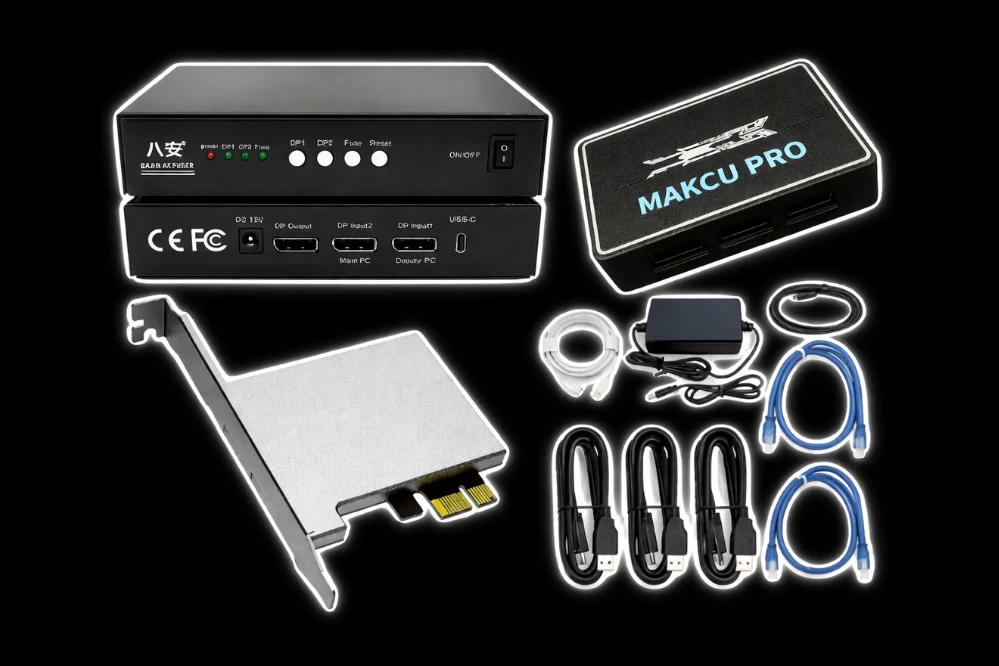
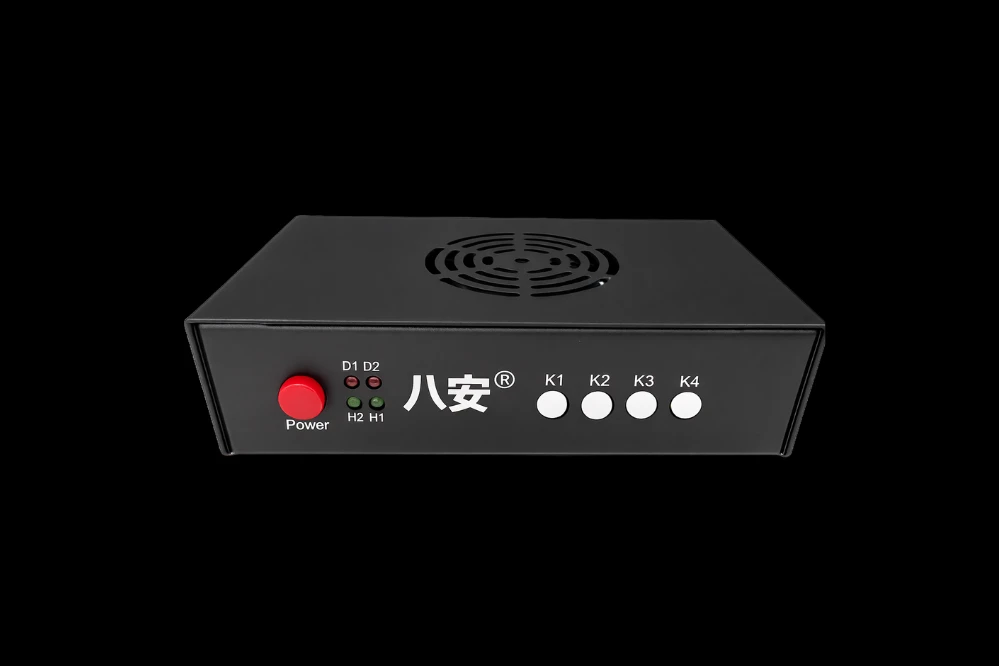
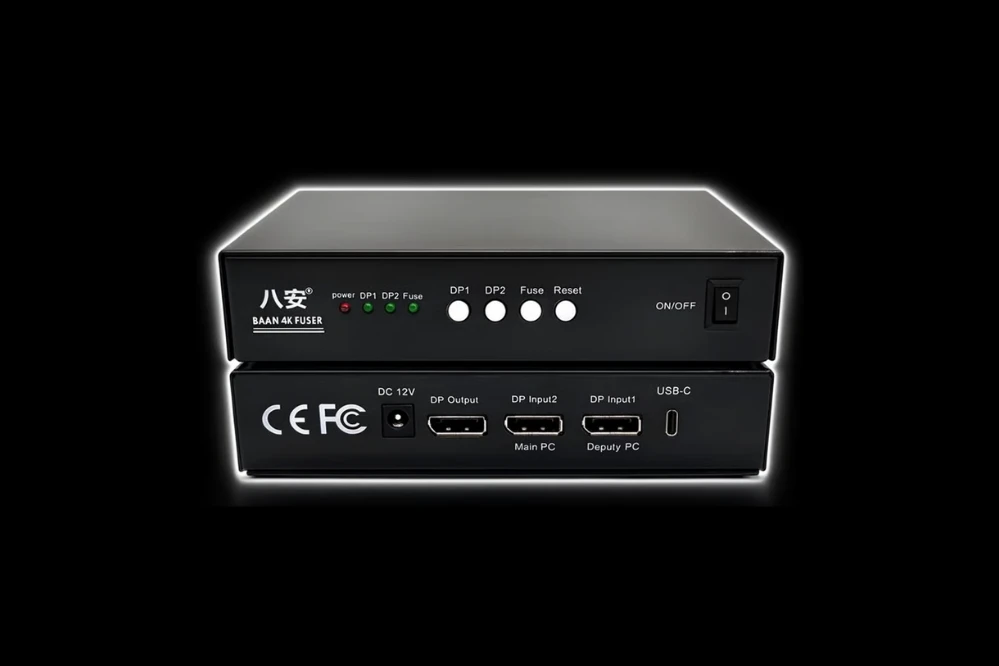
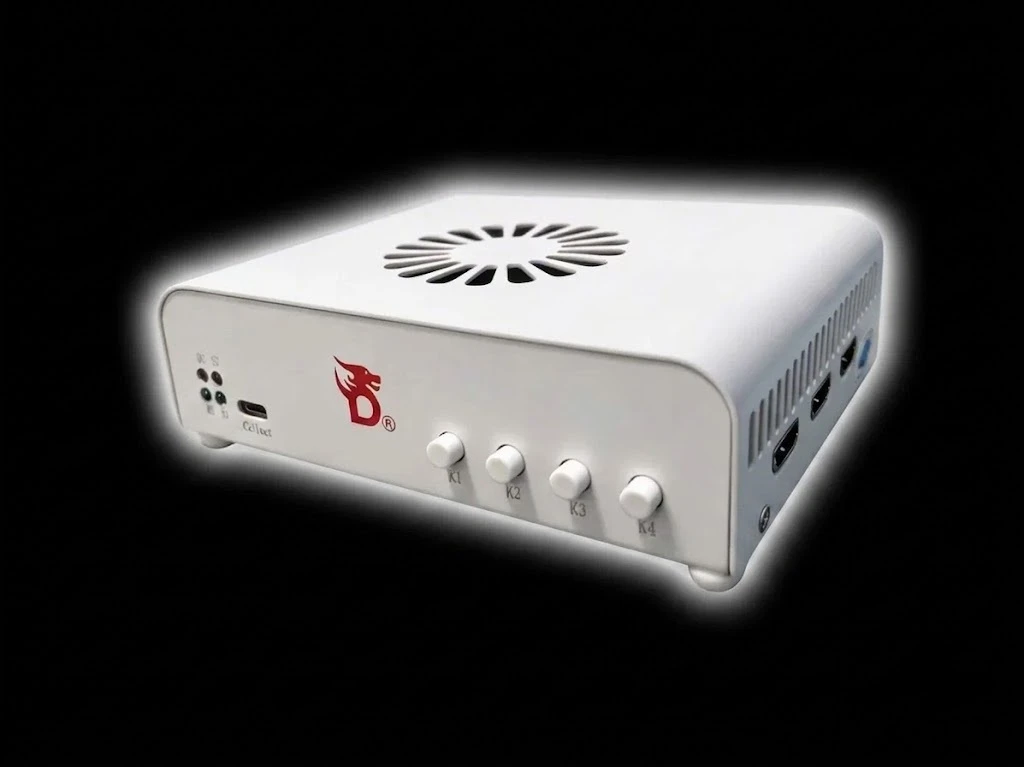
Requires: DMA Card
🎯 Aimbot
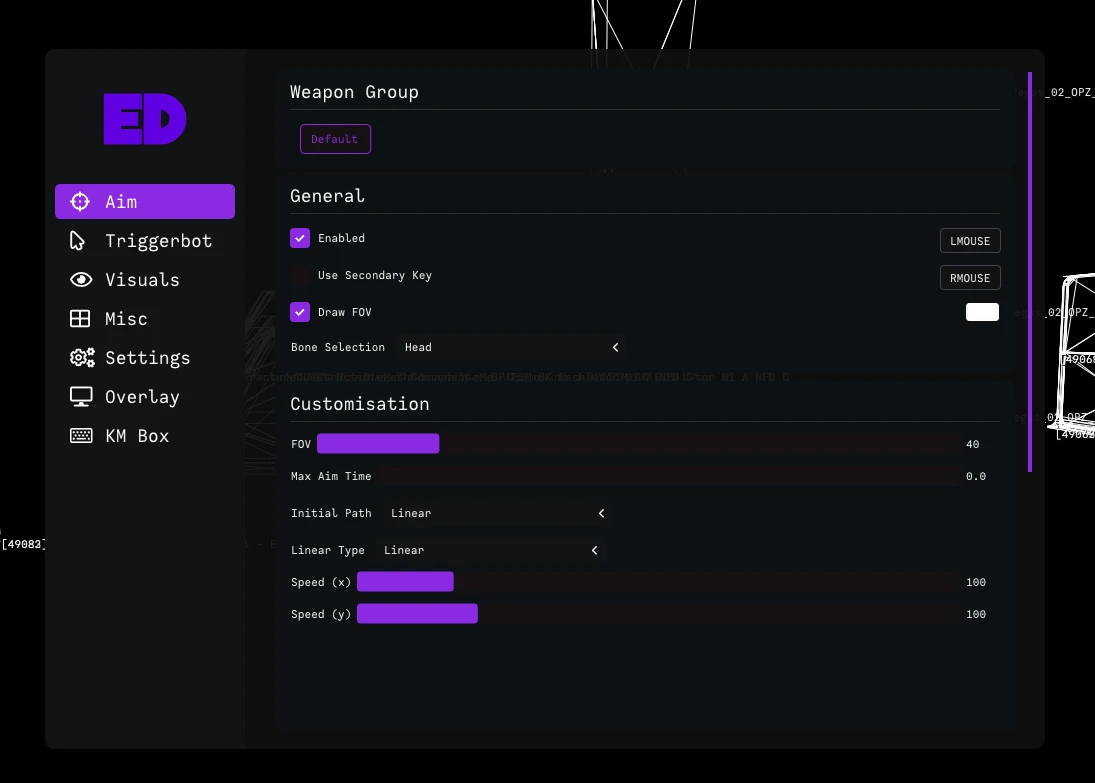
Fine-tune your aimbot for the perfect balance of precision and subtlety — dominate the arena in The Finals.
- Customizable FOV – Adjust the aimbot's field of view to suit your playstyle, whether you're sniping from afar or pushing up close
- Customizable Speeds – Control how fast your aim snaps to targets for a natural or aggressive feel
- Bone Selection (Head/Chest/Closest) – Pick your preferred hit zone — headshots for instant eliminations or body shots for consistency
- 2 Hold Keys – Assign two separate keys to activate the aimbot for maximum flexibility
- Draw Aimbot Target – Visually highlight the current target on your screen so you always know who you're locked onto
- Max Distance – Set the maximum range at which the aimbot will engage targets
- Priority (FOV/Distance/Health) – Choose whether the aimbot prioritizes targets closest to your crosshair, nearest to you, or with the lowest health
- Draw FOV – Display the aimbot's field of view on screen for easy reference
- Target Switch Delay – Add a brief pause before switching to a new target
- Maximum Aim Time – Limit how long the aimbot will stay locked on a single target
- Deadzone – Create a small area around your crosshair where the aimbot won't activate, keeping your aim steady during micro-adjustments
🔫 Triggerbot
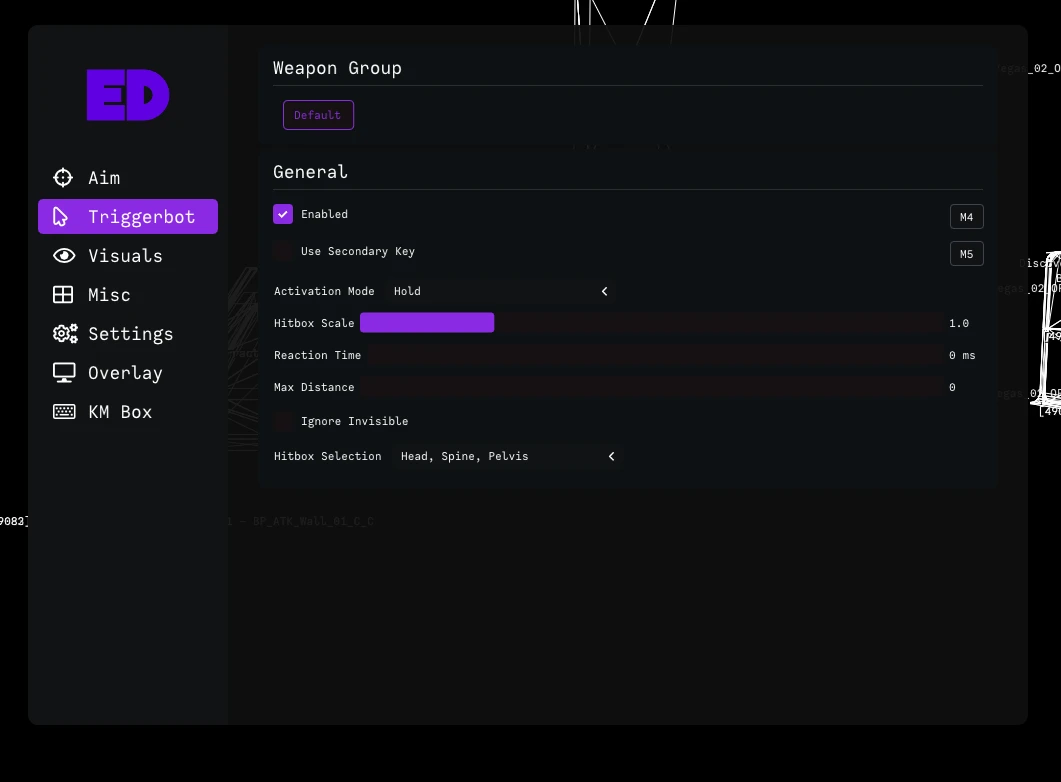
Fire the instant your crosshair lands on a target — no hesitation, no missed opportunities.
- Customizable Reaction Time – Adjust how quickly the triggerbot fires after detecting a target, from instant to slightly delayed
- 2 Hold Keys – Assign two separate keys to activate the triggerbot
- Hitbox Selection (Head/Chest/Pelvis/Arms/Legs) – Choose exactly which body part to target
👁️ ESP (Players)
Complete situational awareness — track every contestant in the arena and never get caught off guard.
- Box – Draw a box around each player's body for easy target acquisition
- Box Type (Full/Corner) – Choose between full boxes or clean corner brackets
- Distance – Display exactly how far away each player is
- Healthbar – Show each player's health above their head for easy target prioritization
- Skeleton – Display a stick-figure outline of each player's bones, making it easy to track movement
- Player Name – Show player names above their heads so you always know who you're facing
- Draw Enemy – Toggle enemy player ESP on or off
- Draw Ally – Toggle ally player ESP on or off
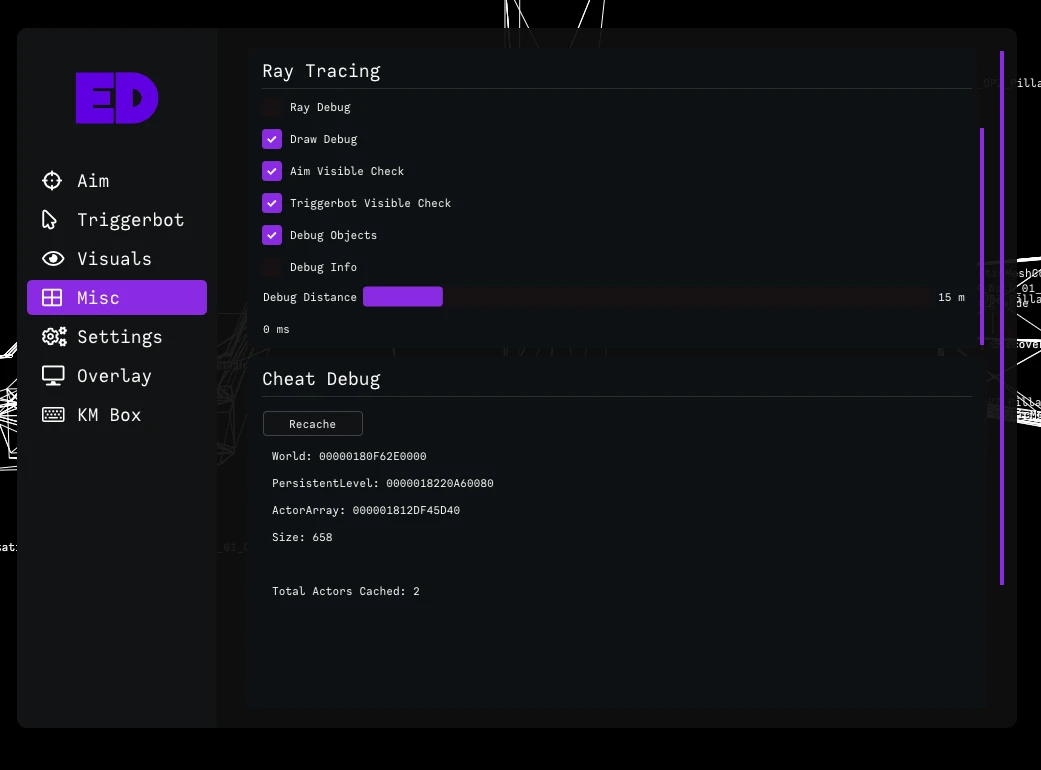
🔦 Raytracing (Visible Checks)
Advanced visibility detection for pinpoint accuracy — destruction not supported.
- Individual Bone Trace – Traces each bone individually for precise visibility checks, ensuring you only lock onto fully visible targets even in chaotic environments
Automatic feedback after 7 days.
Automatic feedback after 7 days.
Automatic feedback after 7 days.
Automatic feedback after 7 days.
 Someone in US purchased
The Finals
Ellenőrzött
Someone in AU purchased
The Finals
Ellenőrzött
Someone in US purchased
The Finals
Ellenőrzött
Someone in OM purchased
The Finals
Ellenőrzött
Someone in OM purchased
The Finals
Ellenőrzött
Someone in US purchased
The Finals
Ellenőrzött
Someone in AU purchased
The Finals
Ellenőrzött
Someone in US purchased
The Finals
Ellenőrzött
Someone in OM purchased
The Finals
Ellenőrzött
Someone in OM purchased
The Finals
Ellenőrzött
Jelentkezzen be fiókjába
A böngésződ letiltotta a Discord ablakot. Engedélyezd a felugró ablakokat ezen a webhelyen, majd próbáld meg újra.
A Discord bejelentkezés sikertelen volt. Kérjük, próbálja meg újra.
























No matches here — press Enter to search everything.
Írja be a keresni kívánt termék nevét.